Best Diagramming Tools for System Design in 2026
· updated
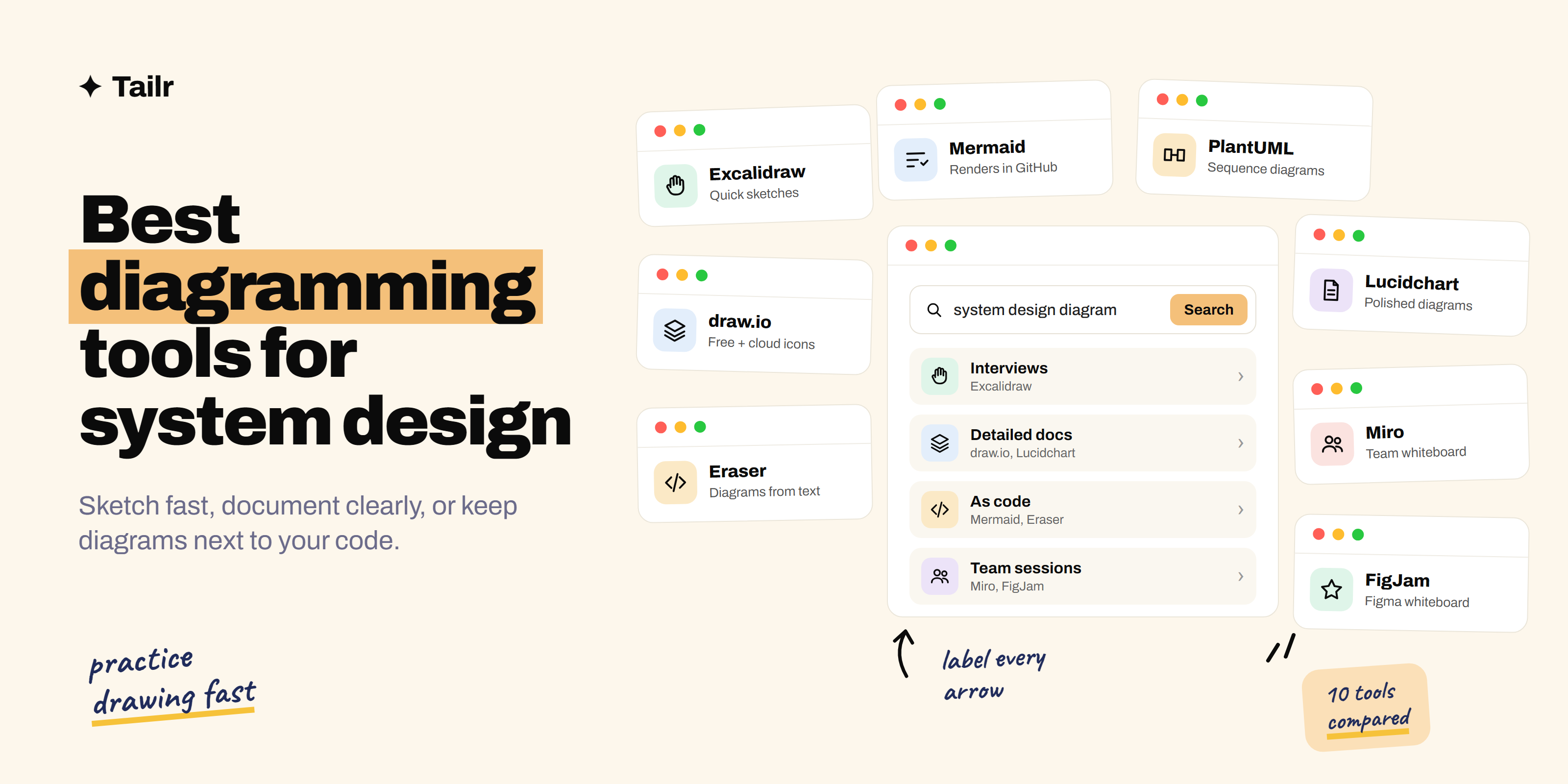
System design is a visual job. Whether you’re planning a new service, explaining an architecture to your team or sketching in a system design interview, a clear diagram does more than a page of text. The right tool depends on what you’re drawing for: a fast, rough sketch while you think, a polished diagram for documentation, or a diagram written as code that lives in your repo.
The short answer: the best diagramming tools for system design in 2026 are:
- Excalidraw: fast, hand-drawn style sketches, perfect for interviews.
- draw.io: a free, full-featured diagram editor with cloud icons.
- Eraser: diagrams from text or code, with AI to generate them.
- Lucidchart: polished, collaborative diagrams common at large companies.
- Miro: an online whiteboard for team design sessions.
- FigJam: Figma’s whiteboard, great for mixed design and engineering teams.
- Whimsical: clean flowcharts and diagrams that look good by default.
- Mermaid: text-based diagrams that render in GitHub and docs tools.
- tldraw: a fast, open-source infinite canvas.
- PlantUML: text-based UML and sequence diagrams.
For interview practice, use Excalidraw. For documentation, use draw.io or Lucidchart. For diagrams that live with your code, use Mermaid or Eraser.
If you’re preparing for interviews, read how to prepare for a system design interview alongside this guide.
Three kinds of diagramming tools
- Whiteboards (Excalidraw, tldraw, Miro, FigJam): freeform and fast. Best for thinking, brainstorming and interviews.
- Diagram editors (draw.io, Lucidchart, Whimsical): precise shapes, connectors and icon libraries. Best for documentation and reviews.
- Diagrams as code (Mermaid, PlantUML, Eraser): you write text, the tool draws it. Best for diagrams that need to stay up to date with the code.
1. Excalidraw
Website: excalidraw.com
Excalidraw is a free, open-source whiteboard with a hand-drawn look. It opens instantly in your browser, needs no account, and its rough style keeps the focus on ideas instead of polish. You can share a live link to collaborate, and community libraries add icons for servers, databases and cloud services. It’s one of the most common tools in system design interviews and the one to practice in.
Why use it:
- Opens in seconds, no account needed
- Hand-drawn style that’s fast to sketch in
- Live collaboration with a shareable link
Best for: interview practice and quick architecture sketches.
2. draw.io
Website: draw.io
draw.io (also known as diagrams.net) is a completely free diagram editor that runs in the browser or as a desktop app. It has large shape libraries, including AWS, Azure, Google Cloud and Kubernetes icons, and it saves files wherever you like: your computer, Google Drive, OneDrive or GitHub. It’s the best free option for detailed, professional architecture diagrams.
Why use it:
- Completely free, with no account required
- Official cloud provider icon libraries
- Integrates with Confluence, VS Code and Google Drive
Best for: detailed architecture diagrams on a zero budget.
3. Eraser
Website: eraser.io
Eraser combines a whiteboard, a document editor and diagrams as code. You can describe a system in plain English or paste code, and its AI generates an architecture, sequence or entity-relationship diagram that you can then edit as text. That makes diagrams quick to create and easy to update.
Why use it:
- Generate diagrams from a description or from code
- Edit diagrams as simple text
- Docs and diagrams in one place
Best for: engineers who want fast, editable technical diagrams.
4. Lucidchart
Website: lucidchart.com
Lucidchart is a polished, cloud-based diagramming tool used by many larger companies. It has extensive shape libraries, real-time collaboration, comments and integrations with Confluence, Jira, Google Workspace and Microsoft 365. It can also import cloud infrastructure data to draw diagrams of what’s actually running.
Why use it:
- Polished diagrams for docs and presentations
- Strong collaboration and enterprise integrations
- Can generate diagrams from cloud infrastructure
Best for: teams at larger companies that need shared, polished diagrams.
5. Miro
Website: miro.com
Miro is an online whiteboard where whole teams brainstorm, plan and design together. For system design, it’s good for workshops and design reviews where engineers, product managers and designers all contribute. It has diagramming shapes, templates and cloud icons, plus sticky notes and voting for discussions.
Why use it:
- Great for group design sessions
- Templates for architecture and planning
- Everyone on the team can contribute
Best for: team workshops and cross-functional design reviews.
6. FigJam
Website: figma.com/figjam
FigJam is Figma’s online whiteboard. It’s simple and friendly, with shapes, connectors, stickies and stamps, and it sits right next to your team’s Figma designs. If your company already uses Figma, it’s an easy place for engineers and designers to sketch flows and architecture together.
Why use it:
- Easy to learn and pleasant to use
- Lives alongside Figma designs
- Good for mixed teams
Best for: teams that already use Figma.
7. Whimsical
Website: whimsical.com
Whimsical makes flowcharts, wireframes, mind maps and diagrams that look clean by default. Shapes snap into place and connectors route themselves, so you spend less time aligning and more time thinking. It’s well suited to quick flowcharts of how a request moves through a system.
Why use it:
- Clean results with very little effort
- Fast flowcharts and sequence-style flows
- Also handles wireframes and docs
Best for: quick, tidy flowcharts.
8. Mermaid
Website: mermaid.js.org
Mermaid is an open-source tool that turns simple text into diagrams: flowcharts, sequence diagrams, entity-relationship diagrams, architecture diagrams and more. It renders directly in GitHub, GitLab, Notion, Obsidian and many docs tools, so you can put a diagram in a README or pull request and keep it up to date like code. AI assistants are also good at writing Mermaid.
Why use it:
- Diagrams live in your repo as text
- Renders in GitHub, Notion and many docs tools
- Easy for AI to generate and edit
Best for: documentation that lives next to code.
9. tldraw
Website: tldraw.com
tldraw is a fast, open-source infinite canvas with a clean drawing experience. It’s free to use in the browser, supports collaboration and feels quick and smooth. It’s a good alternative to Excalidraw if you prefer neater shapes over a hand-drawn look.
Why use it:
- Fast and smooth to draw in
- Free and open source
- Clean shapes and arrows
Best for: quick sketches when you want a neater style.
10. PlantUML
Website: plantuml.com
PlantUML is a long-standing text-based diagram tool, especially strong for UML class diagrams and sequence diagrams. It’s common in enterprise teams and integrates with many IDEs, wikis and docs tools. If you need detailed sequence diagrams of how services talk to each other, it’s a solid choice.
Why use it:
- Detailed sequence and UML diagrams from text
- Integrates with IDEs and wikis
- Free and widely supported
Best for: detailed sequence and UML diagrams.
Diagramming tools compared
| Tool | Type | Free? | Best for |
|---|---|---|---|
| Excalidraw | Whiteboard | Yes | Interviews and quick sketches |
| draw.io | Diagram editor | Yes | Detailed architecture diagrams |
| Eraser | Diagrams as code plus AI | Free plan | Fast technical diagrams |
| Lucidchart | Diagram editor | Free plan | Polished team diagrams |
| Miro | Whiteboard | Free plan | Team workshops |
| FigJam | Whiteboard | Free plan | Figma teams |
| Whimsical | Diagram editor | Free plan | Tidy flowcharts |
| Mermaid | Diagrams as code | Yes | Docs in your repo |
| tldraw | Whiteboard | Yes | Neat quick sketches |
| PlantUML | Diagrams as code | Yes | Sequence and UML |
How to draw a clear system design diagram
- Start from the user. Put the client on the left and follow one request through the system.
- Label every arrow. “HTTPS request,” “writes order,” “publishes event.” Unlabeled arrows are where confusion starts.
- Show where data lives. Make databases, caches and queues visually distinct so storage decisions are obvious.
- Keep one level of detail per diagram. A high-level overview and a detailed view of one service beat one giant diagram.
- Practice drawing fast. In an interview, you’ll sketch while talking. Practice common designs, like a URL shortener, a chat app or a news feed, in Excalidraw until it feels natural.
For more interview preparation, see what software architecture is and how to ace your technical interview.
Show your design work on your resume
System design experience is hard to show on paper, so be specific: “Designed an event-driven order pipeline handling 2 million events a day.” Different roles care about different things, scale for one and reliability for another. Tailr tailors your resume to the job listing you’re viewing, so the design and architecture work that role cares about comes first.
Apply to more engineering roles
Try Tailr to tailor your resume, write a matching cover letter and track every application from your browser.
Conclusion
The best diagramming tool for system design in 2026 depends on why you’re drawing. Excalidraw is the go-to for quick sketches and interview practice, draw.io is the best free tool for detailed diagrams, and Lucidchart is the standard at many larger companies. Eraser and Mermaid are the best ways to keep diagrams in sync with your code, and Miro and FigJam are great for team sessions. Pick one sketch tool and one documentation tool, and practice until diagramming feels as natural as talking.
Frequently asked questions
01What is the best tool for system design diagrams?
Excalidraw is the best pick for quick, whiteboard-style sketches and interview practice, and draw.io is the best free tool for detailed architecture diagrams with cloud icons. Eraser is great if you want to generate diagrams from text or code, and Lucidchart is the standard at many larger companies.
02What tool is used in system design interviews?
It depends on the company. Many use Excalidraw, a shared whiteboard like Miro or FigJam, or their own interview platform's drawing tool. Some ask you to share your screen and use any tool you like. Practice in Excalidraw so you're comfortable sketching fast, and ask the recruiter which tool to expect.
03What is the best free diagramming tool?
draw.io (also called diagrams.net) is the best completely free option, with huge shape libraries and no account required. Excalidraw, Mermaid, tldraw and PlantUML are also free, and Eraser, Lucidchart, Miro, FigJam and Whimsical have free plans with limits.
04What is diagrams as code?
Diagrams as code means writing a diagram in a simple text format and letting a tool draw it. Mermaid, PlantUML and Eraser all work this way. Because the diagram is text, you can keep it in Git next to your code, review changes and update it as the system changes.
05Can AI generate system design diagrams?
Yes. Eraser can generate architecture and sequence diagrams from a description or from code, and AI assistants can write Mermaid code that renders as a diagram. The results are a good first draft, but you'll still need to check the components and connections are right.
06Which diagrams should I know for a system design interview?
Focus on a high-level architecture diagram showing clients, load balancers, services, databases, caches and queues, plus a simple data flow or sequence diagram for key requests. Clear boxes, labeled arrows and a note on where data is stored matter more than any specific notation.