Best Vector Databases in 2026
· updated
If you’re building anything with AI that needs to “know” your data, a chatbot over your docs, a semantic search bar, an agent with memory, you’ll need somewhere to store and search embeddings. That’s the job of a vector database. A few years ago there were only a couple of options. In 2026 there are dozens, and the honest answer for most projects is simpler than the marketing suggests.
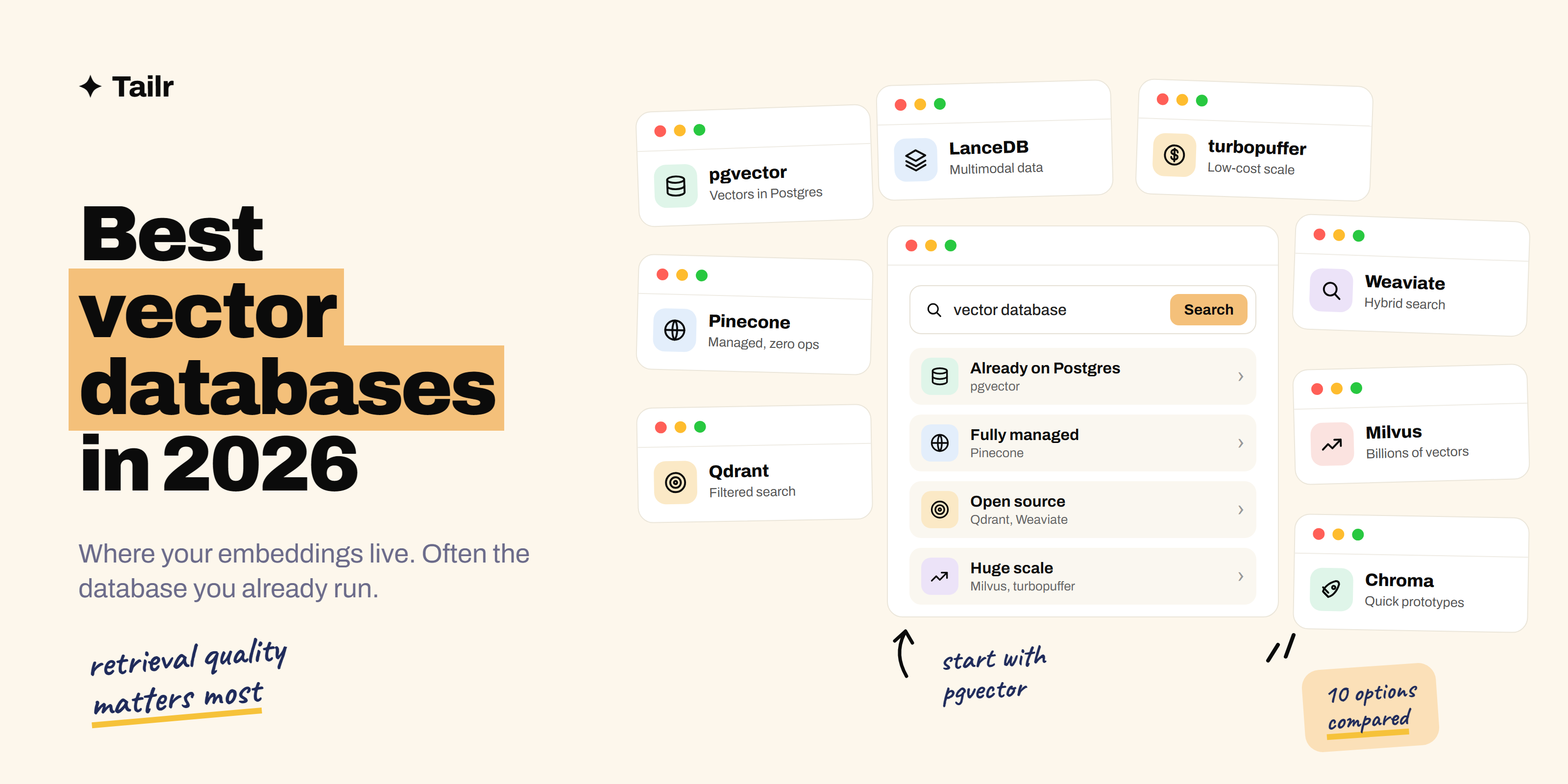
The short answer: the best vector databases in 2026 are:
- pgvector: vector search inside Postgres, the right start for most projects.
- Pinecone: the easiest fully managed vector database.
- Qdrant: fast, open source and strong at filtered search.
- Weaviate: open source with excellent hybrid (keyword plus vector) search.
- Milvus and Zilliz Cloud: built for billions of vectors.
- Chroma: the simplest way to get started locally.
- LanceDB: an embedded database for large and multimodal data.
- turbopuffer: low-cost search built on object storage.
- Elasticsearch and OpenSearch: vector search added to proven search engines.
- MongoDB Atlas Vector Search: vectors next to your documents in MongoDB.
Start with pgvector if you use Postgres, Chroma if you’re prototyping, and Pinecone or Qdrant when you need a dedicated database in production.
New to this? Read what RAG is first. It’s the most common reason people need a vector database.
What a vector database actually does
An embedding model turns a piece of text (or an image) into a long list of numbers that captures its meaning. Similar meanings end up close together. A vector database stores those lists and, given a query, finds the closest ones fast, even among millions.
Good vector databases also let you:
- Filter results by metadata, like “only documents from this customer” or “only posts from 2026.”
- Combine vector search with keyword search (hybrid search), which helps with names, codes and exact terms.
- Update data continuously without rebuilding everything.
How to choose
- Do you already run Postgres or MongoDB? Then try their built-in vector search first. One less system to run is a big win.
- How many vectors? Under a few million, almost anything works. At hundreds of millions or billions, look at Milvus, Pinecone or turbopuffer.
- Managed or self-hosted? Managed services save ops work; open source gives you control and lower costs at scale.
- Do you need filtering or hybrid search? Qdrant and Weaviate are especially strong here.
1. pgvector
Website: github.com/pgvector/pgvector
pgvector is an open-source extension that adds a vector column type and similarity search to Postgres. You store embeddings in the same tables as the rest of your data and query them with normal SQL, joins and all. With HNSW indexes it handles millions of vectors well, and it’s available on most managed Postgres services, including Supabase, Neon, AWS and Google Cloud.
Why use it:
- No new database to run if you already use Postgres
- Vectors and regular data in one place, queried with SQL
- Supported on almost every managed Postgres provider
Best for: most apps, especially ones already built on Postgres.
2. Pinecone
Website: pinecone.io
Pinecone is a fully managed vector database. You create an index, send vectors and query them; Pinecone handles scaling, replication and performance. Its serverless option means you don’t size servers ahead of time, and it supports metadata filtering, hybrid search and built-in embedding and reranking models.
Why use it:
- Zero infrastructure to manage
- Scales without you thinking about servers
- Mature and widely used in production
Best for: teams that want a dedicated vector database without running it.
3. Qdrant
Website: qdrant.tech
Qdrant is an open-source vector database written in Rust, known for speed and for strong filtering, so you can search “similar documents, but only from this user and this date range” without slowing down. You can self-host it or use Qdrant Cloud, which has a free tier.
Why use it:
- Fast, with excellent filtered search
- Open source, self-host or managed
- Good price-performance at scale
Best for: teams who want open source and strong filtering.
4. Weaviate
Website: weaviate.io
Weaviate is an open-source vector database with excellent hybrid search, mixing keyword and vector results in one query. It can call embedding models for you, so you send text and Weaviate handles the vectors. It runs self-hosted or as Weaviate Cloud.
Why use it:
- Strong hybrid search out of the box
- Built-in connections to embedding models
- Open source with a managed option
Best for: search-heavy apps where exact terms matter as much as meaning.
5. Milvus and Zilliz Cloud
Website: milvus.io
Milvus is an open-source vector database designed for very large scale, billions of vectors across a distributed cluster. Zilliz Cloud (zilliz.com) is the managed version from the team behind it. Milvus also has a lightweight mode for local development. It’s more to set up than pgvector or Qdrant, but it’s built for the biggest workloads.
Why use it:
- Designed for billions of vectors
- Many index types to tune speed and accuracy
- Managed option through Zilliz Cloud
Best for: very large datasets and enterprise scale.
6. Chroma
Website: trychroma.com
Chroma is the easiest way to get vector search running. Install it with pip, and a few lines of Python give you a working store on your laptop. It’s the default in many tutorials and frameworks, and Chroma Cloud offers a hosted version when you’re ready to deploy.
Why use it:
- Running in minutes with no setup
- Great for learning and prototypes
- Works with all the major AI frameworks
Best for: prototypes, learning and small projects.
7. LanceDB
Website: lancedb.com
LanceDB is an open-source, embedded vector database built on the Lance columnar format. It runs inside your app (no server needed) and can store data on local disk or cloud storage. It’s especially good for large and multimodal datasets, like images, video and text together.
Why use it:
- Embedded, no server to run
- Handles large and multimodal data well
- Stores data cheaply on local disk or object storage
Best for: multimodal AI and data-heavy workloads.
8. turbopuffer
Website: turbopuffer.com
turbopuffer is a managed search engine built on object storage, which makes storing huge numbers of vectors much cheaper than keeping them all in memory. Queries are slightly slower on data that hasn’t been accessed recently, but for large, multi-tenant apps the cost savings are big. Several well-known AI products use it.
Why use it:
- Much lower storage cost at large scale
- Vector and full-text search
- Good fit for many separate customer datasets
Best for: large, cost-sensitive search workloads.
9. Elasticsearch and OpenSearch
Websites: elastic.co, opensearch.org
If your company already runs Elasticsearch or OpenSearch for search or logs, both now support vector search alongside their mature keyword search. That makes hybrid search straightforward, and your team doesn’t need to learn a new system.
Why use it:
- Add vector search to a search engine you already run
- Strong keyword and hybrid search
- Proven at scale
Best for: companies with existing Elasticsearch or OpenSearch clusters.
10. MongoDB Atlas Vector Search
Website: mongodb.com
MongoDB Atlas includes vector search, so you can store embeddings inside the same documents as your app data and search them with MongoDB’s query language. Like pgvector, the main appeal is keeping everything in one database.
Why use it:
- Vectors live inside your existing documents
- No separate system to sync
- Managed through Atlas
Best for: apps already built on MongoDB.
Vector databases compared
| Database | Type | Open source? | Best for |
|---|---|---|---|
| pgvector | Postgres extension | Yes | Most apps on Postgres |
| Pinecone | Managed service | No | Zero-ops production |
| Qdrant | Dedicated database | Yes | Filtered search |
| Weaviate | Dedicated database | Yes | Hybrid search |
| Milvus / Zilliz | Distributed database | Yes (Milvus) | Billions of vectors |
| Chroma | Dedicated database | Yes | Prototypes and learning |
| LanceDB | Embedded database | Yes | Multimodal data |
| turbopuffer | Managed service | No | Low-cost large scale |
| Elasticsearch / OpenSearch | Search engine | OpenSearch yes | Existing search clusters |
| MongoDB Atlas | Document database | No | Apps on MongoDB |
Tips for getting good results
- Retrieval quality matters more than the database. How you split documents into chunks and which embedding model you use usually matter more than which database stores the vectors.
- Use hybrid search for names and codes. Pure vector search can miss exact matches like product IDs or people’s names.
- Add a reranker. Retrieving 50 results and reranking them down to 5 often improves answers a lot.
- Measure before you migrate. Don’t switch databases because of a benchmark. Test with your own data and queries.
- Keep metadata. Store the source, date and owner with every vector so you can filter and cite.
For the rest of the stack, see the best tools for building AI apps, and if you’re heading toward this kind of work as a career, how to get started with AI engineering.
Show it on your resume
“Built a RAG pipeline with pgvector that cut support response time by 30%” is the kind of line that gets AI engineering interviews. Every AI role asks for a slightly different stack, though: one wants Pinecone and LangGraph, another wants Postgres and Python. Tailr tailors your resume to the job listing you’re viewing, so the tools and projects that role cares about come first.
Apply to AI roles faster
Try Tailr to tailor your resume, write a matching cover letter and track every application. For interview prep, see our AI engineer interview questions.
Conclusion
The best vector database in 2026 is often the one you already have. pgvector covers most projects on Postgres, and MongoDB and Elasticsearch users can use their built-in vector search. When you need a dedicated database, Pinecone is the easiest managed option, Qdrant and Weaviate are the strongest open-source picks, and Milvus or turbopuffer handle very large scale. Prototype with Chroma, measure with your own data, and spend most of your effort on retrieval quality.
Frequently asked questions
01What is the best vector database in 2026?
For most projects, pgvector is the best place to start, because it adds vector search to the Postgres database you may already run. Pinecone is the easiest fully managed option, Qdrant is the strongest open-source choice for self-hosting with filters, and Milvus is built for very large scale.
02What is a vector database used for?
A vector database stores embeddings, which are lists of numbers that capture the meaning of text, images or other data, and finds the ones most similar to a query. It's the core of retrieval-augmented generation (RAG), semantic search, recommendations and memory for AI agents.
03Do I need a vector database for RAG?
You need somewhere to store and search embeddings, but it doesn't have to be a dedicated vector database. For small and medium projects, pgvector in Postgres or the vector search in a database you already use is often enough. A dedicated vector database makes more sense at large scale or when search speed is critical.
04Is pgvector good enough for production?
Yes, for many workloads. With HNSW indexes, pgvector handles millions of vectors well and lets you keep vectors next to your regular data with normal SQL. Teams usually move to a dedicated vector database only when they reach very large scale or need advanced features.
05What is the best free vector database?
pgvector, Qdrant, Weaviate, Milvus, Chroma and LanceDB are all open source and free to run yourself. Pinecone, Qdrant Cloud, Zilliz Cloud and Weaviate Cloud have free tiers for small projects, which are handy for learning and prototypes.
06Chroma vs Pinecone: which should I use?
Use Chroma for local development, prototypes and learning, since it runs on your machine with a few lines of Python. Use Pinecone when you want a managed service in production and don't want to run infrastructure yourself. Many people prototype with Chroma and move to a production database later.