Best AI Meeting Note Takers in 2026
· updated
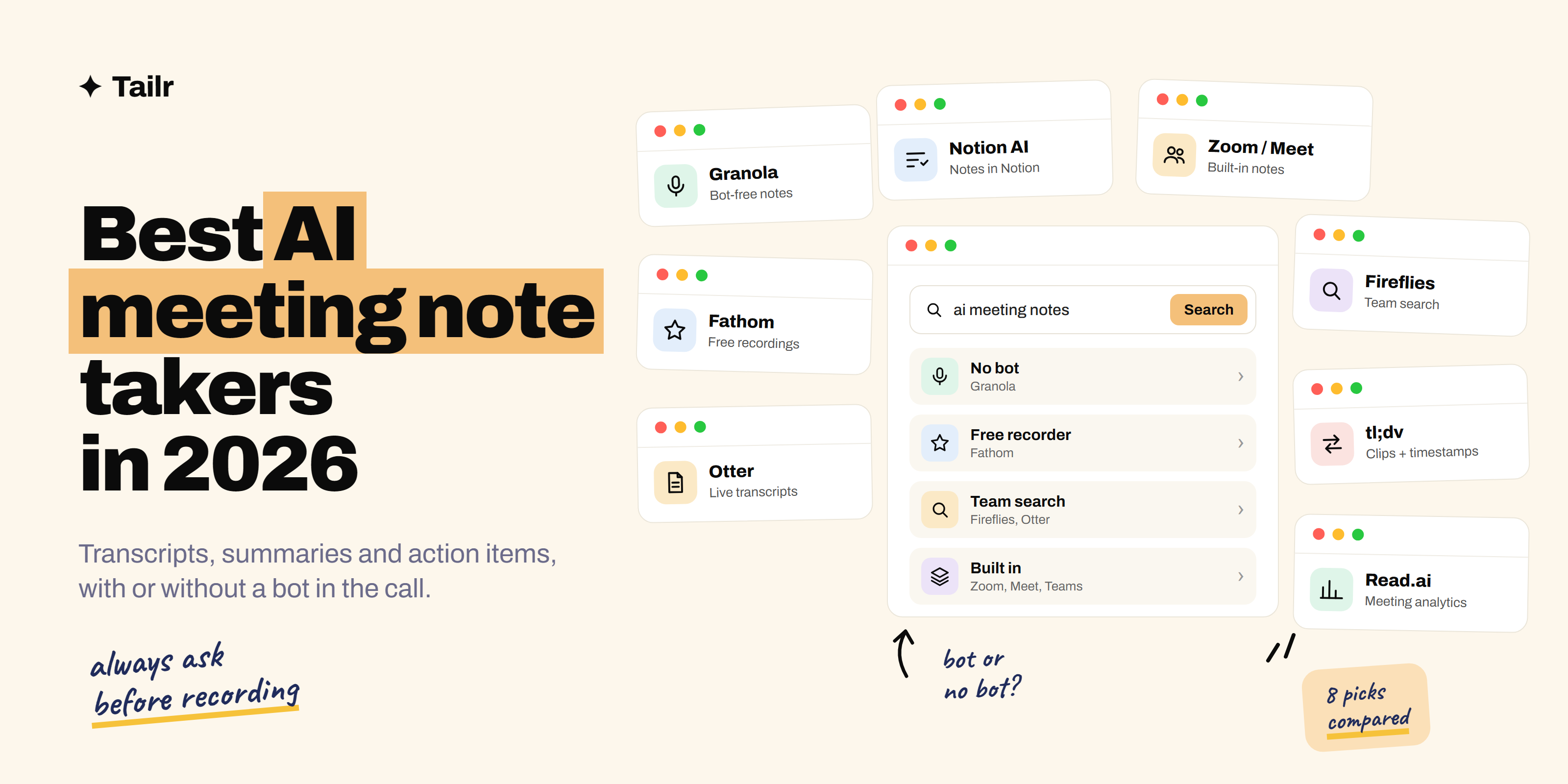
Taking notes in a meeting means half-listening. You’re typing while someone makes the point you’ll need later, and the action items end up scattered across three apps. AI meeting note takers fix that: they transcribe the call, write a summary, pull out action items and let you search everything that was said. In 2026 the real choice is between a bot that joins your calls, an app that listens quietly on your computer, or the assistant that’s already built into Zoom, Meet or Teams.
The short answer: the best AI meeting note takers in 2026 are:
- Granola: bot-free notes that build on what you type during the call.
- Fathom: a generous free plan for recording and summarizing calls.
- Otter: live transcription and searchable notes, the long-time default.
- Fireflies: team-wide transcripts, search and integrations.
- tl;dv: recordings with clips and timestamps you can share.
- Read.ai: summaries plus meeting analytics like talk time.
- Notion AI meeting notes: notes that land straight in your Notion workspace.
- Zoom AI Companion, Gemini in Meet and Copilot in Teams: the assistants already built into your video app.
If you want one tool to try today, start with Granola for bot-free notes or Fathom for a free recorder. If your company already pays for a video suite, check its built-in assistant before adding anything.
What to look for in an AI note taker
- Bot or no bot. Many tools join the call as a participant named something like “Notetaker.” Some people find that awkward, and some companies block it. Bot-free tools record from your device instead.
- Where your notes end up. A great summary is useless if it’s stuck in another app. Check whether notes sync to the tools you use: your CRM, Notion, Slack or Google Docs.
- Search across meetings. The real payoff comes weeks later, when you can search “what did we decide about pricing?” across every call.
- Privacy and consent. Check where recordings are stored, who can see them and whether you can delete them. Always tell people when a meeting is being transcribed.
- Which apps it supports. Most tools work with Zoom, Google Meet and Microsoft Teams. If you also take phone calls or in-person meetings, look for a mobile app.
1. Granola
Website: granola.ai
Granola works differently from most note takers. It runs as an app on your computer, listens to the meeting audio without joining the call, and then takes the rough notes you typed during the meeting and fills them out with detail from the transcript. You end up with notes in your own structure, not a generic summary.
Because there’s no bot, nobody sees an extra participant, which makes it popular with founders, investors and anyone in a lot of external calls.
Why use it:
- No bot joins the meeting
- Builds on your own notes instead of replacing them
- Works with any video app that plays through your computer
Best for: people who take lots of external calls and want natural-feeling notes.
2. Fathom
Website: fathom.video
Fathom records, transcribes and summarizes Zoom, Google Meet and Microsoft Teams calls, and its free plan is one of the most generous for individuals, with unlimited recordings. Summaries are clean, and you can highlight moments during the call to find them later. Paid plans add CRM syncing and team features.
Why use it:
- Strong free plan for recording and transcription
- Highlight key moments as they happen
- Syncs notes to CRMs on paid plans
Best for: individuals and small teams who want a free, reliable recorder.
3. Otter
Website: otter.ai
Otter has been the default AI transcription app for years. It joins your calls (or records in person from the mobile app), shows a live transcript, writes a summary and lists action items. You can search across all your conversations and ask questions about past meetings.
Why use it:
- Live transcript you can follow during the call
- Works for in-person meetings and lectures through the mobile app
- Search and Q&A across all your past meetings
Best for: students, journalists and anyone who records lots of conversations.
4. Fireflies
Website: fireflies.ai
Fireflies is built for teams. It joins meetings across Zoom, Meet, Teams and other platforms, transcribes in many languages and makes every conversation searchable for the whole team. Its integrations push summaries and action items into CRMs, project tools and Slack, so notes end up where the work happens.
Why use it:
- Team-wide library of searchable meetings
- Lots of integrations with CRMs and work tools
- Supports many languages
Best for: sales, customer success and other teams with many calls.
5. tl;dv
Website: tldv.io
tl;dv records Zoom, Google Meet and Teams calls and makes it easy to share specific moments. You can timestamp parts of a meeting, make clips and send a teammate the two minutes that matter instead of the whole hour. It also generates notes and can summarize patterns across many meetings.
Why use it:
- Clips and timestamps to share key moments
- Summaries across several meetings at once
- Free plan to get started
Best for: product and research teams who share customer calls.
6. Read.ai
Website: read.ai
Read.ai takes notes and summaries like the others, and adds meeting analytics: talk time, engagement and how the conversation went. It also pulls together notes from meetings, email and chat into one place. Some people love the coaching data; others find it more than they need.
Why use it:
- Feedback on talk time and meeting habits
- Combines meeting notes with email and chat context
- Works across the main video apps
Best for: managers and anyone who wants to run better meetings.
7. Notion AI meeting notes
Website: notion.com
If your team already works in Notion, its AI meeting notes feature transcribes and summarizes meetings straight into a Notion page. The notes sit next to your docs, projects and tasks, so action items are easy to turn into real work. It’s a strong pick if you’d rather not add another app.
Why use it:
- Notes live in the same workspace as your docs and tasks
- No separate tool to manage
- Easy to link meetings to projects
Best for: teams that already use Notion for everything.
8. Zoom AI Companion, Gemini in Meet and Copilot in Teams
Websites: zoom.com, workspace.google.com, microsoft.com/microsoft-365/copilot
All three major video apps now have note taking built in. Zoom AI Companion summarizes meetings and lists next steps, Gemini in Google Meet can take notes for you into a Google Doc, and Copilot in Microsoft Teams summarizes calls and answers questions about what was said. They’re often included in plans your company already pays for, and they don’t need a separate bot.
Why use it:
- Often already included in your company’s plan
- No extra app or bot to approve
- Notes stay inside your company’s existing tools
Best for: anyone whose company has standardized on one video app.
AI meeting note takers compared
| Tool | Bot joins call? | Strongest at | Best for |
|---|---|---|---|
| Granola | No | Notes built on what you type | External calls |
| Fathom | Yes | Free recording and summaries | Individuals |
| Otter | Yes (or mobile app) | Live transcripts, in-person meetings | Students, interviews for research |
| Fireflies | Yes | Team search and integrations | Sales and CS teams |
| tl;dv | Yes | Clips and shareable moments | Product and research |
| Read.ai | Yes | Meeting analytics | Managers |
| Notion AI | No | Notes inside your workspace | Notion teams |
| Zoom, Meet, Teams | No | Built in, nothing to add | Company-wide use |
How to get the most out of AI meeting notes
- Say the important things out loud. “So the decision is we ship on Friday, and Priya owns the release notes” gives the AI a clear action item to pick up.
- Fix the summary right away. Spend one minute after each meeting correcting names and decisions. It’s much harder a week later.
- Send the summary, not the transcript. Nobody reads a transcript. Share the three decisions and the action items.
- Ask before you record. Tell people at the start, and turn it off if anyone prefers you didn’t.
- Pick one tool. Running two note takers in the same call is how you end up with three bots and no conversation.
Note takers and your job search
AI note takers are handy for networking calls, informational interviews and recruiter screens where you’d like to remember the details, as long as you ask first. For actual job interviews, skip the bot. It can come across badly, and many companies don’t allow recording. Jot down a few notes yourself and write up what they asked right after the call; it’ll help with your thank-you email after the interview and the next round.
The notes you take on a recruiter call are also gold for your resume: they tell you what the team really cares about. Tailr tailors your resume to the job listing you’re viewing, so you can make sure those priorities show up before you apply.
Spend less time on admin
Note takers save you from typing during calls. Tailr saves you from rewriting your resume for every application: it tailors it to the job listing, writes a cover letter and tracks where you’ve applied. Try Tailr, and see the top AI tools for job search for more ways to speed up the search.
Conclusion
The best AI meeting note taker in 2026 depends on how you meet. Granola is the best bot-free option, Fathom is the best free recorder, and Otter and Fireflies are strong for searchable, team-wide transcripts. If your company already uses Zoom, Google Workspace or Microsoft 365, start with the assistant that’s built in. Whichever you choose, ask before you record and spend a minute fixing the summary while the meeting is still fresh.
Frequently asked questions
01What is the best AI meeting note taker in 2026?
Granola is the best pick if you want notes without a bot joining your calls, and Fathom has one of the most generous free plans for recording and summarizing meetings. Fireflies and Otter are strong for teams that want searchable transcripts across every meeting. If your company already pays for Zoom, Google Workspace or Microsoft 365, try the assistant built into those first.
02Is there a free AI note taker for meetings?
Yes. Fathom, Otter, Fireflies, tl;dv and Read.ai all have free plans, with limits on minutes, summaries or storage. Fathom's free plan is often called the most generous for individuals. Free plans change often, so check the current limits before you rely on one.
03Which AI note taker doesn't join the meeting as a bot?
Granola records audio from your own computer, so no bot appears in the participant list. Notion's meeting notes and the assistants built into Zoom, Google Meet and Microsoft Teams also work without a separate bot joining. Everyone in the call should still know the meeting is being transcribed.
04Is it legal to use an AI note taker in meetings?
It depends on where you and the other people are. Many places require consent from everyone being recorded, and many companies have their own rules. The safe habit is to tell people at the start that you're using a note taker and stop if anyone objects.
05Should I use an AI note taker in a job interview?
Not without asking first, and usually not at all. A bot joining an interview can come across badly, and recording without consent can break the law or the company's policy. Take brief notes yourself and write up your reflections right after the call instead.
06Are AI meeting notes accurate?
Transcripts are usually accurate for clear audio in common languages, but they slip on names, jargon, accents and crosstalk. Summaries can miss nuance or attribute a point to the wrong person. Skim the summary after each meeting and fix anything important before you share it.