Top AI Tools for Job Search in 2026
· updated
Job searching has become more than finding an open position and sending a resume. AI can now help with almost every part of the process, from finding relevant jobs and understanding job descriptions to tailoring your resume, writing cover letters, tracking applications, and preparing for interviews.
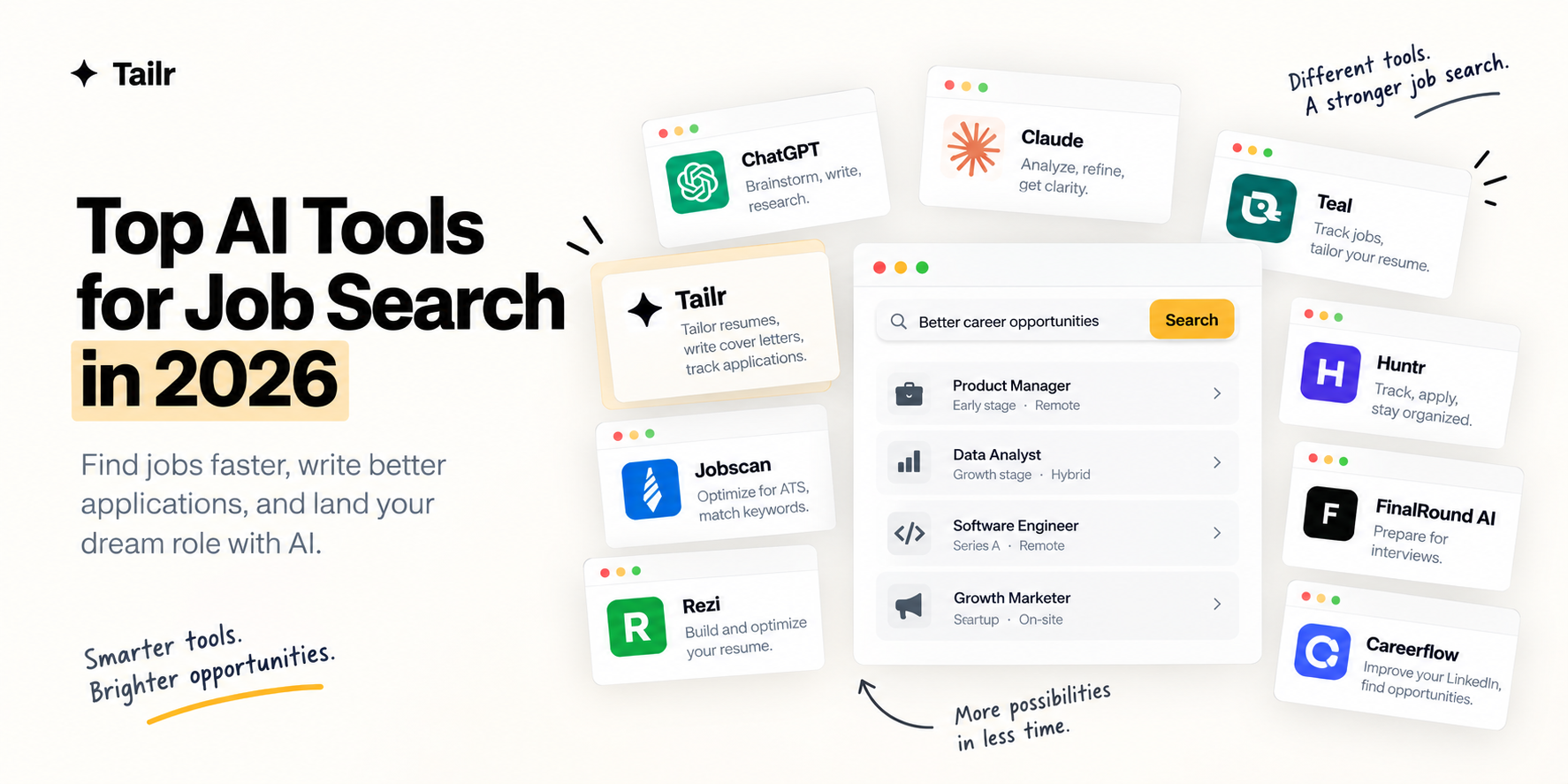
The short answer: the top AI tools for job search in 2026 are:
- Tailr: resume tailoring and application tracking from the job listing.
- ChatGPT (chatgpt.com) and Claude (claude.ai): research and writing.
- Teal (tealhq.com) and Huntr (huntr.co): organizing applications.
- Jobscan (jobscan.co) and Rezi (rezi.ai): resume optimization.
- FinalRound AI (finalroundai.com): interview practice.
- Careerflow (careerflow.ai): LinkedIn and networking.
Different tools are built for different stages. Some focus on resumes, some on application management, and others on interviews or general career help. Here’s what each one does and where it fits in your search.
What can AI help with during a job search?
AI can help you:
- Find and research relevant jobs
- Analyze job descriptions
- Identify important skills and keywords
- Tailor your resume
- Write cover letters
- Prepare networking messages
- Track applications
- Practice interview questions
- Improve interview answers
- Organize your job search
The goal isn’t to use AI for every single task. It’s to use it where it saves time or makes your application more relevant.
1. Tailr
Website: Tailr on the Chrome Web Store
Tailr is a browser extension that makes the application process easier once you’ve found a job you’re interested in.
Instead of switching between your resume, the job description, a cover letter generator, and an application tracker, Tailr brings those steps together. You can tailor your resume directly from the job listing you’re viewing, generate a cover letter, and track the application afterward.
Tailr works from your real resume, so it helps you position the experience you already have rather than inventing new experience.
What it’s useful for:
- Tailoring your resume to a specific job
- Identifying relevant keywords and requirements
- Generating job-specific cover letters
- Tracking job applications
- Managing your application workflow
Best for: Job seekers who want to quickly customize each application without switching between several tools.
The core idea is simple: find a job, tailor your application, apply, and keep track of it.
2. ChatGPT
Website: chatgpt.com
ChatGPT is a general-purpose AI assistant you can use throughout a job search.
You can ask it to analyze a job description, pick out the relevant skills, improve resume bullets, draft networking messages, generate practice interview questions, and brainstorm career options.
OpenAI’s own career-readiness guidance shows ChatGPT being used to understand job postings, connect existing experience with job requirements, write truthful resume bullets, and practise interview answers, which is a good model for how to use it.
What it’s useful for:
- Job description analysis
- Resume editing and bullet improvement
- Cover letters
- Networking messages
- Interview preparation
- Career research
Best for: Job seekers who want one flexible assistant that can help with several parts of the process.
3. Claude
Website: claude.ai
Claude is particularly useful for working with longer documents and refining application materials.
One of the most valuable uses is pasting in your resume and a job description together and asking which parts of your background are most relevant to the role, and which requirements you don’t obviously cover. It’s also good at rewriting for clarity without changing the meaning.
Anthropic’s own guidance for candidates recommends creating your initial application materials yourself and using Claude to refine and communicate your actual experience, rather than generating it from scratch.
What it’s useful for:
- Resume refinement
- Job description analysis
- Application questions
- Cover letters
- Interview preparation
- Career brainstorming
Best for: Candidates who want an AI partner for writing, analysis, and refining application materials.
4. Teal
Website: tealhq.com
Teal combines job searching, resume building, resume tailoring, and application tracking in one workspace.
You can save jobs from around the web, connect each job description with a version of your resume, and manage all your applications from a single board. That makes it particularly useful when you’re applying to several positions at once and want to keep the search organized.
What it’s useful for:
- Saving jobs
- Resume building
- Resume tailoring
- Job tracking
- Application organization
Best for: Job seekers who want a structured workspace for managing their applications.
5. Huntr
Website: huntr.co
Huntr combines an application tracker with AI resume and job search features.
The platform includes job tracking, resume building, job-tailored resumes, resume checking, cover letters, application autofill, contact tracking, and interview tracking, so it covers most of the administrative side of a job search.
What it’s useful for:
- Tracking applications
- Tailoring resumes
- Identifying job keywords
- Writing cover letters
- Application autofill
- Interview tracking
- Managing contacts
Best for: Candidates who want to manage their applications and application materials in one place.
6. Jobscan
Website: jobscan.co
Jobscan focuses on resume-to-job matching and applicant tracking system (ATS) optimization.
You paste in your resume and a specific job description and get a match score with feedback on keywords, skills, formatting, and other areas of alignment. It’s a useful check before you submit, especially for larger companies that screen with an ATS.
What it’s useful for:
- Resume-to-job matching
- ATS optimization
- Keyword analysis
- Resume checking
- Cover letters
- LinkedIn optimization
Best for: Candidates who want detailed feedback on how closely their resume matches a particular job description.
7. Rezi
Website: rezi.ai
Rezi focuses on AI-assisted resume creation and optimization.
It helps you build a resume from scratch, improve the content, target job-specific keywords, and score the result against ATS-oriented criteria. If your current resume needs a rebuild rather than a tweak, this is the kind of tool to start with.
What it’s useful for:
- Building resumes
- Editing resumes
- Keyword targeting
- ATS optimization
- Resume scoring
Best for: Job seekers who want AI help specifically for creating and optimizing their resume.
8. FinalRound AI
Website: finalroundai.com
FinalRound AI focuses on the interview stage of the job search.
It offers mock interviews, practice questions, and feedback on your answers, so you can rehearse before the real thing. Unlike the resume-focused tools above, it’s mainly useful once you’ve already reached the interview stage.
What it’s useful for:
- Interview preparation
- Mock interviews
- Interview practice
- Interview feedback
Best for: Candidates preparing for upcoming interviews.
9. Careerflow
Website: careerflow.ai
Careerflow covers several parts of career management, including resumes, LinkedIn optimization, job tracking, and networking.
It’s useful for candidates who want to work on their professional presence alongside their applications, since a stronger LinkedIn profile often leads to recruiters reaching out directly.
What it’s useful for:
- LinkedIn optimization
- Resume improvement
- Job tracking
- Networking
- Career management
Best for: Job seekers who want to combine applications, LinkedIn, and networking in one workflow.
AI job search tools at a glance
| Tool | Main focus | Best for |
|---|---|---|
| Tailr | Resume tailoring and applications | Tailoring and managing applications |
| ChatGPT | General AI assistant | General job search help |
| Claude | Writing and analysis | Application refinement |
| Teal | Resume and job tracking | Organized job searches |
| Huntr | Applications and tracking | Managing job applications |
| Jobscan | ATS and resume matching | Resume optimization |
| Rezi | Resume building | Resume creation |
| FinalRound AI | Interviews | Interview preparation |
| Careerflow | LinkedIn and career management | Networking and job search |
How to use AI during your job search
You don’t need every tool on this list. A simple workflow covers most of the process.
1. Find a relevant job
Use job boards, LinkedIn, or startup job websites to find roles that match what you’re looking for. AI can help you work out which job titles to search for and which companies to research.
2. Understand the job description
Use AI to identify the main responsibilities, skills, qualifications, and keywords in the posting, and to spot anything that comes up more than once.
3. Tailor your resume
Bring the relevant experience to the front and adjust your wording to reflect the requirements of the role. Here’s a full walkthrough of how to tailor your resume to a job description.
4. Create your application materials
Use AI to help with cover letters, application questions, and networking messages, then edit the drafts so they sound like you.
5. Apply and track
Submit the application and record the company, role, date, and status so you can follow up at the right time.
6. Prepare for the interview
Once you get an interview, use AI for mock questions, company research, and practice answers.
Don’t let AI invent your experience
The biggest risk of using AI for job applications is letting it turn your resume into something that isn’t accurate.
AI can make a resume sound impressive while quietly introducing information you never provided.
Don’t let AI invent:
- Skills you don’t have
- Job titles
- Employers
- Certifications
- Projects
- Metrics
- Responsibilities
- Years of experience
- Tools you’ve never used
The purpose of AI is to communicate your actual experience more effectively, not to manufacture a more qualified version of you. A stronger sentence is useful. An invented achievement isn’t. If you want a practical approach, read how to tailor your resume without lying.
Use AI to make your job search easier
AI doesn’t have to replace your job search. The most useful approach is to let it handle the repetitive work while you stay responsible for the decisions and the information in your application.
If you’re spending too much time manually tailoring your resume for every job, Tailr can handle that part directly from the job you’re viewing. You can tailor your resume, generate a cover letter, and track the application afterward.
Try TailrFind a job → tailor your resume → generate a cover letter → apply → track your application
Conclusion
AI has made it easier to handle the repetitive parts of a job search.
ChatGPT and Claude help with research and writing, Teal and Huntr manage applications, Jobscan and Rezi focus on resume optimization, Careerflow covers LinkedIn and networking, and FinalRound AI helps with interview preparation.
For candidates who want the application process connected in one place, Tailr lets you tailor your resume directly from the job you’re viewing, generate a cover letter, and track the application afterward.
The goal isn’t to use as many AI tools as possible. It’s to use the right ones so you spend less time on repetitive work and more time applying to the jobs that actually make sense for you.
Frequently asked questions
01What are the best AI tools for job searching in 2026?
The right tool depends on what you need help with. Tailr focuses on resume tailoring and application management, ChatGPT and Claude are flexible assistants for research, writing, and analysis, Teal and Huntr organize applications, Jobscan and Rezi focus on resumes, Careerflow covers LinkedIn and networking, and FinalRound AI focuses on interviews.
02Can AI help me find jobs?
Yes. AI can help you identify relevant job titles, analyze job descriptions, research companies, and draft searches for job boards. Some products can also search live job listings for you. It works best alongside job boards and networking rather than as a replacement for them.
03Can AI tailor my resume to a job description?
Yes. Tools such as Tailr, Teal, Huntr, Jobscan, Rezi, ChatGPT, and Claude can compare your resume with a specific job description and help you make the relevant experience easier to find. Always review the final version to make sure it accurately represents what you have done.
04Can AI write a cover letter?
Yes. AI tools can draft and customize a cover letter from your resume and a specific job description. Treat the draft as a starting point, then edit it so it reflects your real experience, your genuine interest in the role, and your own voice.
05Should I use AI to apply to hundreds of jobs?
No. AI can cut down on repetitive work, but sending large numbers of generic applications rarely leads to interviews. It is better to use AI to find relevant roles and create applications that are genuinely aligned with each one, then apply to fewer jobs with stronger materials.
06Can AI guarantee that I will get a job?
No. AI can help with research, applications, organization, and interview preparation, but it cannot guarantee an interview or a job offer. Your experience, how well the role fits, and how you perform in interviews still decide the outcome.