Best AI Video Generator Tools in 2026
· updated
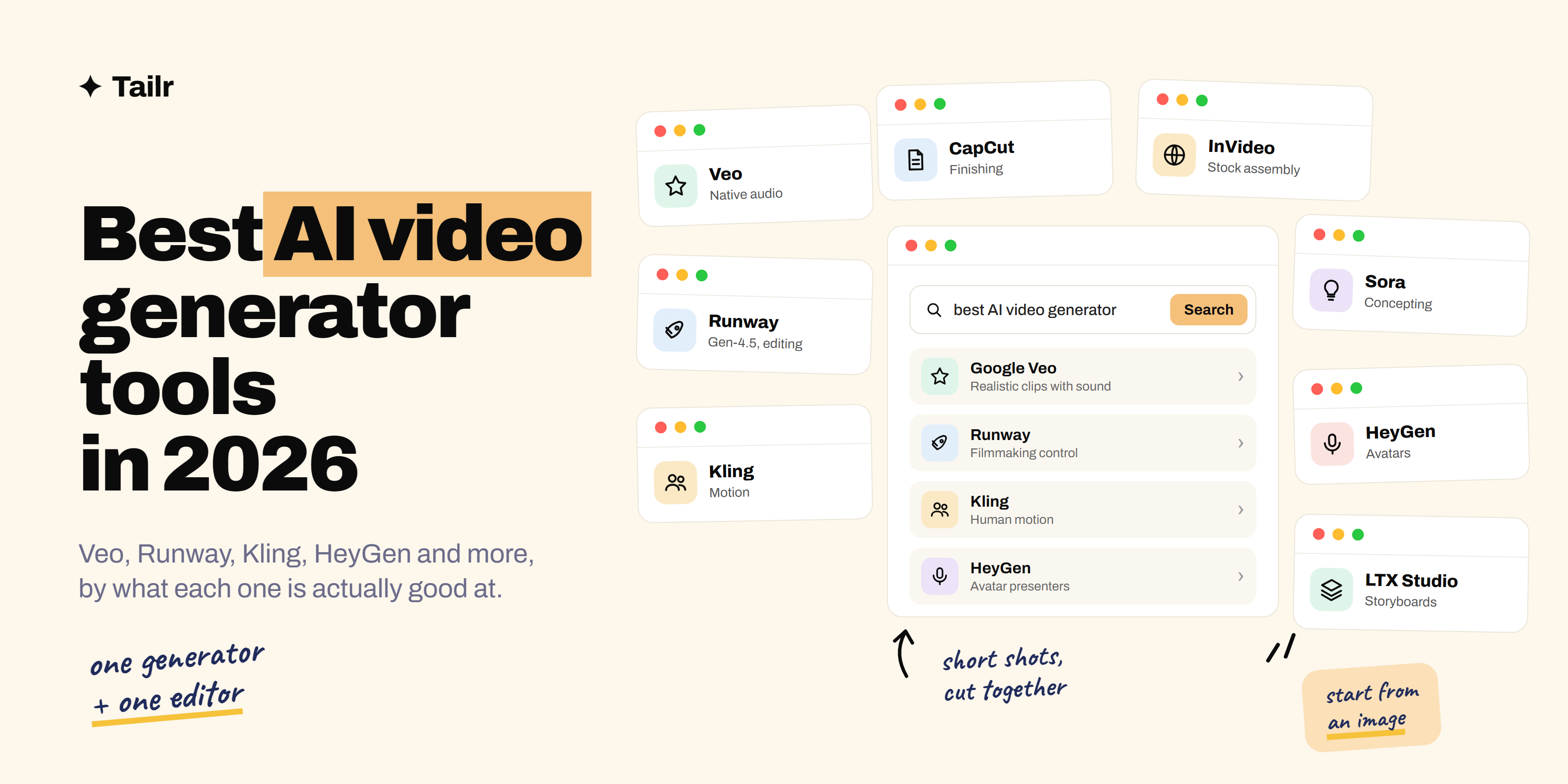
A year ago AI video was a novelty you shared for the glitches. In 2026 it’s a normal part of how ads, explainers, product demos and social clips get made, and the tools have split into clear categories: generators that make footage from a prompt, avatar tools that turn a script into a talking presenter, and editors that assemble everything into something you’d actually post. This guide covers the best AI video generator tools in 2026, what each one is good at, and which free tiers are worth your time.
The short answer: the best AI video generator tools in 2026 are:
- Google Veo: realistic clips with sound.
- Runway: filmmaking control and editing.
- Kling: human motion.
- Sora: narrative concepting.
- Luma Dream Machine and Pika: quick creative shots.
- HeyGen and Synthesia: avatar presenters.
- LTX Studio: storyboarding longer pieces.
- CapCut and InVideo: turning it all into a finished social video.
Pick one generator for footage and one editor to finish, rather than hunting for a single tool that does everything.
How to choose an AI video tool
Start with the output, not the model. If you need a person talking to camera, you want an avatar tool and none of the text-to-video generators will help. If you need a six-second product shot for an ad, you want a generator and don’t need avatars at all. If you need a 90-second explainer, you need something that handles multiple shots and a timeline.
Then check three practical things. Does it generate audio, or will you add it later? What does the free tier actually let you export (watermark, resolution, how many clips)? And can you upload your own image or clip as a starting point? Image-to-video is the feature that separates “fun” from “usable”, because it lets you control what the product, logo or character looks like instead of describing it and hoping.
Text-to-video generators
Google Veo (website: labs.google) is the most reliable generator right now. Veo 3.1 produces realistic footage with matching sound effects and dialogue, and its results are consistent from one shot to the next, which matters more than peak quality when you’re building something real. Access is through Google’s Flow tool and Gemini apps, with a daily free credit allowance and paid plans from a few dollars a month.
Runway (website: runwayml.com) is the filmmaker’s pick. Its Gen-4.5 model is strong on camera movement and consistency, and its Aleph editing model lets you change objects, lighting or angles in existing footage rather than regenerating from scratch. It has the most professional controls of any tool here and a free plan with a one-time bundle of credits to test it.
Kling (website: klingai.com) leads on human motion. Where other models make people glide or morph, Kling 3.0 handles walking, gestures and fabric convincingly, so it’s a favorite for fashion, fitness and anything with a person in frame. The free tier gives a few dozen watermarked generations a month.
Sora (website: sora.com) is OpenAI’s generator. Sora 2 is best used for mood and narrative concepting, quickly visualizing a scene idea before you commit budget to it, and it’s bundled with ChatGPT’s paid plans rather than sold on its own.
Luma Dream Machine (website: lumalabs.ai) and Pika (website: pika.art) are the fast, playful options. Luma makes attractive cinematic B-roll with little prompting effort, and Pika is known for effects and transformations on existing clips. Both have small free tiers with watermarks, and both are good first tools if you’ve never made AI video before.
Avatar and presenter tools
HeyGen (website: heygen.com) turns a script into a video of a presenter speaking it, with over a thousand stock avatars, voice cloning and translation into more than 170 languages. It’s the standard for training videos, product walkthroughs and localized marketing, and the free plan gives a few watermarked 720p videos a month, enough to see whether the format suits you.
Synthesia (website: synthesia.io) is the enterprise alternative. It’s built for corporate training and internal communications, with tight brand controls and a simpler editor. HeyGen has the bigger avatar library; Synthesia tends to win where compliance and consistency matter more than variety.
Storyboarding and longer pieces
LTX Studio (website: ltx.studio) is for anything longer than one shot. You write or paste a script, it breaks the story into scenes and shots, and you generate and regenerate each shot while keeping characters and style consistent across the whole piece. It mixes several underlying models and is the closest thing to a real pre-production tool in this list.
Editing and assembly
CapCut (website: capcut.com) is where most social video gets finished. Its AI features handle captions, background removal, script-to-video templates and text-to-speech, and desktop exports are free without a watermark up to 4K. Generate your hero shot elsewhere, then build the post here.
InVideo (website: invideo.io) takes a different approach: instead of generating footage, it assembles a video from a huge stock library, adds a voiceover and edits to your script. For explainers and talking-points videos it often looks more polished than raw generation, because stock footage doesn’t have six fingers.
Adobe Firefly (website: firefly.adobe.com) deserves a mention if you work commercially. Its video model is trained on licensed content and Adobe indemnifies business customers, which is the reason agencies pick it even when the raw quality trails Veo or Kling.
AI video generators compared
| Tool | Best for | Audio | Free tier |
|---|---|---|---|
| Google Veo | Realistic clips, consistency | Yes, native | Daily credits |
| Runway | Filmmaking control, editing | Limited | One-time credits |
| Kling | Human motion | Limited | Monthly watermarked clips |
| Sora | Narrative concepting | Yes | With ChatGPT plans |
| Luma / Pika | Quick creative shots | No | Small, watermarked |
| HeyGen / Synthesia | Avatar presenters | Yes, voiced | A few videos a month |
| LTX Studio | Multi-shot storyboards | Via models | Trial credits |
| CapCut / InVideo | Finishing and assembly | Yes | Generous |
If you only want to use free plans, see our guide to the best free AI video generators, which covers what each free tier actually gives you.
Getting good results without wasting credits
Every generator charges by the clip, so the skill is in not regenerating. Three habits help. First, start from an image: make a still of exactly what you want in an image tool, then animate it, instead of describing a scene from scratch. Second, keep shots short and specific. “Slow push-in on a coffee cup on a wooden table, morning light, steam rising” gets a usable clip; “a cozy cafe advertisement” gets a lottery ticket. Third, prompt for camera and motion, not adjectives. Models understand “handheld”, “dolly left” and “static shot” far better than “beautiful” or “cinematic”.
And treat the first clip as a test, not a deliverable. Generate at the lowest resolution the tool allows, check the motion, then upscale only the take you’ll keep. If you want to go deeper on prompting, our guide to the types of prompting methods covers the techniques that carry over from text to video.
For creators and marketers job hunting
AI video is showing up in job descriptions for content, marketing and design roles, and postings name specific tools: one wants HeyGen for training content, another wants Runway and CapCut for social, a third just says “generative video experience”. A single generic resume rarely matches those specifics. Tailr reads the job listing you’re viewing and tailors your resume to it, so the tools and projects that posting asks for are the ones a recruiter sees first, then generates a matching cover letter and tracks the application. Try Tailr if you’re applying to more than a couple of these roles, and see our list of the top AI tools for job search for the rest of the process.
Conclusion
The best AI video generator tools in 2026 are specialists. Veo for realism and sound, Runway for control, Kling for people, HeyGen for presenters, LTX Studio for stories, and CapCut or InVideo to finish. Pick one generator, learn its prompting quirks well, pair it with one editor, and spend your credits on short, specific, image-led shots. The tools will keep leapfrogging each other every few months; the habits won’t change.
Frequently asked questions
01What is the best AI video generator in 2026?
It depends on what you're making. Google Veo is the safest pick for realistic clips with sound, Runway for filmmaking control and editing, Kling for human motion, HeyGen or Synthesia for presenter-style videos with an avatar, and CapCut or InVideo when you need a finished social video fast. Most people end up with one generator and one editor rather than a single tool.
02Is there a free AI video generator?
Yes, almost every tool has a free tier, but they're small. Google's Flow gives daily free credits, Runway gives a one-time bundle of credits, Kling and Luma give a handful of watermarked clips a month, and CapCut lets you make unlimited template-based videos on desktop. Free tiers are enough to test quality, not to ship a campaign.
03Which AI video generator makes the most realistic videos?
In 2026 Google Veo 3.1, Kling 3.0 and OpenAI's Sora 2 produce the most convincing footage, with Veo generally the most reliable shot to shot and Kling the strongest on people moving. Realism still breaks on hands, text and long clips, so plan for short shots of a few seconds and cut them together.
04Can AI video generators add sound and voice?
Some can. Veo generates sound effects and dialogue with the picture, and avatar tools like HeyGen and Synthesia create a voiced presenter from a script. Pure text-to-video tools like Runway and Pika mostly give you silent clips, so you add music or voiceover in an editor afterwards.
05How long a video can AI generate?
Most generators produce clips of 5 to 10 seconds per prompt, sometimes up to around 20 seconds with extensions. Longer videos are built by generating several shots and editing them together, which is what storyboard tools like LTX Studio and assembly tools like InVideo are designed for.
06Which AI video tool is best for social media?
CapCut is the quickest route to a finished vertical video with captions, music and templates, and InVideo works well when you want a script turned into a stock-footage explainer. Use a generator like Veo or Kling for the one eye-catching shot, then finish the post in CapCut.