Best Tools for Building a Personal Knowledge Base in 2026
· updated
You read an article, take a course, sit through a good meeting, and a month later you can’t find the one thing you wanted to remember. A personal knowledge base fixes that: one place where what you learn gets written down, linked up, and found again. The hard part isn’t the idea. It’s picking a tool you’ll still be using next year.
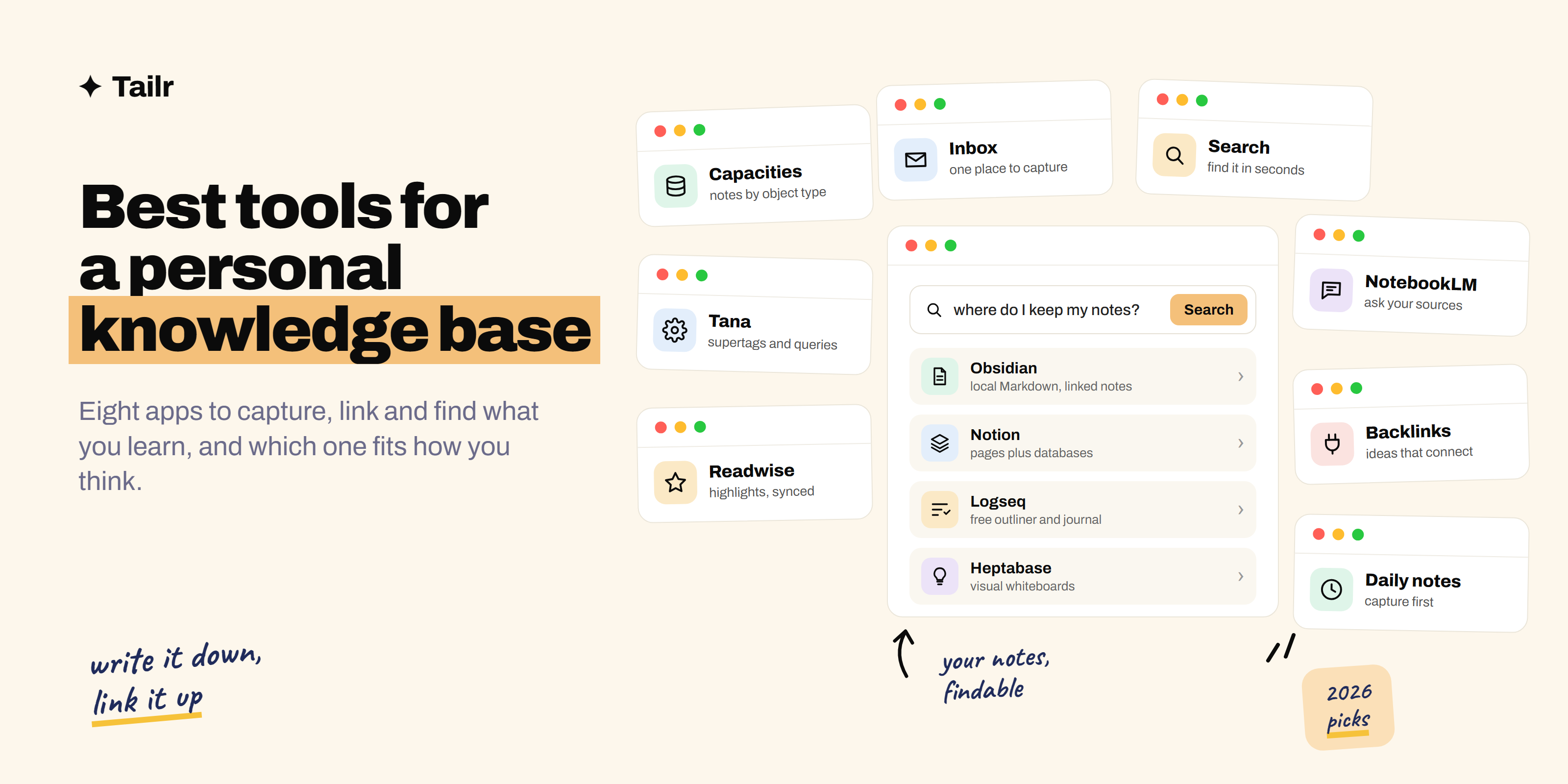
The short answer: the best tools for building a personal knowledge base in 2026 are:
- Obsidian: best overall, local Markdown files with linking.
- Notion: best if you want databases and sharing.
- Logseq: best free outliner.
- Capacities: best for organising by type of thing.
- Tana: best for power users who want structure.
- Heptabase: best for visual thinkers.
- Readwise Reader: best for capturing what you read.
- NotebookLM: best for asking questions of your own sources.
Most people should start with Obsidian or Notion and add a capture tool later if they need one.
What to look for in a knowledge base tool
Before the list, the four things that decide whether a tool will work for you over years rather than weeks:
- Who owns the files. Some tools store notes as plain files on your computer; others keep them in their cloud. Plain files survive the company going away. Cloud tools are easier to share and sync.
- How linking works. A knowledge base gets useful when notes point to each other. Look for two-way links (a link from A to B also shows up on B) and fast search.
- How fast capture is. If saving an idea takes more than a few seconds, you’ll stop doing it. Check the mobile app and the quick-capture shortcut.
- How much structure it forces. Outliners and database tools reward people who like structure. Plain-page tools suit people who just want to write.
A good test: write ten real notes in a tool before committing. You’ll know by the tenth whether it fits how you think.
1. Obsidian
Website: obsidian.md
Obsidian (obsidian.md) is a note-taking app that stores everything as plain Markdown files in a folder on your device. You link notes with double square brackets, and it shows backlinks and a graph of how your notes connect. It’s free for personal use, works offline, and has thousands of community plugins that add calendars, task lists, spaced repetition and much more.
Because the notes are just files, you can open them in any text editor, back them up however you like, and move to another tool without an export step. Sync across devices and publishing to the web are paid add-ons, or you can sync the folder yourself with a cloud drive.
Why use it:
- You own your notes as plain files, forever.
- Two-way links, backlinks, and a graph view built in.
- Huge plugin library if you want to customise.
Best for: anyone who wants a knowledge base they’ll keep for a decade, especially writers, students, and developers.
2. Notion
Website: notion.com
Notion (notion.com) combines pages, databases, and tasks in one workspace. For a knowledge base, the database side is the draw: you can keep a reading list, a set of meeting notes, or a library of code snippets as a table with properties, then filter and sort it in different views. It has a free plan for individuals and a built-in assistant on paid plans.
The trade-off is that your notes live on Notion’s servers, it’s slower offline, and exporting gives you files that need tidying. If you already use Notion at work, though, using it for personal notes means one less app to learn.
Why use it:
- Databases make structured collections easy.
- Great for sharing pages or publishing a public wiki.
- Templates for almost any system you can think of.
Best for: people who want notes, tasks, and projects in one place, or who need to share parts of their knowledge base with others.
3. Logseq
Website: logseq.com
Logseq (logseq.com) is a free, open-source outliner. Every note is a set of nested bullet points, and you usually start each day on a daily journal page, jotting things down and linking them to topic pages as you go. Like Obsidian, it can store your notes as local files, and it has backlinks and a graph view.
The daily-journal approach is the main reason to choose it. You don’t have to decide where a note goes; you write it on today’s page and link it, and the topic pages fill themselves in through backlinks.
Why use it:
- Free and open source.
- Daily journal removes the “where does this go?” problem.
- Block-level links let you reference a single bullet anywhere.
Best for: people who think in bullet points and want a free alternative to Roam Research.
4. Capacities
Website: capacities.io
Capacities (capacities.io) organises notes by object type rather than folders. A book, a person, a meeting, and an idea are each their own type with their own fields, and everything links together. When you open a person, you see every meeting and note they appear in.
It has a free plan, and the paid plan adds sync features and a built-in assistant. It’s cloud-based, with a clean interface that’s easier to get started with than most linking tools.
Why use it:
- Object types give you structure without folders.
- Linked views show every note connected to a person, book, or project.
- Gentle learning curve.
Best for: people who keep notes about many people, books, or projects and want them connected automatically.
5. Tana
Website: tana.inc
Tana (tana.inc) is an outliner with a powerful structuring feature called supertags. Tag a bullet as a #meeting or #task and it picks up fields and behaviours you’ve defined, so you can query all your open tasks from last week’s meetings in one view. It also has strong voice capture on mobile.
It’s the most powerful tool on this list and the one with the steepest learning curve. If you enjoy designing systems, you’ll love it. If you just want somewhere to write, it’s too much.
Why use it:
- Supertags turn plain notes into structured, queryable data.
- Live searches pull together notes from anywhere.
- Good voice capture for meetings and walks.
Best for: power users who want a knowledge base that also works as a lightweight database.
6. Heptabase
Website: heptabase.com
Heptabase (heptabase.com) is built around whiteboards. Each note is a card, and you arrange cards on a canvas to see how ideas relate, grouping them, drawing arrows, and zooming in and out. The same card can appear on several whiteboards, so you can map one topic several ways.
It’s a paid app, and it shines for learning something complicated: a new field, a research project, a big decision. Spreading your notes out spatially makes gaps and connections obvious in a way a list doesn’t.
Why use it:
- Visual whiteboards for mapping ideas.
- Cards can be reused across maps.
- Good for studying and research.
Best for: visual thinkers, students, and researchers working through a complex topic.
7. Readwise Reader
Website: readwise.io
Readwise (readwise.io) isn’t where your knowledge base lives. It’s how things get into it. Reader saves articles, newsletters, PDFs, and videos to one reading queue, lets you highlight as you read, and syncs those highlights into Obsidian, Notion, Logseq and other tools automatically. It also resurfaces old highlights in a daily review so you don’t forget them.
It’s a paid service. If most of what you learn comes from reading, it removes the most tedious step in keeping a knowledge base: copying highlights across by hand.
Why use it:
- One queue for everything you want to read.
- Highlights flow into your notes app automatically.
- Daily review helps you actually remember what you read.
Best for: heavy readers who want their highlights in their knowledge base without copy and paste.
8. NotebookLM
Website: notebooklm.google.com
NotebookLM (notebooklm.google.com) is Google’s research notebook. You add your own sources, such as documents, PDFs, web pages, and slides, and then ask questions about them. Answers cite the exact passages they came from, so you can check them. It can also turn a set of sources into a study guide or an audio overview.
It’s not a long-term notes app. It’s best as a layer on top of your knowledge base: drop in a stack of material on one topic and use it to find, summarise, and connect what’s in there.
Why use it:
- Answers come only from sources you added, with citations.
- Good for getting up to speed on a pile of documents quickly.
- Free to start.
Best for: studying, research, and preparing for anything with a lot of reading.
Comparison at a glance
| Tool | Where notes live | Style | Free option | Best for |
|---|---|---|---|---|
| Obsidian | Local files | Linked pages | Yes | Long-term personal notes |
| Notion | Cloud | Pages and databases | Yes | Notes plus tasks and sharing |
| Logseq | Local files | Outliner and journal | Yes, open source | Bullet-point thinkers |
| Capacities | Cloud | Object types | Yes | People, books, projects |
| Tana | Cloud | Outliner with supertags | Limited | Power users |
| Heptabase | Cloud | Whiteboards and cards | Trial | Visual thinkers |
| Readwise Reader | Cloud | Reading and highlights | Trial | Capturing what you read |
| NotebookLM | Cloud | Sources and questions | Yes | Research on a topic |
How to build a knowledge base you’ll actually keep
The tool matters less than the habit. A simple routine that works in any of these apps:
- Capture everything in one inbox. One note or one quick-capture shortcut. Don’t sort while you capture.
- Process once a week. Spend ten minutes turning useful captures into short notes. Delete the rest.
- Write in your own words. A pasted paragraph is a bookmark. Two sentences in your own words is knowledge.
- Link, don’t file. When you write a note, link it to two related notes. Structure grows from links; you don’t need a perfect folder tree.
- Make hub notes when a topic gets big. Once you have a dozen notes on, say, job searching, write one note that links to them all.
A concrete example: you read a good article on salary negotiation. Bad version: you save the link. Good version: you write “Always ask for the full range before naming a number, because the first number anchors the conversation,” link it to your notes on interviews and on your current job search, and tag the source.
Use your knowledge base in your job search
One of the most practical things to keep in a personal knowledge base is your own work history. Keep a running “brag document”: every project, the result, the numbers, and who you worked with. When a job listing comes along, you’re not trying to remember what you did three years ago; it’s all written down.
That’s also what makes tailoring a resume fast. Tailr is a browser extension that tailors your resume from the job listing you’re viewing, drafts a cover letter, and tracks the application. The better your notes on what you’ve done, the stronger the material it has to work with. For the method, see how to tailor your resume to a job description, and for picking the right points to lead with, our guide to resume keywords.
Conclusion
If you want one recommendation, start with Obsidian: it’s free, your notes are plain files you own, and linking is built in. Pick Notion if you want databases and sharing, Logseq if you think in bullets, Capacities or Tana if you want structure, and Heptabase if you think visually. Add Readwise Reader if you read a lot and NotebookLM when you need to study a stack of material.
Then pick a weekly ten minutes to process your inbox. That habit is what turns a notes app into a knowledge base.
Try Tailr to turn your work history into a resume tailored to the next job you open.
Frequently asked questions
01What is a personal knowledge base?
A personal knowledge base is one place where you keep the things you learn and want to find again: notes from books and courses, meeting notes, ideas, useful links, and answers you've worked out. The difference from a pile of notes is that it's organised and linked so you can search it and build on it over time.
02What is the best app for a personal knowledge base?
Obsidian is the best choice for most people who want a long-term personal knowledge base, because it's free for personal use, stores notes as plain Markdown files on your own device, and links notes together well. Notion is better if you also want databases, tasks, and sharing with other people in the same tool.
03Is Obsidian better than Notion for a knowledge base?
For a personal knowledge base, usually yes. Obsidian keeps your notes as local files you own, works offline, and is built around linking ideas. Notion is stronger for structured databases, team wikis, and collaboration, but your notes live on Notion's servers and exporting them cleanly takes more work.
04Is there a free personal knowledge base app?
Yes. Obsidian is free for personal use, Logseq is free and open source, and Notion has a free plan that's enough for one person. Obsidian's sync and publishing features are paid add-ons, but you can sync the files yourself with any cloud drive you already use.
05How do I start building a personal knowledge base?
Pick one tool, create a single inbox note for everything you capture, and spend ten minutes a week turning the useful captures into short notes in your own words with links to related notes. Don't design a folder system on day one; let structure grow from the notes you actually write.
06What is the difference between a second brain and a personal knowledge base?
They mean roughly the same thing. Second brain is the term Tiago Forte popularised for a digital system that stores what you learn so your head doesn't have to. Personal knowledge base is the more neutral name for the same idea. Both are about capturing, organising, and reusing what you know.