Best AI Tools for Resume Writing in 2026
· updated
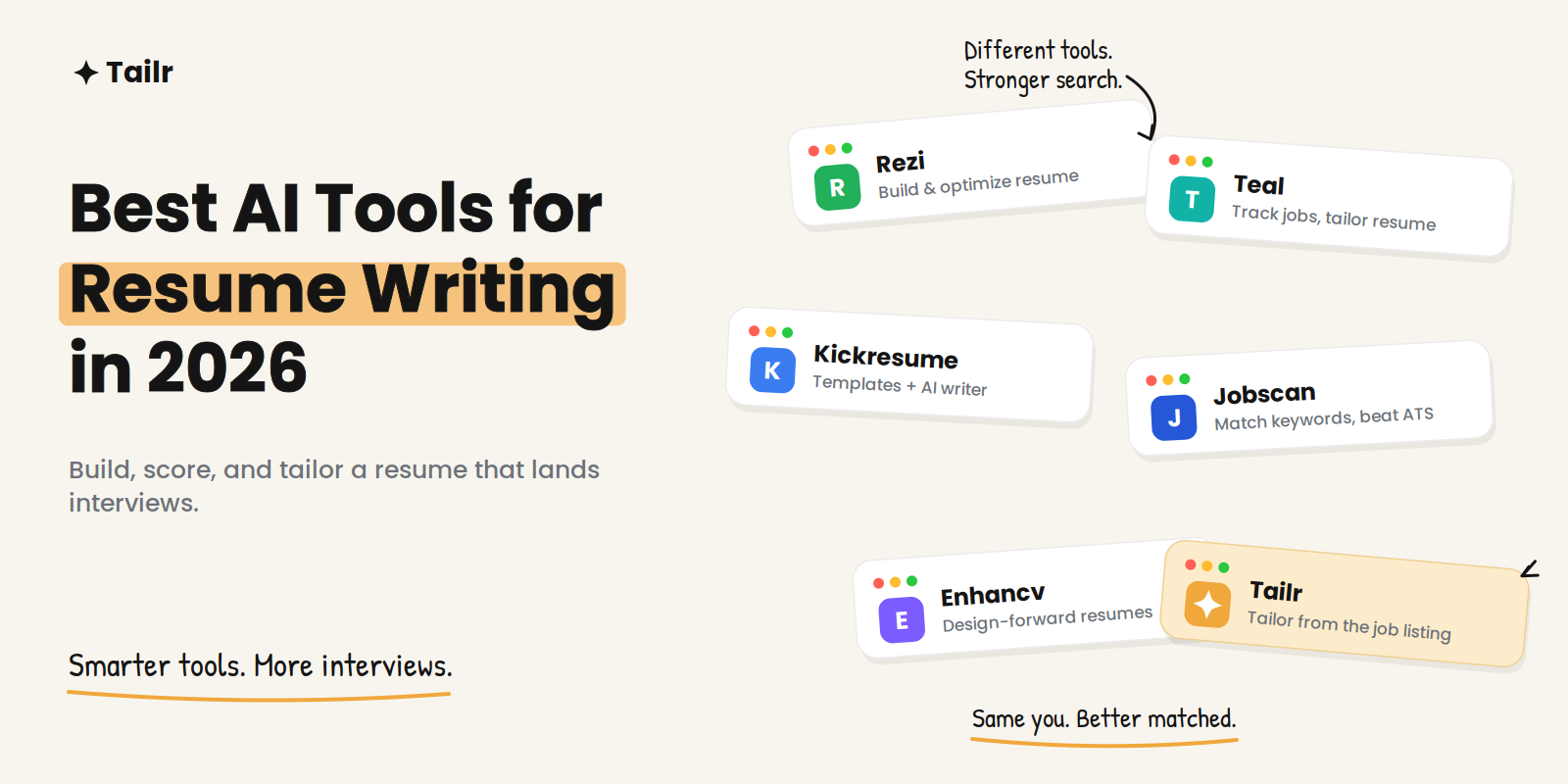
Writing a resume from a blank page is the worst part of a job search, and it’s the part AI is genuinely good at. The right tool turns a messy list of jobs into clean, keyword-matched bullet points in minutes — and helps you get past the applicant tracking system that reads your resume before any human does.
The short answer: the best AI tools for resume writing in 2026 are:
- Tailr: best for tailoring your resume to the exact job you’re viewing.
- Rezi: best for maximizing an ATS score.
- Teal: best builder plus job tracker.
- Kickresume: best free AI writer and templates.
- Enhancv: best for a design-forward resume.
- Resume Worded: best for scoring and fixing an existing resume.
- Jobscan: best for matching one resume to one job description.
No single tool does everything well, so most people pair a builder with a tailoring-and-checking tool.
What to look for in an AI resume tool
The category has matured, and the tools that stand out in 2026 share the same green flags. Look for ATS-safe layouts — single column, real text, standard headings — because a beautiful two-column PDF that a parser can’t read is worse than a plain one it can. Look for job-description tailoring, where you paste a posting and the tool tells you which keywords and skills to add. Look for achievement-focused rewriting that pushes you toward numbers and outcomes instead of duty lists. And look for honest control, meaning you can edit everything the AI suggests rather than being handed a black-box document.
One warning worth stating up front: recruiters are now actively screening for generic AI output. A resume that reads like it was generated from a job title and nothing else is a liability, not a shortcut. Every tool below is only as good as the editing you do on top of it.
1. Tailr
Website: the Tailr Chrome extension
Most tools on this list help you build or score a resume. Tailr does the part that actually gets interviews: it tailors your existing resume to the exact job you’re looking at, right from the listing. Instead of copying a posting into a separate tool, you open the job in your browser, and Tailr rewrites and reorders your resume to match what that specific role is asking for — then generates a matching cover letter and tracks the application so you don’t lose the thread.
That’s the difference between “a good resume” and “the right resume for this job.” Tailoring is the single highest-impact move in a job search, and doing it from the listing is what makes it fast enough to do every time.
Why use it:
- Tailors your resume from the live job listing, no copy-paste
- Generates a matching cover letter
- Tracks the application after you apply
Best for: Anyone applying to real roles who wants each resume matched to each job.
2. Rezi
Website: rezi.ai
Rezi is built around a real-time ATS score. As you edit, a number moves up or down based on a fixed checklist — keyword coverage, formatting, bullet strength — which makes it satisfying and, more importantly, actionable. Its bullet writer produces role-specific experience lines, and its summary generator handles the opening block that most people struggle with.
Paste a job posting and Rezi proposes specific changes to lift the match, which makes it a genuine job-description tool rather than a title-driven one. The trade-off is that it builds section by section rather than spitting out a finished document, so it behaves like a strong builder rather than a one-click generator.
Why use it:
- Live ATS score that updates as you write
- Keyword targeting against a pasted job description
- Clean, parseable templates that survive real ATS parsing
Best for: People who want the highest possible ATS score and don’t mind editing section by section.
3. Teal
Website: tealhq.com
Teal combines a resume builder with a job application tracker, which is what sets it apart. You save jobs into a pipeline, then build and tweak a resume against each one while tracking where every application stands. For anyone applying to a high volume of roles, having the builder and the tracker in one place removes a lot of spreadsheet busywork.
The AI generates bullet points and summaries, scores your resume against a specific job, and imports from LinkedIn so you’re not starting cold. The free plan is usable; unlimited AI and the deeper tracking features sit behind the paid tier.
Why use it:
- Built-in job tracking pipeline alongside the builder
- Resume-to-job match scoring
- LinkedIn import to skip the blank page
Best for: High-volume applicants who want to build and track in one tool.
4. Kickresume
Website: kickresume.com
Kickresume pairs a large template library with an AI writer that can populate a resume from just a job title. It’s one of the most generous free options in the category, and it has broadened into adjacent tools like resume tailoring and a job application tracker. If you want something visually polished without wrestling with formatting, it’s a strong starting point.
The design range is a double-edged sword — some of the flashier templates lean heavier on layout than an ATS wants — so pick a clean template if machine-readability is your priority.
Why use it:
- Big template library with strong visual polish
- Generous free tier, including student discounts
- AI writer that drafts from a job title
Best for: People who want an attractive resume fast with a real free option.
5. Enhancv
Website: enhancv.com
Enhancv is the pick when you want a resume that looks distinctive without being a design project. It leans into visual sections and content prompts that guide you on what to write, which helps if you freeze at an empty template. It’s popular with candidates in fields where a bit of personality on the page is an asset rather than a risk.
As with any design-forward builder, keep an eye on ATS compatibility: choose a single-column export when you’re applying through an online portal rather than emailing a human directly.
Why use it:
- Design-forward templates with content guidance
- Prompts that help you fill sections you’d otherwise skip
- Good for standing out in design-friendly fields
Best for: Candidates who want a polished, distinctive layout.
6. Resume Worded
Website: resumeworded.com
Resume Worded is less a builder and more a second opinion. You upload an existing resume and it scores it, then gives line-by-line suggestions to make bullets stronger and more measurable. It also has a LinkedIn review feature, which is useful because recruiters often check your profile alongside your resume.
If you already have a resume you’re reasonably happy with and want to know why it isn’t getting callbacks, this is the fastest way to find the weak spots.
Why use it:
- Scores and refines a resume you already have
- Specific rewrite suggestions for weak bullets
- Separate LinkedIn profile review
Best for: People improving an existing resume rather than starting over.
7. Jobscan
Website: jobscan.co
Jobscan does one thing extremely well: it compares your resume against a specific job description and reports a match rate, showing exactly which keywords and skills you’re missing. It’s the closest thing to seeing what the ATS sees. Because it’s focused on matching rather than building, it works best alongside whatever tool you used to create the resume.
The free plan includes a handful of scans; heavy use during an active search usually means a paid month.
Why use it:
- Match-rate scoring against a real job description
- Clear list of missing keywords and skills
- Focuses on the ATS match most builders gloss over
Best for: Confirming a finished resume actually matches the job before you apply.
AI resume tools compared
| Tool | Main job | Free tier | Best for |
|---|---|---|---|
| Tailr | Tailor from the listing | Yes | Matching each resume to each job |
| Rezi | Build + ATS score | Limited (capped downloads) | Maximizing ATS score |
| Teal | Build + job tracker | Yes, usable | High-volume applicants |
| Kickresume | Build + templates | Generous | Fast, polished resumes |
| Enhancv | Design-forward build | Limited | Standing out visually |
| Resume Worded | Score existing resume | Limited scans | Fixing a resume you have |
| Jobscan | Match to a job | Few free scans | Checking ATS match |
How to use these tools without sounding like a robot
The efficient workflow is a stack, not a single app. Use a builder (Rezi, Teal, or Kickresume) to create one strong, honest master resume with real numbers in the bullet points. Run it through a scorer (Resume Worded or Jobscan) once to catch weak lines and formatting problems. Then, for every job you actually apply to, tailor that master resume to the specific posting rather than sending the same file everywhere.
The mistakes that get AI resumes rejected are predictable: inflated metrics you can’t defend, buzzword soup with no substance, and a two-column design the ATS can’t parse. Fix those three things and you’re ahead of most applicants. For the deeper how-to on matching a resume to a posting, see our guides on how to tailor your resume to a job description and how to tailor your resume without lying.
Where Tailr fits
If you take one thing from this list, make it this: building the resume is the easy 20% now, and tailoring it to each job is the 80% that gets interviews. Try Tailr to tailor your resume straight from the job listing, generate a cover letter that matches, and keep every application tracked in one place. It’s the piece the builders above leave to you. You can also browse our roundup of the top AI tools for job search to see how the rest of the stack fits together.
Conclusion
The best AI tool for resume writing in 2026 isn’t a single product — it’s a short stack you assemble around one honest master resume. Pick a builder you like, check it against the ATS once, and tailor it to every real job. AI removes the busywork; your judgment and your actual track record still do the winning.
Frequently asked questions
01What is the best AI resume tool in 2026?
It depends on the job you're doing. Tailr is best for tailoring your resume to the exact job you're viewing, Rezi is strongest for maximizing an ATS score, Teal is best if you want a builder plus a job tracker, and Jobscan is best for matching one resume to one job description. Most people get the best results using a builder to create the resume and a separate tool to tailor and check it against each posting.
02Are AI resume builders worth it?
Yes, if you treat them as a starting point rather than a finished product. They save hours on formatting, phrasing, and keyword coverage, which is where most people get stuck. The catch is that generic AI output is easy for recruiters to spot, so you still need to edit for your real achievements and tailor it to each role.
03Do AI-written resumes pass ATS systems?
They can, as long as the layout stays simple and parseable. Applicant tracking systems read text, not design, so single-column layouts, standard section headings, and real keywords from the job description matter far more than graphics. Tools like Rezi and Jobscan exist specifically to check that your resume is machine-readable before you apply.
04Is it safe to use AI to write my resume?
It's safe as long as everything on the page is true. AI is good at rephrasing and structuring, but it will happily invent metrics or responsibilities if you let it, and inflated claims fall apart in interviews. Use it to sharpen wording and cover keywords, then verify every line reflects what you actually did.
05Can I use AI resume tools for free?
Most have a free tier, though the limits vary. Kickresume and Teal have some of the most generous free options, while Rezi and Jobscan cap free downloads or scans. A common approach is to draft for free and only pay for one month when you're actively applying.
06Should I tailor my resume for every job?
For roles you actually want, yes — tailoring is the single highest-impact thing you can do. Matching your resume to the specific keywords and priorities in each posting improves both your ATS match and your appeal to the human reader. Tools that tailor from the live job listing make this fast enough to do every time instead of sending one generic resume everywhere.