Best Automation Testing Tools in 2026
· updated
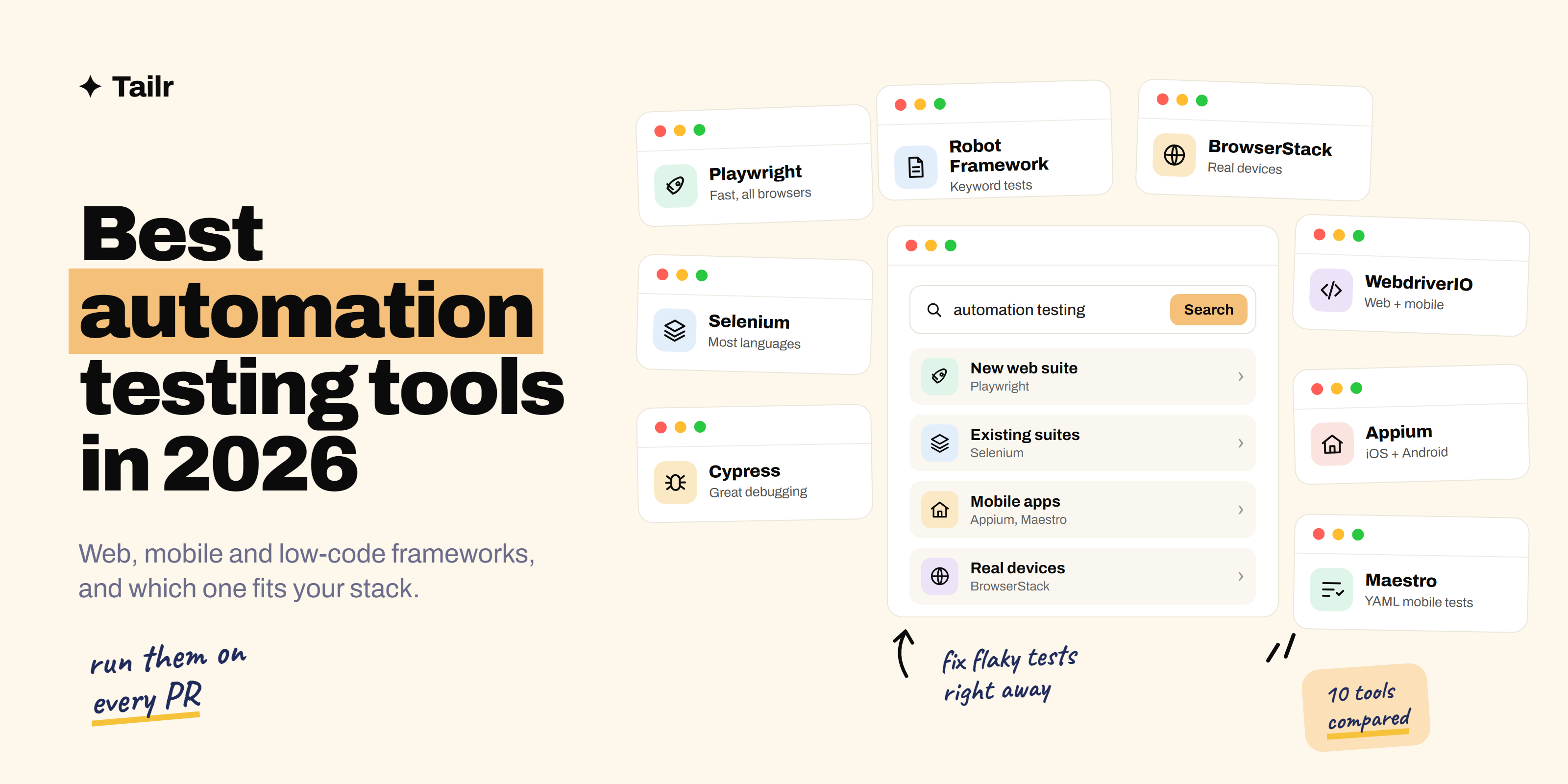
Manual testing finds bugs. Automation makes sure they stay fixed. Once a test runs on every code change without anyone clicking through the app, you can ship faster and sleep better. The automation testing tools below cover web, mobile and low-code testing, and most of the core frameworks are free. The hard part is choosing, so this guide tells you which one fits which job.
The short answer: the best automation testing tools in 2026 are:
- Playwright: the default for new web automation, fast and reliable across browsers.
- Selenium: the long-standing standard, with the widest language and browser support.
- Cypress: the friendliest developer experience for JavaScript teams.
- WebdriverIO: a flexible JavaScript framework for web and mobile.
- Appium: the most widely used tool for mobile app automation.
- Maestro: simple, reliable mobile tests written in YAML.
- Robot Framework: keyword-driven tests that read like plain English.
- Katalon: a low-code platform for mixed teams of testers.
- mabl: low-code testing with self-healing tests.
- BrowserStack: a cloud of real browsers and devices to run all of the above on.
For a new web project, start with Playwright. For mobile, start with Appium or Maestro. Add a cloud grid when you need real devices.
For a broader look at a tester’s stack, including test management and API tools, see the best tools for QA and software testing.
What to look for in an automation tool
- What you’re testing. Web, mobile and desktop apps need different tools. Don’t force a web framework onto a mobile app.
- Your team’s language. A framework your developers already know gets maintained. One they don’t gets abandoned.
- Flakiness. Tests that fail randomly destroy trust. Tools with automatic waiting, like Playwright and Cypress, cut flaky failures a lot.
- Debugging. When a test fails at 2 a.m., you want screenshots, videos and step-by-step traces, not just a red X.
- CI and parallel runs. Good tools run headless in your pipeline and split tests across machines so the suite stays fast.
1. Playwright
Website: playwright.dev
Playwright, from Microsoft, has become the default choice for new web automation. One API drives Chromium, Firefox and WebKit (Safari’s engine), and it waits for elements automatically, which removes most flaky timing failures. Its trace viewer shows every step of a failed test with screenshots and network calls, and it runs tests in parallel out of the box. It supports TypeScript, JavaScript, Python, Java and .NET.
Why use it:
- Fast, reliable tests across all major browser engines
- Excellent debugging with traces and screenshots
- Parallel runs and CI support built in
Best for: any team starting a new web automation suite.
2. Selenium
Website: selenium.dev
Selenium has been the backbone of web automation for nearly two decades. It supports Java, Python, C#, JavaScript, Ruby and more, works with every major browser and has a vast ecosystem of tools, tutorials and cloud providers built around it. Selenium Grid lets you run tests across many machines. It needs more setup than Playwright, but it’s still in more job listings than any other web automation tool.
Why use it:
- The widest language and browser support
- Huge community and existing test suites
- Appears in a large share of QA job listings
Best for: Java teams, large companies and anyone maintaining existing suites.
3. Cypress
Website: cypress.io
Cypress runs inside the browser alongside your app, which makes tests fast and debugging unusually pleasant: you can watch each step, time-travel through snapshots and inspect the page at any point. It’s built for JavaScript and TypeScript and is strong for both end-to-end and component tests. Cypress Cloud adds recording, parallel runs and analytics.
Why use it:
- The most developer-friendly debugging experience
- Great for component tests as well as end-to-end
- Quick to set up for JavaScript projects
Best for: frontend teams where developers write the tests.
4. WebdriverIO
Website: webdriver.io
WebdriverIO is a JavaScript and TypeScript framework that can drive browsers through WebDriver or the newer WebDriver BiDi protocol, and mobile apps through Appium. That makes it a good fit for teams who want one framework across web and mobile. It’s highly configurable, with a large set of plugins and reporters.
Why use it:
- One JavaScript framework for web and mobile
- Lots of plugins and reporters
- Works with Appium for mobile apps
Best for: JavaScript teams testing both web and mobile.
5. Appium
Website: appium.io
Appium is the most widely used open-source framework for automating native, hybrid and mobile web apps on iOS and Android. It uses the WebDriver protocol, so you can write tests in Java, Python, JavaScript and other languages, and the same approach covers both platforms. Setup can be fiddly, but it’s the standard skill for mobile automation roles.
Why use it:
- Covers iOS and Android with one approach
- Write tests in the language you already use
- Industry standard for mobile automation jobs
Best for: mobile QA engineers.
6. Maestro
Website: maestro.dev
Maestro is a newer mobile testing tool where you write tests as short YAML flows, like “tap on Login” and “assert visible Welcome.” It handles waiting and retries for you, so tests are less flaky, and setup takes minutes rather than hours. It works with native iOS and Android apps, React Native and Flutter.
Why use it:
- Simple tests anyone on the team can read
- Fast setup and fewer flaky failures
- Supports React Native and Flutter apps
Best for: mobile teams who want automation without heavy setup.
7. Robot Framework
Website: robotframework.org
Robot Framework is an open-source, keyword-driven framework. Tests are written in a readable table-like format (“Open Browser,” “Input Text,” “Click Button”), and libraries add support for web (via Selenium or Playwright), APIs, mobile and more. It’s popular in larger organizations where testers, analysts and developers all need to read the tests.
Why use it:
- Readable tests that non-programmers can follow
- Libraries for web, API, mobile and desktop
- Built on Python, easy to extend
Best for: teams with a mix of technical and non-technical testers.
8. Katalon
Website: katalon.com
Katalon is a low-code platform for web, API, mobile and desktop testing. You can record tests, build them from keywords or drop into code when you need to, and it includes reporting and test management features. It’s a good bridge for teams moving from manual testing to automation.
Why use it:
- Record, build or code tests in one tool
- Covers web, API, mobile and desktop
- Built-in reports and management
Best for: manual testers moving into automation.
9. mabl
Website: mabl.com
mabl is a cloud testing platform where you create tests with a low-code recorder, and it automatically repairs tests when small things in the UI change, like a button’s label or position. It covers web, mobile, API and accessibility testing and fits into CI pipelines. It trades some control for a lot less maintenance.
Why use it:
- Self-healing tests that need less upkeep
- Low-code test creation
- Web, mobile, API and accessibility in one place
Best for: teams that want automation coverage without a big framework to maintain.
10. BrowserStack
Website: browserstack.com
BrowserStack isn’t a framework; it’s where you run your framework’s tests. It gives you thousands of real browsers and real iOS and Android devices in the cloud, and it works with Playwright, Selenium, Cypress, Appium and more. LambdaTest (lambdatest.com) and Sauce Labs (saucelabs.com) are popular alternatives.
Why use it:
- Test on real devices without buying them
- Works with all the major frameworks
- Parallel runs to keep suites fast
Best for: teams that need broad browser and device coverage.
Automation testing tools compared
| Tool | Tests | Languages or style | Best for |
|---|---|---|---|
| Playwright | Web | TS, JS, Python, Java, .NET | New web suites |
| Selenium | Web | Java, Python, C#, JS, Ruby | Existing suites, Java teams |
| Cypress | Web | JS, TS | Developer-written tests |
| WebdriverIO | Web, mobile | JS, TS | One framework for both |
| Appium | Mobile | Java, Python, JS and more | Mobile automation |
| Maestro | Mobile | YAML | Quick, stable mobile tests |
| Robot Framework | Web, API, mobile | Keywords | Mixed-skill teams |
| Katalon | Web, API, mobile, desktop | Low-code plus code | Moving from manual |
| mabl | Web, mobile, API | Low-code | Low maintenance |
| BrowserStack | Runs all of the above | Cloud grid | Real-device coverage |
How to build a test suite that lasts
- Automate the boring, important paths first. Login, checkout, signup. The flows that cost money when they break.
- Keep tests independent. Each test should set up its own data and not rely on another test running first.
- Use stable selectors. Add test IDs to your elements instead of relying on CSS classes that designers change.
- Fix flaky tests immediately. One flaky test teaches the team to ignore failures. Fix it or delete it.
- Run tests on every pull request. Fast feedback is the whole point. Pair your framework with a pipeline from the best DevOps and CI/CD tools.
Interviewing for automation roles? Our SDET interview questions and QA engineer vs SDET guides cover what each role expects.
Match your resume to the stack
Automation listings name specific tools: “Playwright with TypeScript,” “Selenium and Java,” “Appium for iOS.” A resume that leads with the right framework gets read; one that lists ten tools in a row gets skimmed. Tailr tailors your resume to the job listing you’re viewing, so the framework and language that role wants show up first.
Apply to more automation roles
Try Tailr to tailor your resume, write a matching cover letter and keep track of every application from your browser.
Conclusion
The best automation testing tools in 2026 depend on what you’re testing. For web, Playwright is the strongest default, Selenium remains essential for existing suites and Java teams, and Cypress is the friendliest for JavaScript developers. For mobile, use Appium or Maestro. Low-code platforms like Katalon and mabl help teams move from manual testing, and a cloud grid like BrowserStack gives you real devices. Learn one framework deeply, keep your tests stable, and run them on every change.
Frequently asked questions
01What is the best automation testing tool in 2026?
Playwright is the best choice for most new web automation projects, thanks to fast, reliable tests across Chromium, Firefox and WebKit. Selenium is still the most widely used and supports the most languages, and Cypress is a favorite with JavaScript developers. For mobile apps, Appium and Maestro are the top picks.
02Is Selenium still worth learning in 2026?
Yes. Selenium is still in a huge number of existing test suites and job listings, especially at large companies and Java teams. If you're starting fresh, learn Playwright first, then pick up Selenium so you can work on the many projects that already use it.
03Playwright vs Cypress: which should I choose?
Choose Playwright if you need several browsers, several languages or tests that span tabs and domains. Choose Cypress if your team writes JavaScript or TypeScript and wants the smoothest debugging experience, especially for component tests. Both are free and open source.
04What is the best free automation testing tool?
Playwright, Selenium, Cypress, WebdriverIO, Appium, Maestro and Robot Framework are all open source and free. Costs usually come from cloud device grids, paid dashboards or enterprise platforms, not the frameworks themselves.
05What is the best tool for mobile automation testing?
Appium is the most widely used tool for automating native and hybrid apps on iOS and Android. Maestro is a newer, simpler option where you write tests in short YAML files, and it's popular for its reliability and quick setup. Many teams run either on a real-device cloud like BrowserStack.
06Which automation testing tool should I learn for a job?
Learn Playwright or Selenium with one programming language, plus the basics of running tests in CI. Look at the job listings you want: Java-heavy companies often ask for Selenium, while newer product companies increasingly ask for Playwright or Cypress with TypeScript.