Best Tools for QA and Software Testing in 2026
· updated
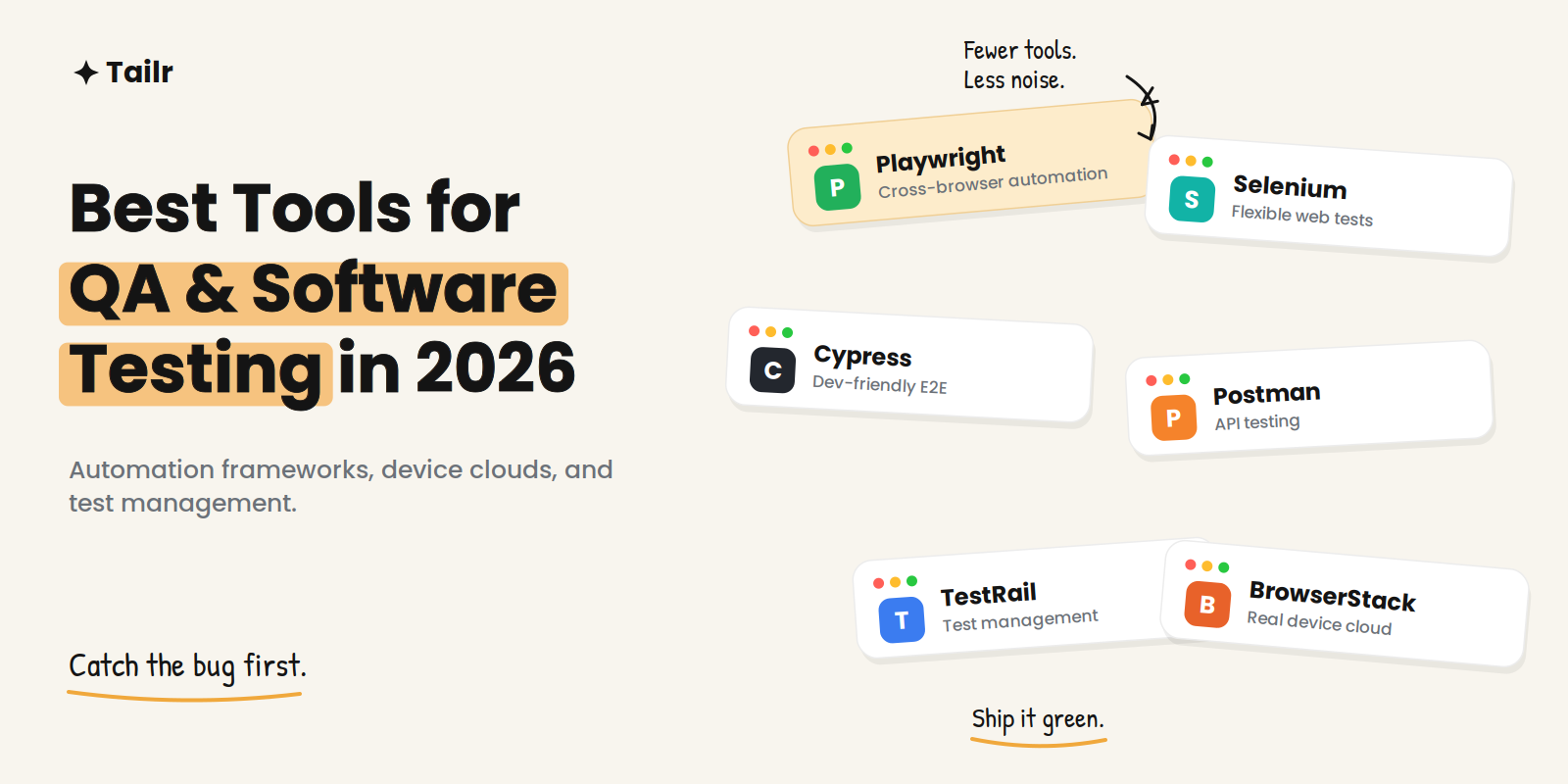
Testing is where quality is won or lost, and in 2026 the toolset spans everything from open-source frameworks developers script themselves to AI-assisted platforms that generate and self-heal tests. The challenge isn’t finding tools — it’s picking the right combination for what you’re testing without fragmenting your workflow across a dozen dashboards. This guide covers the best tools for QA and software testing in 2026, grouped by the job each one does.
The short answer: the best tools for QA and software testing in 2026, by job:
- Web automation: Playwright, Selenium, Cypress.
- Mobile: Appium.
- API testing: Postman.
- Test management: TestRail.
- Cross-browser and device coverage: BrowserStack, LambdaTest.
- Codeless and enterprise testing: Katalon, Tricentis.
- Performance: k6 or JMeter.
Most teams combine one automation framework, one management tool, and a cloud device grid rather than relying on a single platform.
How to choose a testing stack
Before comparing tools, settle what you’re actually buying. A good testing tool should address a defined need — UI automation, API validation, performance, or reporting — and connect to your existing delivery stack: CI/CD pipelines, issue trackers, source control. It should also bring manual and automated results into one view without pretending the two are interchangeable.
The 2026 trend worth knowing is AI in testing: self-healing tests that fix themselves when a selector changes, codeless platforms that lower the barrier for non-engineers, and autonomous test generation. These reduce maintenance, but they don’t remove the need for a human who understands risk and reviews what the tool produces. The job title shifted from “script maintainer” to “quality engineer who directs the tooling.”
Web automation frameworks
Playwright (website: playwright.dev) is the momentum leader. Backed by Microsoft, it runs fast, reliable cross-browser tests with less of the flakiness that plagues older tools, and it leads open-source demand in job postings and new projects. For a new web automation suite in 2026, it’s the default recommendation.
Selenium (website: selenium.dev) is the long-standing standard — the most flexible and customizable option, with the widest language support and browser coverage. It has a large ecosystem and remains deeply embedded in existing test suites, so it’s rarely the wrong choice where it’s already in place.
Cypress (website: cypress.io) is beloved for developer experience. The core app is free and open source for end-to-end and component testing in JavaScript and TypeScript, with Cypress Cloud adding recording, parallelization, and analytics. It’s a strong fit when developers own the tests.
Mobile testing
Appium (website: appium.io) is the go-to open-source framework for automating native, hybrid, and mobile web apps across iOS and Android, using a single API. If your product has a mobile app, it’s the default automation layer, often paired with a cloud device grid for real-device coverage.
API testing
Postman (website: postman.com) doubles as an API testing tool alongside its development features — you can write assertions, automate collections, and run them in CI. For teams that already use it to build APIs, extending it into testing keeps everything in one place.
Test management
TestRail (website: testrail.com) is the widely used commercial platform for organizing manual, exploratory, and automated testing. Teams manage cases and runs, track results, link tests to requirements and defects, and report on quality across projects, with integrations into automation frameworks, issue trackers, and CI/CD. When you outgrow spreadsheets for tracking what’s tested, this is the category to add.
Cross-browser and device cloud
BrowserStack (website: browserstack.com) and LambdaTest (website: lambdatest.com) let you run tests across thousands of real browser, OS, and device combinations in the cloud, so you don’t maintain expensive local infrastructure. Both support the major frameworks — Selenium, Cypress, Playwright — and integrate with CI for automated feedback. They’re how small teams get broad environment coverage.
Codeless and enterprise platforms
Katalon (website: katalon.com) offers an accessible, lower-code platform that suits teams mixing technical and non-technical testers. Tricentis (website: tricentis.com) anchors the enterprise end with model-based testing across web, mobile, API, SAP, and desktop, and was named a Leader in the 2025 Gartner Magic Quadrant for AI-augmented software testing tools. These platforms trade some flexibility for reduced scripting and enterprise-scale management.
Performance testing
k6 (website: k6.io) is the modern, developer-friendly load-testing tool, with tests written in JavaScript and easy CI integration. JMeter (website: jmeter.apache.org) is the established open-source alternative with a long track record and broad protocol support. Either one answers the question automation frameworks can’t: does the system hold up under load?
QA and testing tools compared
| Category | Top picks | Best for |
|---|---|---|
| Web automation | Playwright, Selenium, Cypress | Automating UI regression |
| Mobile | Appium | Native and hybrid app tests |
| API testing | Postman | Validating endpoints |
| Test management | TestRail | Organizing cases and results |
| Cross-browser cloud | BrowserStack, LambdaTest | Broad device coverage |
| Codeless / enterprise | Katalon, Tricentis | Low-code and scale |
| Performance | k6, JMeter | Load and stress testing |
Building an efficient QA workflow
Fewer tools is usually better. Each addition brings integration overhead, context switching, and the work of consolidating reports. A lean, effective stack for many teams is one automation framework (Playwright for new work), a cloud device grid for coverage, a test management tool once tracking outgrows spreadsheets, and a performance tool when load matters. Wire all of them into your CI so tests run on every build and catch regressions before they reach production — continuous testing depends on that connection to systems like Jenkins, GitHub Actions, and GitLab CI.
If you’re deciding what to learn, the highest-value combination for 2026 is Playwright plus one AI-assisted platform: the framework for control, the platform for maintenance-heavy suites. Testing sits right alongside the broader development toolchain, so it’s worth pairing this with our guide to the best tools for software developers.
For QA engineers job hunting
Knowing the tools is half of it; getting hired to use them is the other half, and it rewards the same rigor you apply to test coverage. QA and SDET postings differ sharply — some want deep Selenium and Java, others Playwright and TypeScript, others performance or mobile — so a single generic resume rarely matches the specific role. Tailr tailors your resume to the exact job listing you’re viewing, surfacing the frameworks and experience that posting asks for, then generates a matching cover letter and tracks the application. Try Tailr to apply to more of the right QA roles without rewriting each time, and see the top AI tools for job search for the full process.
Related guides
- 50 Manual Testing Interview Questions and Answers
- What Is Software Testing? Types, Levels and Methods Explained
- What Is API Testing? Types, Tools and How to Start
- 50 API Testing Interview Questions and Answers
Conclusion
The best tools for QA and software testing in 2026 are a focused combination, not a single suite: an automation framework you know well, a way to test across real environments, a place to manage cases and results, and a performance tool when you need one. Keep the stack lean, connect it to CI, and let AI handle maintenance while a quality engineer owns the risk decisions. Good testing isn’t about owning every tool — it’s about catching the bug before your users do.
Frequently asked questions
01What tools do QA testers use?
QA teams usually combine a few types of tool: an automation framework like Playwright, Selenium, or Cypress for web, Appium for mobile, Postman for API testing, and a test management platform like TestRail to organize cases and results. Cross-browser cloud services like BrowserStack or LambdaTest and performance tools like k6 round out most stacks. The right mix depends on what you're testing and your existing delivery pipeline.
02What is the best automation testing tool in 2026?
For web UI testing, Playwright leads open-source demand thanks to fast, reliable cross-browser runs. Selenium remains the most established and flexible option with the broadest language support, and Cypress is a favorite for developer-friendly end-to-end and component testing. The strongest 2026 skill set is Playwright plus one AI-assisted platform for maintenance-heavy suites.
03Selenium vs Playwright vs Cypress — which is best?
Selenium is best for maximum flexibility and language choice across many browsers. Playwright is best for modern, fast cross-browser automation with less flakiness. Cypress is best for a smooth developer experience in JavaScript and TypeScript, especially for component testing. Many teams pick Playwright for new projects and keep Selenium where it's already established.
04What is the best free QA testing tool?
The leading web automation frameworks — Selenium, Playwright, and Cypress — are all open source and free, and Postman has a free tier for API testing. Cypress and several cloud platforms offer free plans with limited runs. You can build a serious automation suite without paying for a framework; costs usually come from cloud device grids and test management at scale.
05Do QA testers need to know how to code?
Increasingly, yes, at least some. Automation frameworks like Playwright and Selenium require scripting, and demand has shifted toward quality engineers who can write and maintain tests. Codeless and AI-assisted platforms let non-coders automate too, but even there, the strongest testers understand enough code to review what the tool generates.
06What is a test management tool?
A test management tool like TestRail organizes test cases into suites, tracks manual and automated runs, records pass/fail results, and links tests to requirements and defects. It gives a QA team a single place to plan testing and report on quality across a project. It sits above your automation frameworks, pulling their results into one view.