Best Tools for Software Developers in 2026
· updated
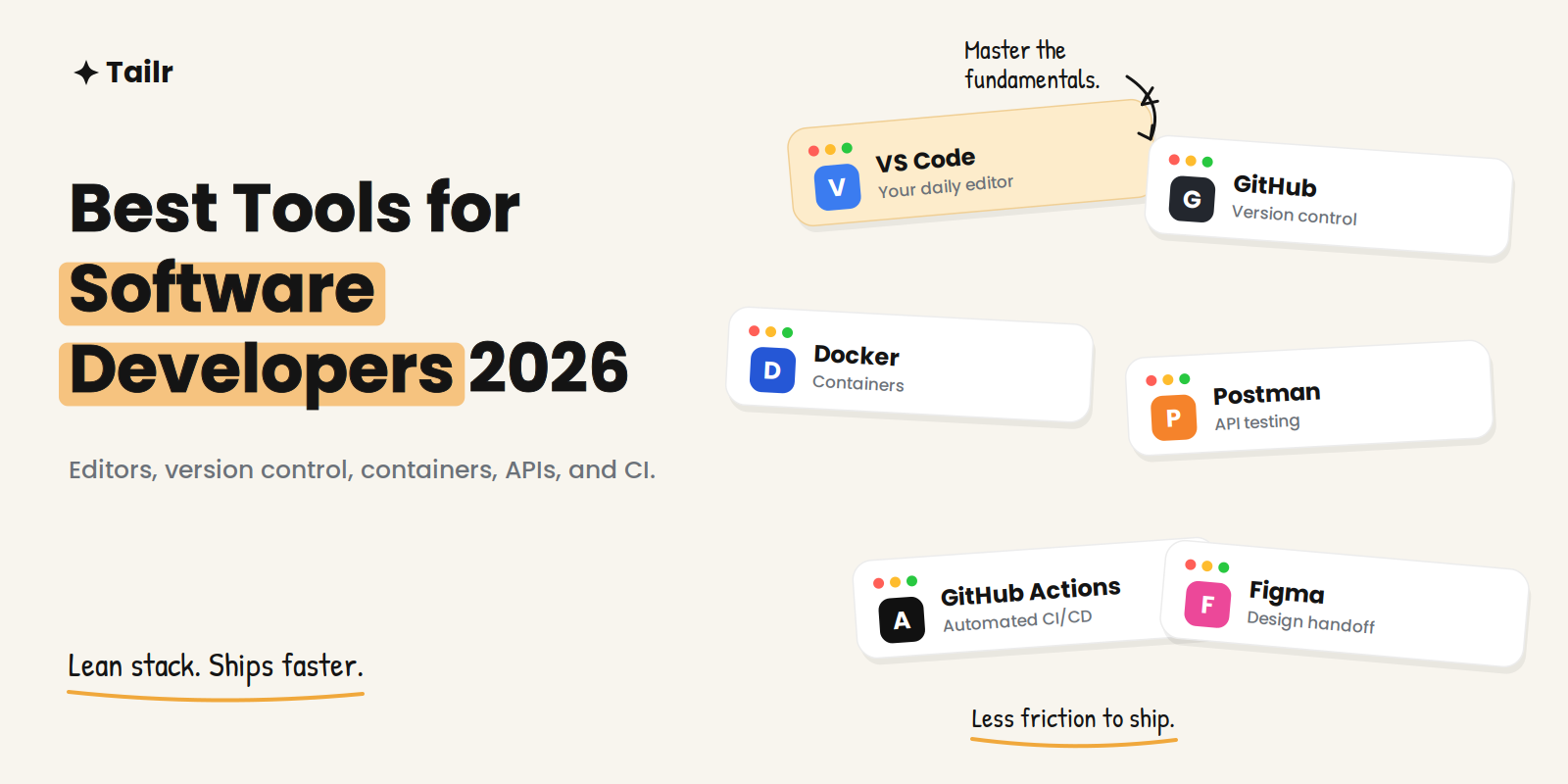
The developer toolchain in 2026 looks different than it did two years ago — AI assistants now write code and review pull requests, and backend platforms ship with more built in — but the core hasn’t moved much. A great editor, solid version control, containers, an API client, and automated CI still form the spine of nearly every workflow. This guide covers the best tools for software developers in 2026, organized by what each one actually does for you.
The short answer: the best tools for software developers in 2026, by job:
- Writing code: VS Code and JetBrains IDEs.
- Version control: Git and GitHub.
- Containers: Docker.
- APIs: Postman.
- CI/CD: GitHub Actions (or Jenkins).
- Testing: Playwright.
- Design and team communication: Figma and Slack.
- On top of it all: an AI coding assistant.
The exact stack varies by language, but that core is close to universal.
How to think about your toolchain
Good tool selection directly shapes productivity, code quality, and how well a team collaborates across the software development lifecycle. The trap is chasing novelty: every year brings new frameworks and utilities, and decision fatigue is real. The better approach is to keep a stable core you know deeply and only swap in specialized tools when a specific problem demands it. Below, each tool is grouped by the job it does, so you can see where a gap in your own stack might be.
Code editors and IDEs
VS Code (website: code.visualstudio.com) is the most widely used editor for good reason: a marketplace with tens of thousands of extensions, built-in Git control, an integrated terminal and debugger, and smart code completion. It’s fast, flexible, and handles almost any language once you add the right extensions. For most developers it’s the default daily driver.
JetBrains IDEs (website: jetbrains.com) — IntelliJ IDEA, PyCharm, WebStorm, and the rest — are the choice when you want deep, language-aware intelligence. Their refactoring, navigation, and project understanding go further than an editor with plugins, which pays off in large or complex codebases. Many developers run both: VS Code for general work, a JetBrains IDE for their primary language.
Version control
Git (website: git-scm.com) is the foundation. It captures every change as a commit — a restore point you can return to — and enables branching and merging so teams can work in parallel without stepping on each other. As of 2026 it dominates version control usage and is treated as a fundamental skill.
GitHub (website: github.com) is where most of that Git work lives in the cloud: repository hosting, pull requests, issue tracking, code review, and integrated CI through GitHub Actions. GitLab (website: gitlab.com) is the strong alternative, especially for teams that want tightly integrated CI/CD or self-hosted deployment.
Containers
Docker (website: docker.com) solved “it works on my machine” by packaging apps and their dependencies into containers that run the same everywhere. It’s essential for consistent environments across development and production. Once you’re running many containers, Kubernetes tooling — kubectl, Helm, Lens — becomes the next layer for managing clusters, though most individual developers don’t need it day one.
API development
Postman (website: postman.com) has grown from a simple request client into a full API development environment — building, testing, documenting, and monitoring APIs, with shared collections so teams work from the same definitions. For any backend or full-stack work, it’s the standard way to poke at an API before you wire it into code.
CI/CD
GitHub Actions (website: github.com/features/actions) lets you run tests, builds, and deployments automatically on every push, right where your code already lives — which is why it’s the easy default for teams on GitHub. Jenkins (website: jenkins.io) remains the flexible, self-hosted workhorse for organizations that need custom pipelines and full control. The point of either is the same: catch broken builds before they reach production.
Testing
Playwright (website: playwright.dev) has become the leading open-source choice for end-to-end web testing, with fast, reliable cross-browser runs and a strong developer experience. It’s worth knowing even if you’re not a dedicated tester — automated tests are part of shipping quality code. For a full breakdown of testing options, see our guide to the best tools for QA and software testing.
Design and collaboration
Figma (website: figma.com) is where developers and designers meet — reviewing designs, inspecting specs, and translating mockups into code. Even non-designers use it constantly. Slack (website: slack.com) remains the default for team communication, keeping distributed teams in sync with messaging, calls, and integrations that pipe in build statuses and alerts.
AI coding assistants
The biggest change to the toolchain is the AI assistant layer — tools that autocomplete, refactor across files, and handle background work. This has become its own category, and it’s worth choosing deliberately. We cover the options in depth in our guide to the best AI coding tools for developers.
Developer tools compared
| Category | Top picks | Best for |
|---|---|---|
| Editor / IDE | VS Code, JetBrains IDEs | Writing and refactoring code |
| Version control | Git, GitHub, GitLab | Tracking changes, collaboration |
| Containers | Docker, Kubernetes tooling | Consistent environments |
| API development | Postman | Building and testing APIs |
| CI/CD | GitHub Actions, Jenkins | Automated builds and deploys |
| Testing | Playwright | Catching regressions |
| Collaboration | Figma, Slack | Design handoff, team comms |
Building your stack efficiently
If you’re starting out, learn three things before anything else: a code editor, Git and GitHub, and the terminal. Those cover writing, versioning, and collaborating — most of the daily job. Add Docker, an API client, and a CI pipeline as soon as you’re comfortable, because they show up on almost every real team. Everything past that is specialization: pick tools that match your language and stack rather than collecting every shiny utility.
The measure of a good toolchain isn’t how many tools it has — it’s how little friction sits between writing code and shipping it safely.
For developers job hunting
Your tools make you productive; getting the role you want is a separate skill, and it rewards the same precision you bring to code. Developer job postings are dense with specific stacks and keywords, and a generic resume rarely reflects the exact one a given team is hiring for. Tailr tailors your resume to the specific job listing you’re viewing — surfacing the languages, frameworks, and experience that role actually asks for — then generates a matching cover letter and tracks the application. Try Tailr to apply to more of the right roles with less rewriting, and see the full top AI tools for job search roundup for the rest of the process.
Conclusion
The best tools for software developers in 2026 are a stable, well-understood core — editor, Git, containers, API client, CI — with an AI assistant on top and specialized tools added only when a problem calls for them. Master the fundamentals deeply, keep the stack lean, and let the tooling get out of the way of the actual work: building software that ships.
Frequently asked questions
01What tools do software developers use?
Most developers rely on a core set: a code editor or IDE like VS Code or a JetBrains IDE, Git and GitHub for version control, Docker for containers, Postman for APIs, and a CI system like GitHub Actions. On top of that sit AI coding assistants, testing frameworks, and collaboration tools like Slack and Figma. The exact mix depends on your language and stack, but that core is close to universal.
02What is the best code editor in 2026?
Visual Studio Code remains the most popular editor thanks to its huge extension marketplace, built-in Git, and broad language support. JetBrains IDEs are the top choice when you want deep, language-specific intelligence and refactoring, especially for Java, Kotlin, or large codebases. Many developers use VS Code for general work and a JetBrains IDE for their primary language.
03Do developers still need to learn Git?
Yes — Git is effectively non-negotiable. As of 2026 it accounts for the overwhelming majority of version control usage, and most professional developers consider it a fundamental skill. Even with AI assistants writing more code, understanding branches, merges, and commit history is core to working on any real team.
04What is the best free developer tool?
VS Code and Git are both free and form the backbone of most workflows. GitHub has a free tier for repositories and CI through GitHub Actions, Postman has a free plan for API work, and Docker is free for individual use. You can assemble a complete professional toolchain without paying for anything at the start.
05What is the difference between an IDE and a code editor?
A code editor like VS Code is lightweight and flexible, becoming powerful through extensions you add. An IDE like a JetBrains product ships with deep, integrated features for a specific language — advanced refactoring, debugging, and project understanding — out of the box. Editors favor speed and breadth; IDEs favor depth in one ecosystem.
06What tools should a beginner developer learn first?
Start with three: a code editor (VS Code), Git and GitHub for version control, and the terminal. Those cover writing code, tracking changes, and collaborating, which is most of the job. Add Docker, an API client, and a CI system once you're comfortable, rather than trying to learn everything at once.