Best AI Coding Tools for Developers in 2026
· updated
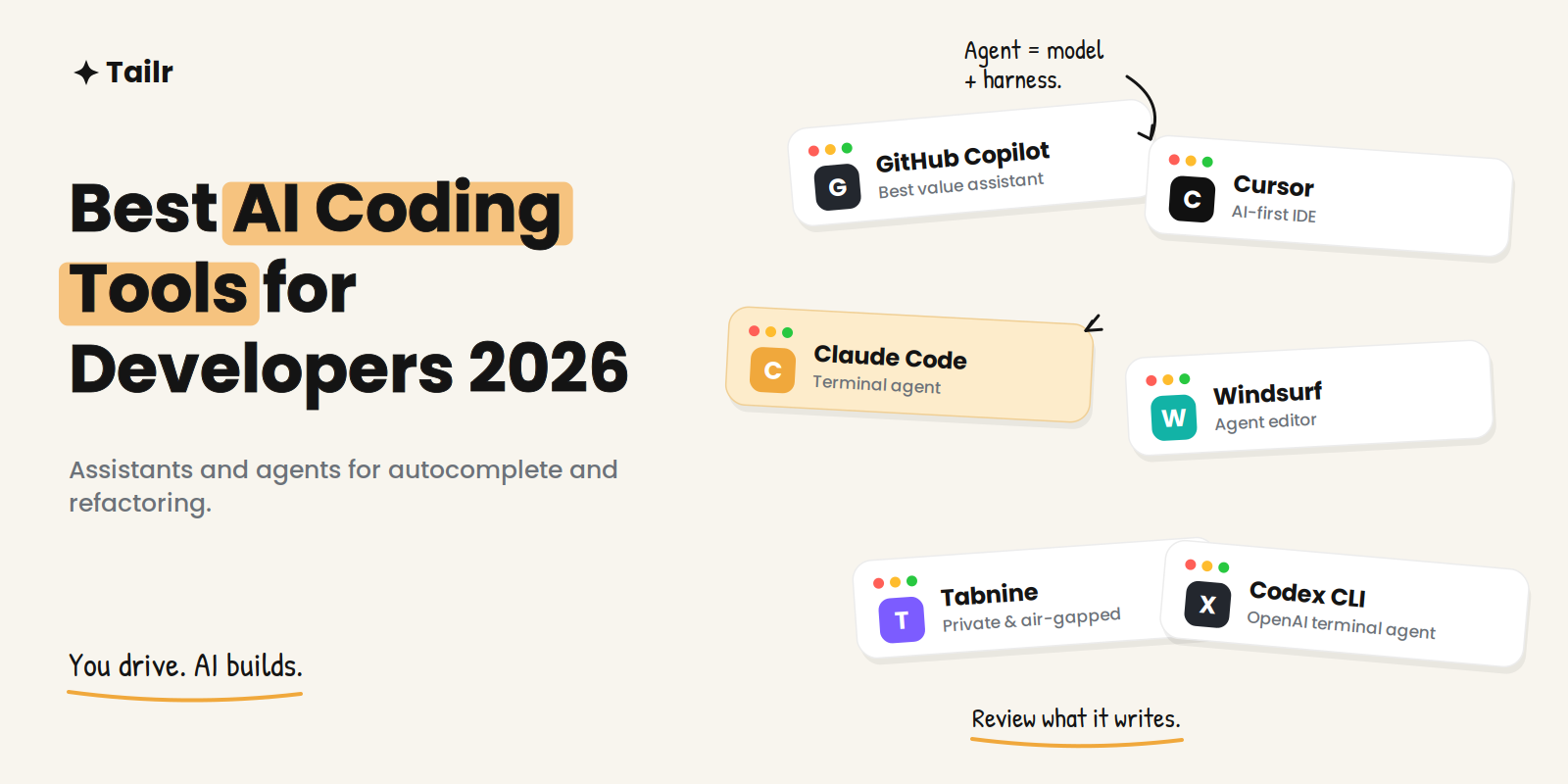
AI coding tools stopped being fancy autocomplete and became agents that write files, run commands, refactor across a codebase, and open pull requests. The market roughly doubled in eighteen months, and most professional developers now use one daily. But no single tool wins everywhere — what a solo developer building a SaaS needs differs from what a large team maintaining a monorepo needs. This guide compares the best AI coding tools for developers in 2026 and where each one actually fits.
The short answer: the best AI coding tools for developers in 2026 are:
- GitHub Copilot: best value and entry point.
- Cursor: best AI-first IDE for agentic editing.
- Claude Code: strongest terminal agent for complex tasks.
- Windsurf: agent-focused editor.
- Tabnine: best for privacy and air-gapped setups.
- Amazon Q Developer: best for AWS.
- Gemini Code Assist: best for Google Cloud.
- Codex CLI: OpenAI’s terminal agent.
Most professionals run two: an editor assistant for daily work and a terminal agent for heavy multi-file tasks.
What changed, and how to choose
The defining shift is from autocomplete to autonomy. Assistants now take multi-step actions, and the practical way to think about them is agent = model + harness: the model supplies the intelligence, and the tooling around it turns that into reliable, autonomous work. That means two things when choosing. First, pick based on where you want the AI to live — inline in your editor, embedded as an IDE, or driving from the terminal. Second, watch cost, because agentic runs that wander or hallucinate turn directly into spend.
A second reality worth stating: AI-generated code needs review. Security research in 2026 found a significant share of it contains vulnerabilities or design flaws. That’s manageable with code review and scanning, but it means these tools speed up a competent developer rather than replace one.
1. GitHub Copilot
Website: github.com/features/copilot
Copilot is the most widely adopted assistant and the best default for most developers. It has the broadest IDE support — VS Code, JetBrains, and more — a genuinely useful free tier, and deep integration across the GitHub ecosystem, including an agent mode that can take on assigned issues. For enterprises it also offers IP indemnity and custom model options.
Why use it:
- Broadest IDE and ecosystem integration
- Strong free tier for trying it seriously
- Enterprise features like IP indemnity
Best for: Most developers, and any team already on GitHub.
2. Cursor
Website: cursor.com
Cursor is a purpose-built, AI-first IDE. Its agent and composer modes let you give natural-language instructions to refactor whole files, generate components, and edit across many files in one operation — and it’s fast. It has become the daily driver for a large share of developers who want the AI woven into every layer of editing rather than added as a sidebar.
Why use it:
- Powerful multi-file agent editing
- Fast, native-feeling AI IDE experience
- Multi-model flexibility
Best for: Developers who want the most capable agent inside an editor.
3. Claude Code
Website: claude.com/product/claude-code
Claude Code is Anthropic’s agentic coding tool that runs in your terminal and IDE (how to use Claude Code walks through setup). It reads your entire codebase, edits files, runs shell commands, navigates git history, and carries out multi-step tasks, which makes it a strong fit for complex refactoring and backend work where understanding relationships across modules matters. Developers often reach for it when a task is big enough to hand off rather than autocomplete.
Why use it:
- Deep, multi-step agentic work across a codebase
- Terminal-native, with IDE support
- Strong reasoning for complex, architectural tasks
Best for: Developers who live in the terminal and tackle complex, multi-file changes.
4. Windsurf
Website: windsurf.com
Windsurf (formerly Codeium) is an agent-focused editor built around autonomous, multi-step coding flows. It’s a direct alternative to Cursor for developers who want an AI-first IDE, with a clean take on letting the agent plan and execute changes across a project.
Why use it:
- Agent-driven, AI-first editor
- Autonomous multi-step flows
- A strong Cursor alternative to trial
Best for: Developers comparing AI-first IDEs.
5. Tabnine
Website: tabnine.com
Tabnine occupies a distinct niche: it’s the major assistant most focused on privacy, offering air-gapped deployment and zero data retention. For teams in regulated industries or with strict data policies, that can be the deciding factor over raw capability.
Why use it:
- Air-gapped, self-hosted deployment
- Zero data retention options
- Fits strict security and compliance needs
Best for: Privacy-sensitive teams and regulated environments.
6. Amazon Q Developer and Gemini Code Assist
Website: aws.amazon.com/q/developer and cloud.google.com/products/gemini/code-assist
These two win on platform depth. Amazon Q Developer knows AWS services intimately and is hard to beat if your infrastructure runs there. Gemini Code Assist does the same for Google Cloud. If you’re deep in one cloud, the platform-native assistant often understands your DevOps context better than a general tool.
Why use them:
- Deep knowledge of AWS or Google Cloud services
- Strong for DevOps and cloud-specific work
- Native integration with their ecosystems
Best for: Teams standardized on AWS or Google Cloud.
7. Codex CLI
Website: developers.openai.com/codex
Codex CLI is OpenAI’s terminal-based coding agent, in the same category as Claude Code — a command-line agent that plans and executes multi-step tasks. It’s worth trialing alongside the other terminal agents if you prefer OpenAI’s models.
Why use it:
- Terminal-native agent from OpenAI
- Multi-step task execution
- An alternative model family to compare
Best for: Developers who prefer OpenAI models in a terminal agent.
AI coding tools compared
| Tool | Type | Free tier | Best for |
|---|---|---|---|
| GitHub Copilot | Editor assistant | Yes, useful | Most developers, GitHub teams |
| Cursor | AI-first IDE | Yes, limited | Agentic multi-file editing |
| Claude Code | Terminal + IDE agent | Varies by plan | Complex, multi-file tasks |
| Windsurf | AI-first IDE | Yes | Cursor alternative |
| Tabnine | Editor assistant | Yes | Privacy and air-gapped setups |
| Amazon Q / Gemini | Cloud-native assistant | Yes | AWS / Google Cloud work |
| Codex CLI | Terminal agent | Varies | OpenAI-model terminal agent |
How to actually use them
The pattern most professionals settle on is a stack, not a single tool: an editor assistant like Copilot or an IDE like Cursor for everyday completions and edits, plus a terminal agent like Claude Code or Codex for heavy multi-file work you can hand off. One survey of professional developers found a large share running Copilot, Cursor, and Claude Code simultaneously, precisely because they operate at different layers — completion, IDE-embedded agentic work, and autonomous terminal tasks.
Whatever you pick, keep the fundamentals sharp. Directing an AI well is like handing blueprints to a builder — it only works if you can read the blueprints yourself. Understanding architecture, design patterns, and testing is what turns these tools from a liability into a genuine multiplier. And always review generated code, especially anything touching authentication, payments, or data. These tools pair naturally with the rest of your stack; see our guides to the best tools for software developers and the best tools for QA and software testing.
For developers job hunting
AI can accelerate your code, but landing the right role is a separate skill — and it rewards the same precision. Postings for AI-fluent developers are dense with specific tools, stacks, and expectations, and a generic resume rarely reflects the exact one a team wants. Tailr tailors your resume to the specific job listing you’re viewing, surfacing the languages, frameworks, and experience that role asks for, then generates a matching cover letter and tracks the application. Try Tailr to apply to more of the right roles with less rewriting, and see the top AI tools for job search for the rest of the process.
Conclusion
The best AI coding tools for developers in 2026 aren’t a single product — they’re a layered setup matched to how you work: an editor assistant for daily flow and a terminal agent for the heavy lifting. Choose deliberately, watch the cost of agentic runs, review what the AI writes, and keep your fundamentals strong. Used that way, these tools are the biggest productivity jump the craft has seen in years — with a human still firmly in the driver’s seat.
Frequently asked questions
01What is the best AI coding tool in 2026?
There's no single winner — it depends on how you work. GitHub Copilot is the best value and easiest entry point for most developers, Cursor is the favorite for agent-driven multi-file editing inside an IDE, and Claude Code is the strongest for complex, terminal-based agentic tasks. Many professionals run two, pairing an editor assistant with a terminal agent.
02Is Cursor better than GitHub Copilot?
They're built for different things. Cursor is a full AI-first IDE with strong multi-file agent editing, while Copilot integrates AI across VS Code, JetBrains, and the wider GitHub ecosystem and has the broadest reach. Cursor tends to win for agentic refactoring; Copilot wins on value, integration, and its free tier. Trying both is the reliable way to decide.
03What is Claude Code?
Claude Code is Anthropic's agentic coding tool that runs in your terminal and IDE. It reads your codebase, edits files, runs commands, and can carry out multi-step tasks across many files, which makes it well suited to complex refactoring and backend work. It's often used alongside an editor assistant rather than as a replacement for one.
04Are AI coding tools free?
Most have a free tier and paid plans. GitHub Copilot offers one of the more useful free tiers with a monthly allotment of completions and requests, and Cursor has a perpetual free plan with limits. Heavier or agentic usage generally requires a paid plan, and costs now matter because wasted or hallucinated runs turn directly into spend.
05Is AI-generated code safe to use?
It's useful but needs review. Studies in 2026 found a meaningful share of AI-generated code contains security flaws or design issues, so treat it like code from a junior developer: review it, especially around authentication, payments, and data handling. Automated scanning and normal code review make the risk manageable rather than a reason to avoid these tools.
06Can AI coding tools replace developers?
No — they change the job rather than remove it. AI handles more of the routine writing, letting developers spend more time on architecture, review, and deciding what to build. Directing these tools well still requires understanding fundamentals like design patterns, type systems, and testing, which is exactly what separates good output from bad.