Best Tools for GTM Engineers in 2026
· updated
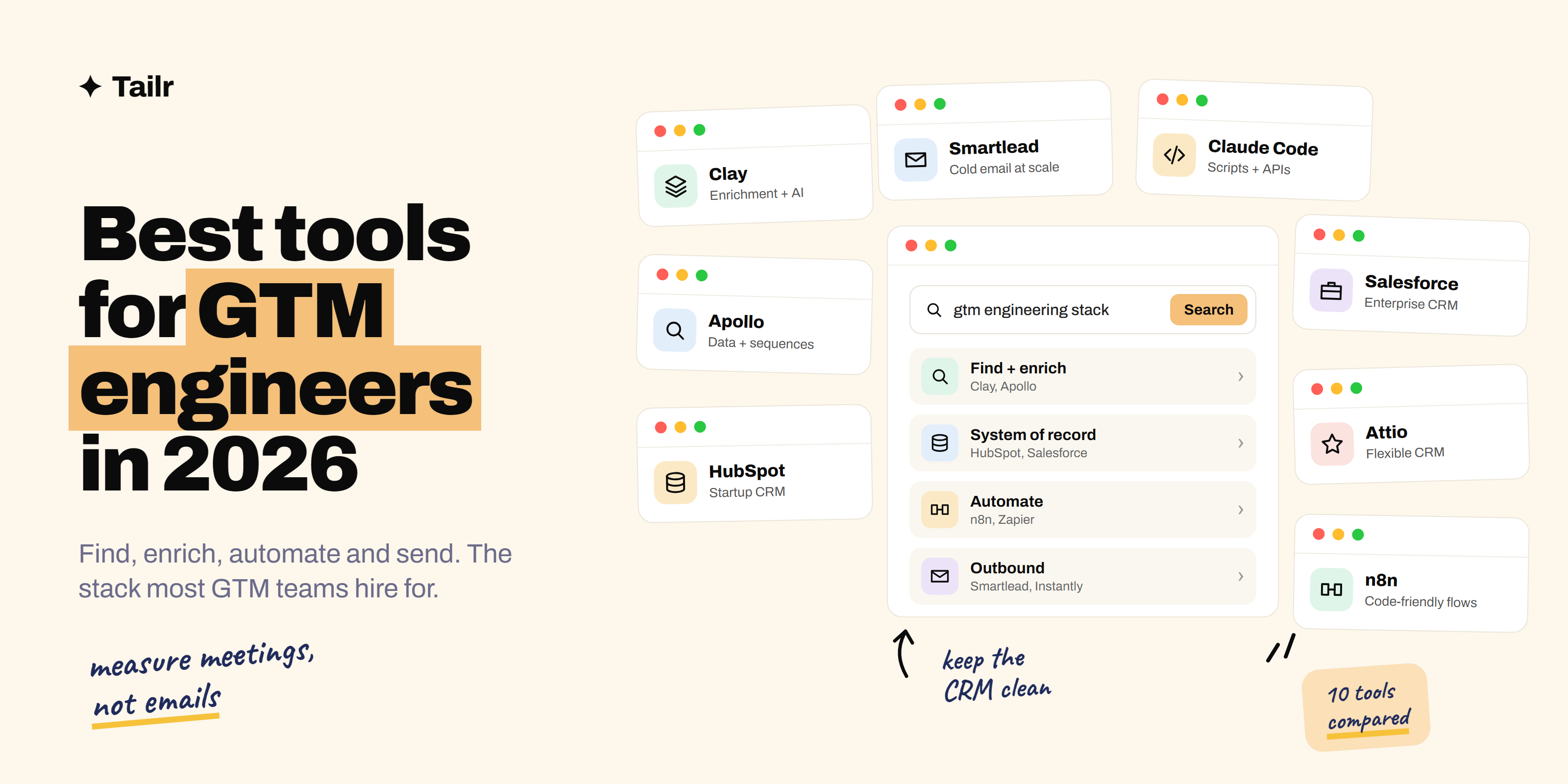
A GTM engineer builds the machinery behind sales and marketing: the workflows that find the right accounts, enrich them with data, write personalized outreach and keep the CRM clean, all with as little manual work as possible. The job is new, but the toolset has settled quickly. If you know the tools below, you can build almost any go-to-market workflow a company asks for.
The short answer: the best tools for GTM engineers in 2026 are:
- Clay: data enrichment and AI research in one spreadsheet-style workspace.
- Apollo: a contact database and outreach tool in one.
- HubSpot and Salesforce: the CRMs where most GTM data ends up.
- Attio: a flexible, modern CRM popular with data-focused teams.
- n8n: open-source workflow automation with code when you need it.
- Zapier and Make: quick automations across thousands of apps.
- Smartlead and Instantly: cold email sending at scale.
- Claude Code: an AI coding assistant for scripts, APIs and integrations.
- ZoomInfo: a large B2B contact and company database.
- Gong: call recording and deal insights for sales teams.
The core stack is Clay plus a CRM plus an automation tool plus a sending tool. Everything else depends on the company.
New to the role? Read what a GTM engineer is first.
How a GTM stack fits together
Most GTM engineering work follows the same flow:
- Find: build a list of target accounts and people (Apollo, ZoomInfo, Clay).
- Enrich: add data such as company size, tech stack, recent funding or job changes (Clay).
- Decide: score and route leads based on that data (Clay, CRM rules, n8n).
- Act: send personalized outreach or alert a rep (Smartlead, Instantly, CRM sequences).
- Record: keep everything in sync in the CRM (HubSpot, Salesforce, Attio).
The tools below map to those steps.
1. Clay
Website: clay.com
Clay is the tool most closely tied to the GTM engineer role. It looks like a spreadsheet, but each column can pull data from one of many providers, call an API, scrape a website or ask an AI model to research the account. If one provider doesn’t have an email, Clay tries the next one. The results can be pushed straight into your CRM or outbound tools.
Why use it:
- Data from many providers in one place
- AI research columns for personalized outreach
- Pushes results to your CRM and sending tools
Best for: building and enriching targeted lead lists.
2. Apollo
Website: apollo.io
Apollo combines a large B2B contact database with email sequences, a dialer and basic enrichment. For smaller teams it can cover finding leads and contacting them in one tool. Data accuracy varies by segment, so many GTM engineers use Apollo as one source inside Clay rather than as the only source.
Why use it:
- Contact data and outreach in one subscription
- Generous free plan to get started
- Chrome extension for prospecting on LinkedIn
Best for: startups and small teams that need one tool for prospecting.
3. HubSpot and Salesforce
Websites: hubspot.com, salesforce.com
Whatever you build, the results usually land in a CRM. Salesforce is the standard at larger companies and gives you deep customization and a powerful API. HubSpot is the most common CRM at startups and mid-size companies, with built-in marketing, sales sequences and simpler automation. Knowing at least one of them well, especially its data model and API, is essential for a GTM engineer.
Why use them:
- Where sales and marketing teams actually work
- Strong APIs for syncing data in and out
- Built-in workflows and reporting
Best for: every GTM engineer; pick the one your target companies use.
4. Attio
Website: attio.com
Attio is a newer CRM with a flexible data model: you design the objects and fields your business needs, and it pulls in data from email and calendars automatically. It’s popular with startups that want a CRM built for automation and AI tools, and it has a free plan for small teams.
Why use it:
- Flexible data model you shape yourself
- Automatic data from email and calendar
- Built to work with automation and AI tools
Best for: startups that want a modern CRM.
5. n8n
Website: n8n.io
n8n is a workflow automation tool you can use in the cloud or host yourself. You build workflows visually, but you can drop into JavaScript or Python at any step, call any API and add AI agents to your flows. For complex, high-volume GTM automations, many GTM engineers prefer it to Zapier.
Why use it:
- Visual workflows with code when you need it
- Self-hostable and cost-effective at volume
- AI agent steps built in
Best for: technical GTM engineers building complex workflows.
6. Zapier and Make
Websites: zapier.com, make.com
Zapier connects thousands of apps with simple trigger-and-action automations, and it’s the fastest way to wire two tools together. Make gives you a visual canvas for more complex scenarios with branching and data transformation. Both are great for quick wins, like “when a demo is booked, post in Slack and update the CRM.”
Why use them:
- Connect thousands of apps without code
- Quick to build and easy for others to understand
- Good for simple, reliable automations
Best for: fast, simple automations between tools.
7. Smartlead and Instantly
Websites: smartlead.ai, instantly.ai
Smartlead and Instantly are built for sending cold email at scale. They manage many sending inboxes, warm them up, rotate between them and track replies in one place, which protects your main domain’s reputation. Both connect to Clay and CRMs, so personalized lines you generate upstream go straight into campaigns.
Why use them:
- Send from many inboxes safely
- Inbox warm-up and deliverability tools
- Unified inbox for replies
Best for: outbound email campaigns.
8. Claude Code
Website: claude.com/product/claude-code
GTM engineering involves a lot of glue code: scripts to clean a CSV, a webhook to sync two systems, a small API integration a no-code tool can’t handle. Claude Code is an AI coding assistant that can write, run and fix that code for you from your terminal or editor. It lets GTM engineers with light coding skills build things that used to need a developer. Our guide to how to use Claude Code shows how to get started.
Why use it:
- Writes and runs scripts and integrations for you
- Handles the custom work no-code tools can’t
- Useful even with basic coding knowledge
Best for: GTM engineers who want to build beyond no-code limits.
9. ZoomInfo
Website: zoominfo.com
ZoomInfo is one of the largest B2B databases of companies and contacts, with firmographics, org charts and buying signals. It’s common at mid-size and large companies. GTM engineers often use it as a primary data source and sync it into the CRM or Clay.
Why use it:
- Large, detailed company and contact database
- Buying signals and intent data
- Integrates with major CRMs
Best for: larger sales teams that need deep data coverage.
10. Gong
Website: gong.io
Gong records and analyzes sales calls and emails, showing which deals are at risk and what top reps do differently. For GTM engineers, Gong’s data is a valuable input: you can trigger workflows from call insights, like flagging deals where a competitor was mentioned.
Why use it:
- Insight from real sales conversations
- Deal risk and forecasting
- Data you can feed into other workflows
Best for: sales teams with lots of calls and longer deals.
GTM engineering tools compared
| Tool | Stage | Strongest at | Best for |
|---|---|---|---|
| Clay | Find and enrich | Many data sources plus AI research | Every GTM engineer |
| Apollo | Find and act | Data and sequences in one | Small teams |
| HubSpot / Salesforce | Record | System of record | Every company |
| Attio | Record | Flexible data model | Startups |
| n8n | Decide and act | Complex, code-friendly workflows | Technical builders |
| Zapier / Make | Decide and act | Quick app connections | Simple automations |
| Smartlead / Instantly | Act | Cold email at scale | Outbound |
| Claude Code | Build | Scripts and integrations | Custom work |
| ZoomInfo | Find | Deep B2B data | Larger teams |
| Gong | Learn | Call and deal insights | Sales-led teams |
Tips for building GTM workflows
- Start with one workflow that saves real time. For example: new signup, enrich in Clay, score it, alert the right rep. Prove value before building ten.
- Keep the CRM clean. Every workflow should update records, not create duplicates. Bad data spreads fast.
- Check data before you send. Spot-check enriched emails and AI-written lines on a sample before launching a campaign.
- Document everything. Write down what each workflow does and who owns it. GTM stacks get messy quickly.
- Measure outcomes, not activity. Track meetings booked and pipeline created, not emails sent.
Preparing for interviews? Our GTM interview questions cover what hiring managers ask.
Show your stack on your resume
GTM engineer listings are specific about tools: “Clay and HubSpot,” “Salesforce and n8n.” The strongest resumes name the tools and the result: “Built a Clay enrichment workflow that doubled reply rates.” Tailr tailors your resume to the job listing you’re viewing, so the stack and results that role asks for come first.
Apply to GTM roles faster
GTM engineers automate the busywork. Do the same for your job search: Try Tailr to tailor your resume, write a matching cover letter and track every application from your browser.
Conclusion
The best tools for GTM engineers in 2026 form a simple stack: Clay for finding and enriching leads, a CRM like HubSpot, Salesforce or Attio, n8n or Zapier for automation, and Smartlead or Instantly for outbound. Add Apollo or ZoomInfo for data, Gong for call insights and Claude Code for the custom glue no-code tools can’t handle. Learn the core four well, build one workflow that saves real time, and you’ll have the skills most GTM teams are hiring for.
Frequently asked questions
01What tools do GTM engineers use?
Most GTM engineers build around Clay for data enrichment, a CRM like HubSpot, Salesforce or Attio, an automation tool like n8n or Zapier, and an outbound sending tool like Smartlead or Instantly. Many also use Apollo or ZoomInfo for contact data and Claude Code or similar coding assistants to write scripts and integrations.
02What is the most important tool for a GTM engineer?
Clay is the tool most closely tied to the GTM engineer role. It pulls data from many providers into one table, enriches leads, researches accounts with AI and pushes results into your CRM or outbound tools. Many GTM engineer job listings ask for Clay experience by name.
03Do GTM engineers need to code?
Some coding helps a lot. GTM engineers often write small scripts, call APIs, work with webhooks and transform data, usually in JavaScript, Python or SQL. Tools like n8n, Clay and AI coding assistants make it possible to do a lot with light coding skills.
04Is n8n or Zapier better for GTM automation?
Zapier is easier to start with and connects to more apps. n8n gives technical users more control, can be self-hosted and is often cheaper for high-volume workflows. Many GTM engineers prefer n8n for complex, multi-step automations and Zapier for quick, simple ones.
05Which CRM is best for GTM engineering?
Salesforce is the standard at larger companies, HubSpot is the most common at startups and mid-size companies, and Attio is popular with newer, data-focused teams for its flexible data model. A GTM engineer should be comfortable with at least one of them and its API.
06How do I become a GTM engineer?
Learn Clay, one CRM and one automation tool, then build a real workflow, such as enriching a lead list and sending personalized outreach. Document what you built and the results. Sales ops, marketing ops and SDR backgrounds are common paths into the role.