Best Websites to Practice Coding in 2026
· updated
Reading about code won’t make you better at writing it. Practice will, and the best way to practice depends on what you’re practicing for. A coding interview rewards fast, clean solutions to algorithm problems. A real job rewards readable code, good habits and finished projects. The sites below cover both, and most of them are free.
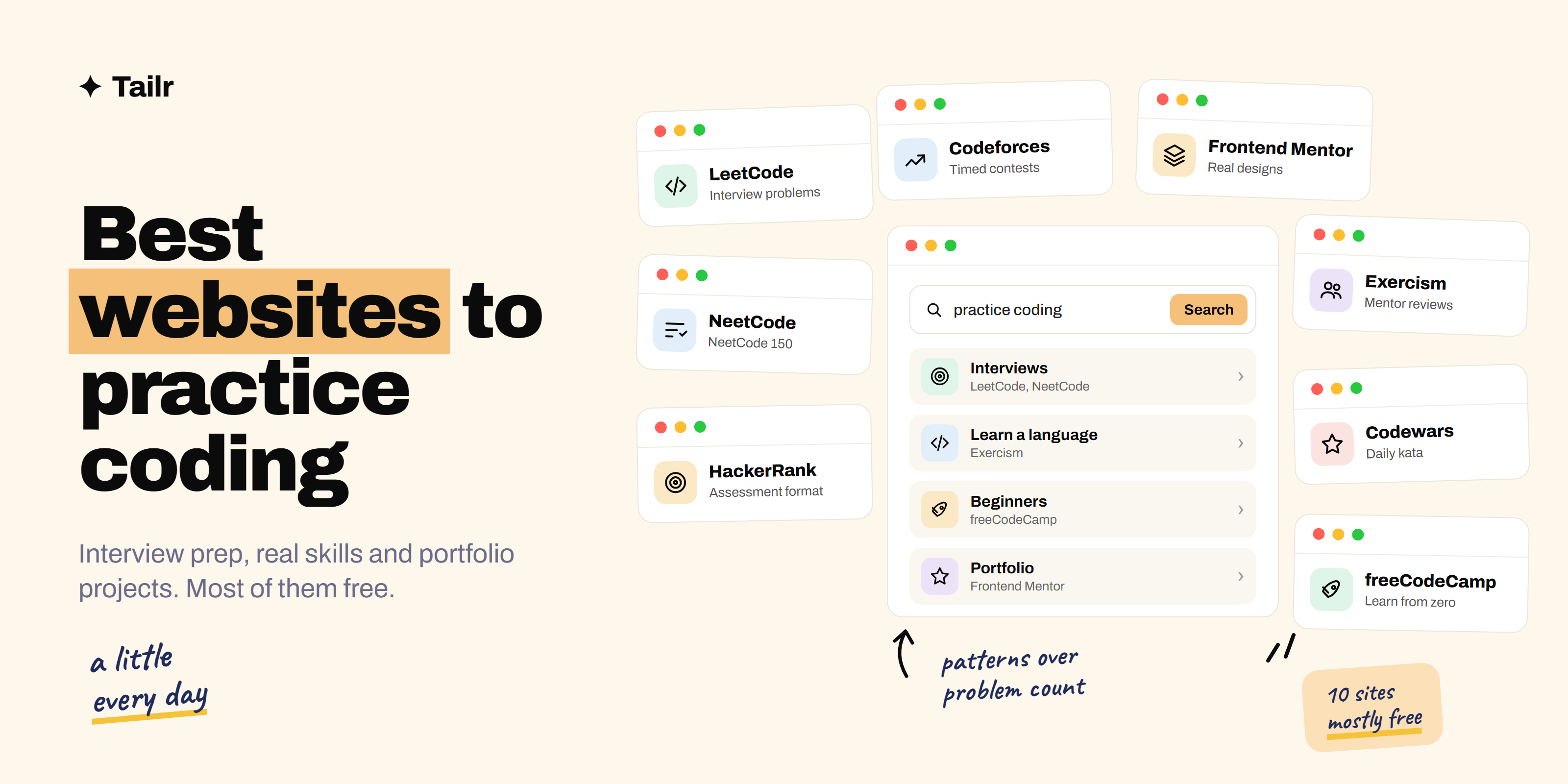
The short answer: the best websites to practice coding in 2026 are:
- LeetCode: the standard for coding interview problems.
- NeetCode: free, ordered problem lists with a video for every problem.
- HackerRank: practice in the same format many companies use for assessments.
- Exercism: free language tracks with feedback from human mentors.
- Codewars: short “kata” challenges ranked by difficulty.
- freeCodeCamp: the best free place for beginners to learn and practice.
- Codeforces: competitive programming contests for sharpening speed.
- Frontend Mentor: real website designs to build for your portfolio.
- Advent of Code: a yearly set of fun, story-based puzzles.
- Project Euler: math-heavy problems that reward clever thinking.
Preparing for interviews? Use NeetCode’s lists on LeetCode and add HackerRank before assessments. Learning to code? Start with freeCodeCamp, then Exercism.
Pick a site by your goal
Most people waste practice time on the wrong kind of problem. Decide what you’re training for first:
- Passing coding interviews: LeetCode, NeetCode, HackerRank.
- Learning a language well: Exercism, Codewars.
- Starting from zero: freeCodeCamp.
- Building portfolio projects: Frontend Mentor.
- Speed and problem-solving under pressure: Codeforces.
- Fun and curiosity: Advent of Code, Project Euler.
1. LeetCode
Website: leetcode.com
LeetCode is the site most companies’ coding rounds are modeled on. It has thousands of problems on arrays, strings, trees, graphs, dynamic programming and more, each with an in-browser editor, hidden test cases and a discussion section full of other people’s solutions. Weekly contests let you practice under a timer.
The paid plan adds more problems, company tags (which companies ask which problems) and extra explanations. Many people get far on the free tier alone.
Why use it:
- The closest match to real coding interview questions
- Huge community with solutions in every language
- Contests to practice under time pressure
Best for: anyone preparing for software engineering interviews.
2. NeetCode
Website: neetcode.io
LeetCode’s biggest problem is that there’s too much of it. NeetCode solves that with curated, free lists, the Blind 75, NeetCode 150 and NeetCode 250, grouped by pattern (two pointers, sliding window, graphs and so on), with a clear video explanation for every problem. Working through one list in order teaches you the patterns behind hundreds of other questions.
A paid tier adds full courses on data structures, algorithms and system design.
Why use it:
- A clear order to study in, grouped by pattern
- Free video walkthrough for every problem
- Turns LeetCode practice into a plan
Best for: interview prep when you don’t know where to start.
3. HackerRank
Website: hackerrank.com
HackerRank is both a practice site and one of the platforms companies use for online assessments. Its practice tracks cover algorithms, data structures, SQL, specific languages and more, and it offers skill certifications you can add to your profile. Practicing here gets you comfortable with the editor, input format and time limits you may see on a real test.
Why use it:
- Same format many company assessments use
- Tracks for SQL, languages and specific skills
- Free certifications to show on your profile
Best for: getting ready for online coding tests.
4. Exercism
Website: exercism.org
Exercism is free and nonprofit, with tracks for dozens of languages. You solve exercises in your own editor or in the browser, then you can ask for feedback from volunteer mentors who review your code and suggest more idiomatic ways to write it. That human feedback is rare and valuable, especially when you’re picking up a new language.
Why use it:
- Completely free, with dozens of languages
- Real people review your code
- Teaches you to write a language the way experienced developers do
Best for: learning a new language properly, not just passing tests.
5. Codewars
Website: codewars.com
Codewars gives you short challenges called kata, ranked from easy to very hard. After you solve one, you can see everyone else’s solutions, which is one of the fastest ways to learn tricks and cleaner patterns in a language. It’s good for daily practice in 10 to 20 minute bursts.
Why use it:
- Short challenges that fit a daily habit
- Compare your answer with the best community solutions
- Supports many languages
Best for: building fluency with quick daily practice.
6. freeCodeCamp
Website: freecodecamp.org
freeCodeCamp is a free, nonprofit curriculum that teaches web development, JavaScript, Python, data analysis and more, with practice built into every lesson. You write code in the browser, so there’s nothing to install, and the projects at the end of each section give you something real to show. Its YouTube channel has full-length courses on almost every topic.
Why use it:
- Completely free from beginner to job-ready projects
- No setup, everything runs in the browser
- Certifications built around finished projects
Best for: beginners learning to code from scratch.
7. Codeforces
Website: codeforces.com
Codeforces is the home of competitive programming, with regular contests, a rating system and a huge archive of past problems. Contest problems are harder and more mathematical than most interview questions, but practicing them makes you faster and calmer under pressure. Many strong engineers credit competitive programming for their problem-solving speed.
Why use it:
- Frequent timed contests with a rating to track progress
- Large archive of challenging problems
- Builds speed and confidence
Best for: people who enjoy competition and want to get much faster.
8. Frontend Mentor
Website: frontendmentor.io
Frontend Mentor gives you professional designs of real-looking websites and apps, and you build them with HTML, CSS and JavaScript. It’s practice that ends in portfolio pieces: landing pages, dashboards and interactive components you can show an employer. You can share your solution and get feedback from the community.
Why use it:
- Real designs to build, not abstract puzzles
- Every challenge can become a portfolio project
- Community feedback on your code
Best for: aspiring frontend developers building a portfolio.
9. Advent of Code
Website: adventofcode.com
Every December, Advent of Code releases one puzzle a day, each with a short story and two parts. The puzzles start easy and get hard, and you can solve them in any language. All past years stay online, so you can work through them any time. It’s a fun way to practice parsing input, algorithms and a new language.
Why use it:
- Fun, story-based puzzles
- Any language, any pace
- Years of archived puzzles
Best for: practicing a new language with something enjoyable.
10. Project Euler
Website: projecteuler.net
Project Euler has hundreds of problems that mix math and programming. A brute-force solution usually works for the early ones and times out on the later ones, which forces you to think about efficiency. It’s less about interviews and more about sharpening the way you think.
Why use it:
- Problems that reward clever, efficient solutions
- Strong for math-minded programmers
- Free, with a long history and community
Best for: people who love math and want to stretch their thinking.
Coding practice websites compared
| Site | Free? | Strongest at | Best for |
|---|---|---|---|
| LeetCode | Large free tier | Interview problems | Interview prep |
| NeetCode | Free lists and videos | Study order by pattern | Structured prep |
| HackerRank | Free | Assessment format | Online tests |
| Exercism | Free | Mentor code reviews | Learning a language |
| Codewars | Free | Short daily challenges | Fluency |
| freeCodeCamp | Free | Beginner curriculum | Starting out |
| Codeforces | Free | Contests and speed | Competitive practice |
| Frontend Mentor | Free tier | Real designs to build | Portfolio projects |
| Advent of Code | Free | Fun puzzles | New languages |
| Project Euler | Free | Math and efficiency | Deeper thinking |
How to practice so it sticks
- Study patterns, not problems. Once you see that a problem is “sliding window,” you can solve a whole family of them. NeetCode’s lists are built for this.
- Time-box each attempt. Give a problem 25 to 30 minutes. If you’re stuck, read the approach, then write the code yourself without looking.
- Say your thinking out loud. Interviews grade how you reason, not just the answer. Practice explaining your approach and its time complexity as you go.
- Revisit what you got wrong. Keep a list of problems you missed and try them again a week later.
- Build something too. Problem practice gets you through coding rounds; projects get you through “tell me about something you built.” Our weekend projects to build with Claude has ideas.
For the full interview picture, read how to ace your technical interview and, for senior roles, how to prepare for a system design interview.
From practice to applications
All that practice only pays off once you’re in the interview. When you apply, make your resume match the role: name the languages, frameworks and problems the listing asks for. Tailr is a Chrome extension that tailors your resume to the job listing you’re viewing, so a backend role sees your API work and a frontend role sees your React projects.
Apply to more roles without rewriting
You practice daily so the interview feels easy. Make applying easy too: Tailr tailors your resume, writes a matching cover letter and tracks every application. Try Tailr, and check the best tools for software developers for the rest of your setup.
Conclusion
The best websites to practice coding in 2026 depend on your goal. For interviews, work through NeetCode’s lists on LeetCode and try HackerRank before online assessments. To learn a language well, use Exercism and Codewars. Beginners should start with freeCodeCamp, and Frontend Mentor turns practice into portfolio projects. Pick one or two, practice a little every day, and focus on understanding patterns rather than counting problems.
Frequently asked questions
01What is the best website to practice coding?
For technical interviews, LeetCode is the standard, and NeetCode's free lists are the best way to work through it in a sensible order. For learning a language properly, Exercism is the best free option because volunteer mentors review your code. Beginners should start with freeCodeCamp.
02Is LeetCode enough to get a software job?
LeetCode helps you pass coding rounds, but it isn't enough on its own. Most interviews also include system design, behavioral questions and a look at what you've built. Pair problem practice with one or two real projects you can talk about in depth.
03How many LeetCode problems should I solve before interviews?
Quality beats count. Working through a structured list like the NeetCode 150, and being able to explain each solution and its time complexity, prepares most people better than racing through 500 random problems. Revisit problems you got wrong a week later.
04What is the best free website to practice coding?
Exercism, freeCodeCamp, Codewars, Codeforces, Advent of Code and Project Euler are completely free. LeetCode, HackerRank and NeetCode all have large free tiers too, with paid plans that add extra problems, company tags or video courses.
05Where can beginners practice coding?
freeCodeCamp is the best starting point, because it teaches and gives you practice in the browser with no setup. Once you're comfortable with the basics, move to Exercism or the easy problems on Codewars, and build a small project with Frontend Mentor if you're learning web development.
06Which coding practice site do companies use for assessments?
HackerRank and CodeSignal are two of the most common platforms companies use for online coding assessments. Practicing on HackerRank gets you used to its editor, time limits and test cases, so the format doesn't surprise you on test day.