Best No-Code and Automation Tools in 2026
· updated
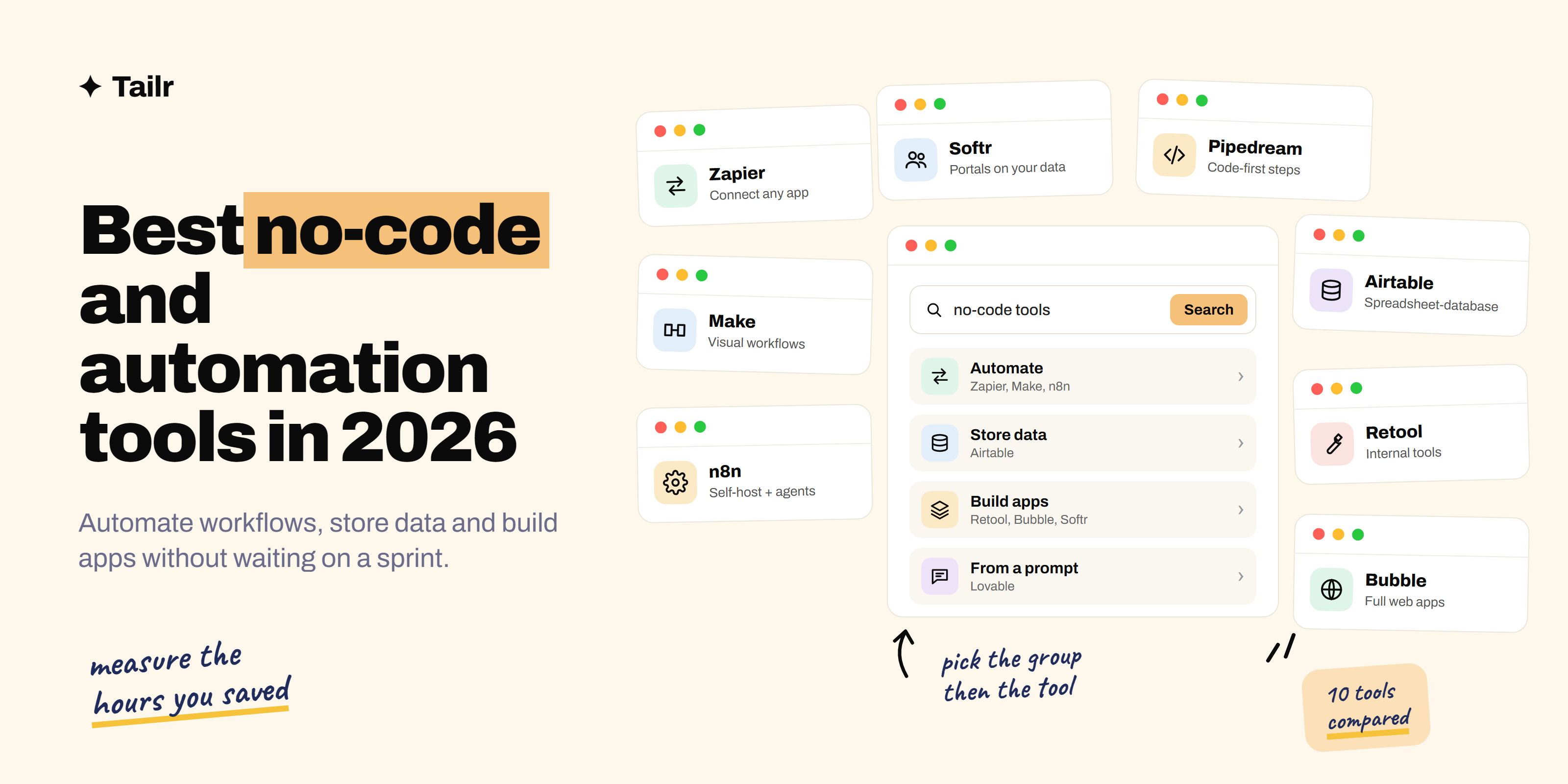
A lot of work in tech companies isn’t building the product. It’s moving data between apps, building the internal tool the ops team needs, and turning a spreadsheet process into something that doesn’t break when one person goes on holiday. No-code and low-code tools handle that work without waiting for an engineering sprint, and in 2026 they’ve added a new trick: AI steps and agents that can read, decide and act inside a workflow. This guide covers the best no-code and automation tools and the job each one is best at.
The short answer: the best no-code and automation tools in 2026 are:
- Zapier: the easiest way to connect apps.
- Make: visual automation for complex workflows.
- n8n: self-hostable, technical automation and AI agents.
- Power Automate: automation for Microsoft 365 companies.
- Airtable: a spreadsheet-database for structured data.
- Retool: internal tools on top of your databases and APIs.
- Bubble: full web apps without code.
- Softr: portals and internal apps on top of your data.
- Lovable: building web apps from a prompt.
- Pipedream: code-friendly automation for developers.
Start with Zapier for simple app-to-app automations, move to Make or n8n as workflows get complex, and use Airtable plus Softr or Retool when you need an app, not just an automation.
What to look for in a no-code tool
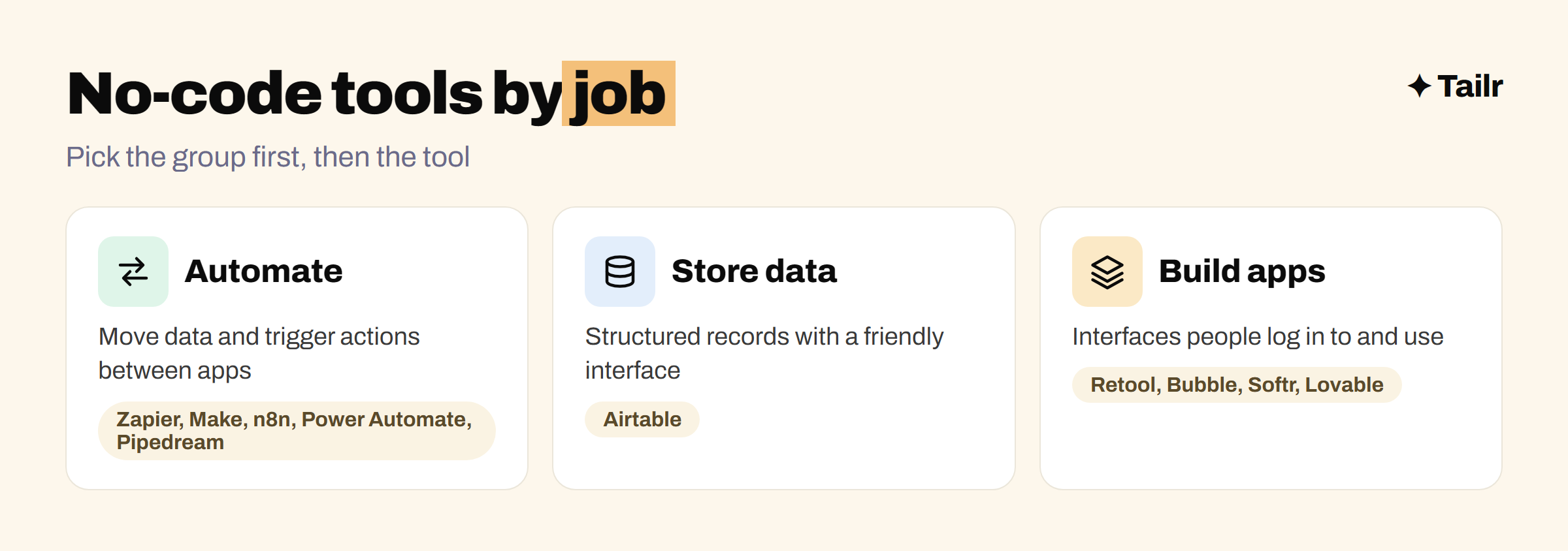
No-code tools fall into three groups, and most confusion comes from comparing tools across groups:
- Automation tools (Zapier, Make, n8n, Power Automate, Pipedream) move data and trigger actions between apps: “when a form is submitted, add a row, send a Slack message and create a deal”.
- Data tools (Airtable) store structured information with a friendlier interface than a database.
- App builders (Retool, Bubble, Softr, Lovable) create interfaces people log in to and use.
Within each group, compare on four things: which apps it connects to, how it handles complex logic and errors, what it costs as volume grows, and where your data lives. Pricing based on tasks or operations can get expensive quickly, so estimate your monthly volume before you commit.
1. Zapier
Website: zapier.com
Zapier is the best-known automation tool and connects to thousands of apps, more than any competitor. You build “Zaps” step by step: a trigger (“new row in Google Sheets”) followed by actions (“create a HubSpot contact”, “send an email”). It’s the easiest tool on this list for non-technical users, and it now includes AI steps, tables, forms and agents for workflows that need some judgement. The trade-off is cost: per-task pricing adds up at high volume.
Why use it:
- The largest library of app integrations.
- The easiest builder for beginners.
- AI steps and agents built in.
Best for: simple, reliable app-to-app automations and non-technical teams.
2. Make
Website: make.com
Make (formerly Integromat) uses a visual canvas where you see the whole workflow as connected bubbles. It handles complex logic well: branching paths, loops over lists, detailed data mapping and error handling routes. It’s usually cheaper than Zapier for high-volume or many-step workflows, which is why operations teams often move to it once their automations grow.
Why use it:
- Visual canvas that makes complex flows readable.
- Strong branching, looping and data transformation.
- Good value at higher volumes.
Best for: ops and marketing teams with multi-step workflows.
3. n8n
Website: n8n.io
n8n is a workflow automation tool that you can self-host for free or use as a cloud service. It has a visual builder like Make, but lets you drop into JavaScript or Python whenever you need to, and it’s become a favourite for building AI agents that use language models and tools inside workflows. It’s “fair-code” rather than strictly open source: free to self-host for most uses, with limits on reselling it as a service.
Why use it:
- Self-host to keep data on your own servers.
- Code where you need it, visual everywhere else.
- Strong support for AI agent workflows.
Best for: technical users, data-sensitive teams and AI automation projects.
4. Power Automate
Website: microsoft.com/power-platform/products/power-automate
Power Automate is Microsoft’s automation tool, and at companies that run on Microsoft 365 it’s often already included. It connects Outlook, Teams, SharePoint, Excel and Dynamics, plus hundreds of other services, and it can also automate desktop applications with robotic process automation (RPA), which matters for older systems that have no API. Its sister tool Power Apps builds simple business apps on the same platform.
Why use it:
- Deep integration with Microsoft 365.
- Desktop automation for legacy apps.
- Often already licensed at Microsoft companies.
Best for: employees at Microsoft-based companies and enterprise IT teams.
5. Airtable
Website: airtable.com
Airtable looks like a spreadsheet but works like a database. Each table has typed fields, records link to each other, and you get views like Kanban boards, calendars and galleries over the same data. It has its own automations and interfaces, and it’s the data layer behind many no-code setups: a form fills Airtable, Make or Zapier processes it, and Softr turns it into a portal.
Why use it:
- Database power with a spreadsheet’s ease.
- Linked records, views, automations and interfaces.
- Connects to almost every automation tool.
Best for: teams that have outgrown spreadsheets for tracking structured work.
6. Retool
Website: retool.com
Retool is a low-code platform for building internal tools: admin panels, support dashboards, approval apps and back-office tools. You connect it to your databases and APIs, drag tables, forms and buttons onto a canvas, and write SQL or JavaScript where you need logic. It’s popular with engineering teams because it saves weeks of building internal UIs by hand while still giving them control.
Why use it:
- Builds internal tools on real databases and APIs.
- Drag-and-drop UI with SQL and JavaScript when needed.
- Permissions and audit logs for internal use.
Best for: engineers and technical ops teams building internal tools.
7. Bubble
Website: bubble.io
Bubble is a visual platform for building full web applications, with a database, user accounts, workflows and a responsive interface, without writing code. Founders use it to launch MVPs and real SaaS products, and agencies build client apps on it. It takes longer to learn than other no-code tools, but it can build much more. If you’re testing an idea, our guide to what an MVP is covers how much to build first.
Why use it:
- Full web apps with database, logic and users.
- Large plugin marketplace.
- Proven for MVPs and live products.
Best for: non-technical founders building a real product.
8. Softr
Website: softr.io
Softr turns data you already have into apps: client portals, internal tools, directories and member areas, built from blocks on top of Airtable, Google Sheets or its own database. You set who can log in and what each person sees, and it’s live in hours rather than weeks. It’s much simpler than Bubble, which is the point.
Why use it:
- Apps and portals from existing data in hours.
- User logins and permissions built in.
- Very gentle learning curve.
Best for: client portals and simple internal apps on top of Airtable or Sheets.
9. Lovable
Website: lovable.dev
Lovable represents the newest category: describe the app you want in plain English, and it generates a working full-stack web app with real code, which you refine through conversation. Unlike traditional no-code, you end up with code you can export, edit and host elsewhere. It’s excellent for prototypes and small tools, and pairs well with a database service like Supabase. Our guide to getting started with vibe coding covers this way of building in more detail.
Why use it:
- Working apps from a description, in minutes.
- Real code you own and can export.
- Fast iteration by chatting with it.
Best for: prototypes, side projects and small tools.
10. Pipedream
Website: pipedream.com
Pipedream is automation for people who like code. Workflows are a series of steps, and each step can be a prebuilt action or your own Node.js or Python code, with access to thousands of app integrations and their authentication handled for you. It’s well suited to developers who want the speed of an automation tool without giving up the flexibility of code, and it has a generous free tier.
Why use it:
- Code-first steps with prebuilt app integrations.
- Handles authentication to many APIs for you.
- Generous free tier for developers.
Best for: developers who want quick automations without running servers.
No-code and automation tools compared
| Tool | Group | Self-host | Best for |
|---|---|---|---|
| Zapier | Automation | No | Simple app-to-app automations |
| Make | Automation | No | Complex visual workflows |
| n8n | Automation | Yes | Technical users and AI agents |
| Power Automate | Automation | No | Microsoft 365 companies |
| Pipedream | Automation | No | Developers who want code steps |
| Airtable | Data | No | Structured data and tracking |
| Retool | App builder | Yes (enterprise) | Internal tools on real databases |
| Bubble | App builder | No | Full web apps and MVPs |
| Softr | App builder | No | Portals on Airtable or Sheets |
| Lovable | App builder | Export code | Prompt-built prototypes |
How to use no-code tools efficiently
The best no-code builders think like engineers even when they don’t write code:
- Map the process on paper first. Write down every step, who does it and what can go wrong.
- Start with the data. Put it in Airtable or a proper database before building anything on top.
- Automate one step at a time, testing each with real data before adding the next.
- Plan for failure. Add error alerts so a broken automation doesn’t fail silently for a week.
- Document what you built, including which accounts and API keys it depends on, so it survives you going on holiday.
- Measure the result: hours saved per week, errors avoided, response time cut.
That last step is what makes no-code work count on a resume. “Automated lead routing with Make and HubSpot, cutting response time from 2 days to 10 minutes” is the kind of line that gets interviews for operations, RevOps and GTM engineer roles. If you’d rather build with code, see our weekend projects to build with Claude to get hired.
For no-code builders job hunting
No-code skills show up in more listings every year, but under many titles: operations specialist, RevOps analyst, GTM engineer, internal tools engineer, automation specialist. Each asks for a different mix: one wants Zapier and HubSpot, another wants n8n and AI agents, another wants Retool and SQL. Your automation wins are more convincing when they match the tools in the listing.
Tailr is a Chrome extension that tailors your resume to the job listing you’re viewing, so the tools and automation results that role cares about come first, in its own wording. It also writes a matching cover letter and tracks your applications, which is exactly the kind of busywork you’d automate anyway. Try Tailr on your next application, and see the top AI tools for job search for more ways to speed up the process.
Conclusion
The best no-code and automation tools in 2026 split into three jobs: Zapier, Make, n8n, Power Automate and Pipedream to automate; Airtable to hold the data; and Retool, Bubble, Softr and Lovable to build apps people use. Start simple with Zapier and Airtable, move to Make or n8n as workflows grow, and pick an app builder based on who’ll use it and how much control you need. Then measure what you saved, because that number is what turns a clever automation into a career skill.
Frequently asked questions
01What is the best no-code automation tool in 2026?
Zapier is the easiest and connects to the most apps, so it's the best starting point for simple automations. Make is better for complex, multi-step workflows with branching and data transformation at lower cost. n8n is the best choice if you want to self-host, keep data on your own servers or build AI agent workflows with lots of control.
02What is the difference between Zapier, Make and n8n?
Zapier is the simplest, with a step-by-step builder and the largest app library. Make uses a visual canvas that handles branching, loops and data mapping well, and is usually cheaper at volume. n8n is a fair-code tool you can self-host for free, with a visual builder plus the option to write JavaScript or Python, which makes it popular with technical users.
03Is no-code good enough for real apps?
For many internal tools, client portals, prototypes and automations, yes. Tools like Retool, Bubble and Softr run real businesses. No-code gets harder when you need complex custom logic, very high scale or full ownership of the code, which is when teams usually move to traditional development.
04Can no-code skills get you a job?
Yes. Operations, RevOps, GTM engineering, product operations and internal tools roles increasingly list Zapier, Make, n8n, Airtable or Retool as required skills. Showing that you automated a real process and saved measurable time is a strong resume line for these roles.
05Is n8n free?
n8n's community edition is free to self-host under its fair-code licence, which allows most internal and personal use but restricts some commercial uses like reselling it as a service. n8n also sells a hosted cloud version and enterprise plans with extra features.
06What is the difference between no-code and low-code?
No-code tools let you build entirely with visual editors and settings, with no programming. Low-code tools like Retool and n8n are mostly visual but let you drop into code, such as JavaScript or SQL, for the parts that need it. Low-code tools usually suit technical users and more complex internal tools.