How to Deploy on Vercel for Free (Step by Step)
· updated
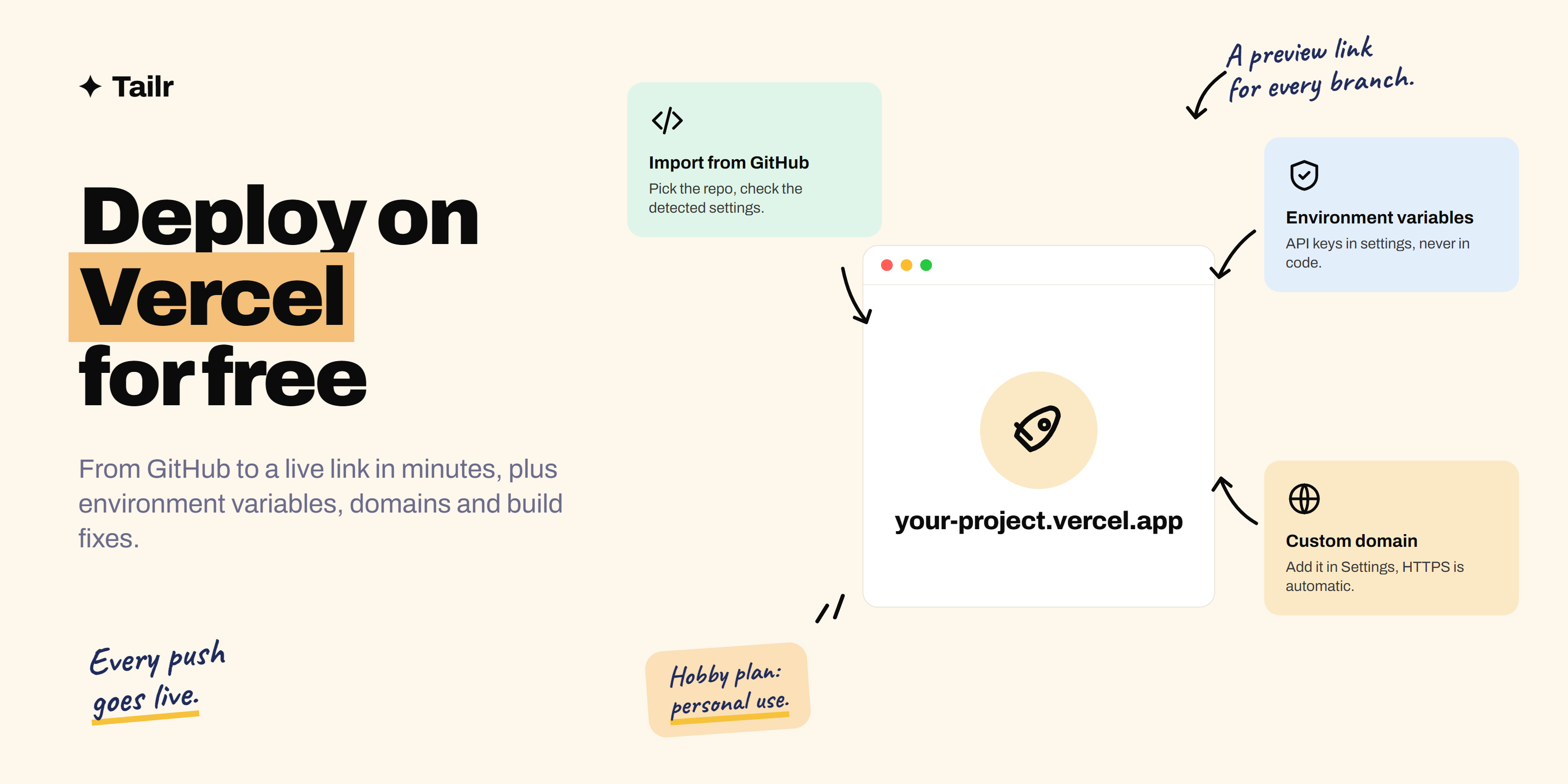
You’ve built something, and now it needs a link. Vercel is one of the fastest ways to get there: connect your GitHub repository, click Deploy, and a minute later you have a live site at your-project.vercel.app that updates every time you push. It’s free for personal projects, handles everything from a single HTML file to a full Next.js app, and it’s what many developers use for portfolios and side projects. This guide covers every step, plus the errors that trip people up.
The short answer: To deploy on Vercel for free:
- Push your project to a GitHub (or GitLab or Bitbucket) repository.
- Sign up at vercel.com with that account on the free Hobby plan.
- Click Add New → Project and import the repository.
- Check the detected framework, build command and output directory, and add any environment variables.
- Click Deploy.
You get a live .vercel.app URL, automatic redeploys on every push, and a preview link for every branch and pull request. You can also deploy from your terminal with the Vercel CLI (npm i -g vercel, then vercel). The Hobby plan is for personal, non-commercial use.
What Vercel is and what the free plan covers
Vercel (vercel.com) is a hosting platform for websites and web apps, made by the company behind Next.js. It builds your project from your Git repository and serves it on a global network.
What you get on the free Hobby plan:
- A
project-name.vercel.appaddress with HTTPS. - Automatic deploys whenever you push to your main branch.
- Preview deployments: a unique URL for every branch and pull request.
- Custom domains, free, with automatic HTTPS certificates.
- Serverless functions and API routes, so you can run back-end code.
- Environment variables for API keys and settings.
The limits: the Hobby plan is for personal, non-commercial use only. Vercel’s docs list things like charging visitors, advertising a product, or being paid to build the site as commercial. It also has monthly usage caps on things like function invocations and image optimisation, which a portfolio or side project rarely comes near. If you exceed a limit, that feature is usually paused until the 30-day window resets.
Works with: Next.js, React (Vite), Astro, SvelteKit, Nuxt, Vue, Remix, plain HTML and many more. Vercel detects most frameworks automatically.
Before you start
- Your project in a Git repository on GitHub, GitLab or Bitbucket.
- It builds locally: run
npm run build(or your framework’s equivalent) and make sure it succeeds. Most failed deployments fail locally too. - Any secrets (API keys) are in a
.envfile that’s listed in.gitignore, not committed.
New to GitHub? How to deploy a website on GitHub Pages walks through creating a repository and pushing code.
Method 1: deploy from GitHub (recommended)
- Sign up. Go to vercel.com, choose Sign Up, pick the Hobby plan, and continue with GitHub.
- Import the project. Click Add New → Project. Authorise Vercel to see your repositories (you can limit it to specific ones), then click Import next to your project.
- Check the settings. Vercel shows:
- Framework preset: usually detected (Next.js, Vite, Astro…). Choose Other for plain HTML.
- Root directory: change it if your app lives in a subfolder.
- Build command and output directory: defaults are usually right (for example
npm run buildanddistfor Vite). - Environment variables: add any keys your app needs (see below).
- Deploy. Click Deploy and watch the build log. When it finishes, you’ll see a screenshot of your site and its URL.
- Share it. Your site is live at
project-name.vercel.app. Rename the project in Settings to change that address.
From now on, every git push to your main branch deploys to production automatically, and every other branch gets its own preview URL.
Method 2: deploy from the terminal with the Vercel CLI
Handy for quick deploys or projects not on GitHub yet.
npm i -g vercel
cd my-project
vercel
The first run asks you to log in and a few questions (scope, project name, settings), then deploys a preview. To deploy to production:
vercel --prodMethod 3: ask Claude to set it up
If you built your project with an AI coding tool, it can prepare the deployment too:
Get this project ready to deploy on Vercel's free Hobby plan.
Check the build works locally, list any environment variables I need
to add in the Vercel dashboard, add a vercel.json only if it's needed,
and give me the exact steps to import it from GitHub.
How to use Claude Code covers working this way.
Environment variables: keep your keys out of the code
If your app calls an API (the Claude API, a database, a maps service), it needs keys. Never commit them.
- In your project on Vercel, go to Settings → Environment Variables.
- Add each key and value, and choose which environments get it (Production, Preview, Development).
- Redeploy so the new values are picked up.
In code, read them from process.env.YOUR_KEY_NAME on the server side. Anything exposed to the browser (for example variables prefixed NEXT_PUBLIC_ in Next.js or VITE_ in Vite) is visible to anyone, so never put secret keys there.
To pull the same variables to your computer for local development, run vercel env pull.
Add a custom domain
A domain like yourname.dev looks sharper on a resume than a .vercel.app address. Domains cost roughly $10–15 a year; you can buy one through Vercel or any registrar.
- Open your project → Settings → Domains → enter your domain → Add.
- Vercel shows the DNS records to set at your registrar: typically an A record for the root domain and a CNAME for
www. Alternatively, switch your domain’s nameservers to Vercel’s. - Wait for DNS to update (minutes to a few hours). Vercel issues the HTTPS certificate automatically.
Preview deployments: a superpower for teams and portfolios
Push a branch or open a pull request and Vercel builds a separate preview with its own URL, without touching your live site. Use it to check changes on your phone, share a work-in-progress with a friend or reviewer, or show an interviewer a feature branch. It’s one of the main reasons developers choose Vercel over plain static hosting.
Common Vercel errors and how to fix them
| Problem | Likely cause | Fix |
|---|---|---|
| Build fails with “Module not found” | Import path capitalisation differs from the filename | Match case exactly; Vercel’s build servers are case-sensitive, unlike Windows and macOS |
| Build fails on Vercel but works locally | Missing environment variable, or different Node.js version | Add the variable in Settings; set the Node version in Settings or package.json engines |
| 404 after deploy | Wrong output directory, or index.html not at the output root |
Set the correct output directory (dist, build, out) |
| Refreshing a page 404s (React Router, Vue Router) | Single-page app routes don’t exist as files | Add a rewrite to index.html in vercel.json |
API key is undefined |
Variable added after deploy, or wrong environment | Add to the right environment, then redeploy |
| Page shows old version | Viewing a preview URL, or browser cache | Check the Production domain; hard refresh |
| “Function timed out” | Slow API call or long task | Speed it up, stream the response, or move the work elsewhere |
The single-page-app rewrite looks like this:
{
  "rewrites": [{ "source": "/(.*)", "destination": "/index.html" }]
}
Vercel vs GitHub Pages vs Netlify
| Vercel | GitHub Pages | Netlify | |
|---|---|---|---|
| Free plan | Hobby (personal, non-commercial) | Free for public repos | Free plan |
| Static sites | Yes | Yes | Yes |
| Server code / API routes | Yes | No | Yes |
| Preview URL per pull request | Yes | No (without extra setup) | Yes |
| Best for | Next.js, full-stack apps, portfolios | Simple static sites, docs | Static sites with forms and functions |
For a plain HTML portfolio, either Vercel or GitHub Pages is fine. For anything with API routes, a database or Next.js, choose Vercel.
After you deploy
- Put the link in your resume header, LinkedIn Featured section and GitHub repository’s About box.
- Add a README with a screenshot and the live link.
- Test on your phone.
- Keep deploying small improvements; each push is live in a minute.
Need something to deploy? Try one of the weekend projects to build with Claude to get hired, then add it to your portfolio.
Make your live projects count in applications
A deployed project is proof, and the way you describe it should change with each job: “Next.js app with API routes on Vercel” for a full-stack role, “cut page load time by 40%” for a front-end role. Tailr is a Chrome extension that tailors your resume to the job listing you’re viewing, using only your real experience and projects, then drafts a cover letter and tracks the application.
Try TailrConclusion
Deploying on Vercel for free takes a few minutes: push to GitHub, import the repository, check the settings, and click Deploy. After that, every push goes live automatically and every branch gets a preview link. Keep secrets in environment variables, add a custom domain if you want one, and use the error table above when a build fails. Then put the link on everything you send to employers.
Frequently asked questions
01Is Vercel free?
Yes. Vercel's Hobby plan is free for personal, non-commercial projects such as portfolios, side projects and demos. It includes a vercel.app address, automatic deploys from GitHub, preview links, HTTPS and custom domains, within monthly usage limits. Commercial projects need the paid Pro plan.
02How do I deploy a website on Vercel?
Push your code to GitHub, sign in to vercel.com with your GitHub account, click Add New then Project, import the repository, check the detected framework and build settings, and click Deploy. In a minute or two you get a live URL, and every future push to GitHub redeploys automatically.
03Can I deploy a plain HTML site on Vercel?
Yes. Import a repository containing your index.html and Vercel serves it as a static site with no build step. Set the framework preset to Other if it isn't detected automatically. You can also drag a folder into the Vercel CLI with the vercel command.
04Is Vercel better than GitHub Pages?
For static sites both work well and both are free for personal use. Vercel is better if you need server-side code, API routes, Next.js features, environment variables or a preview link for every pull request. GitHub Pages is simpler and keeps everything inside GitHub, but only hosts static files.
05How do I add a custom domain on Vercel?
Open your project, go to Settings then Domains, and add your domain. Vercel shows the DNS records to add at your registrar, usually an A record for the root domain and a CNAME for www, or you can point your domain's nameservers to Vercel. HTTPS certificates are issued automatically once DNS is set.
06Why did my Vercel deployment fail?
The most common causes are a build that also fails locally, missing environment variables, a file import whose capitalisation doesn't match the real filename (Vercel's build servers are case-sensitive), the wrong output directory, or a Node.js version mismatch. Open the deployment's build logs, find the first error, and fix it locally before pushing again.