Best Sites for Your Next Job Search in 2026
· updated
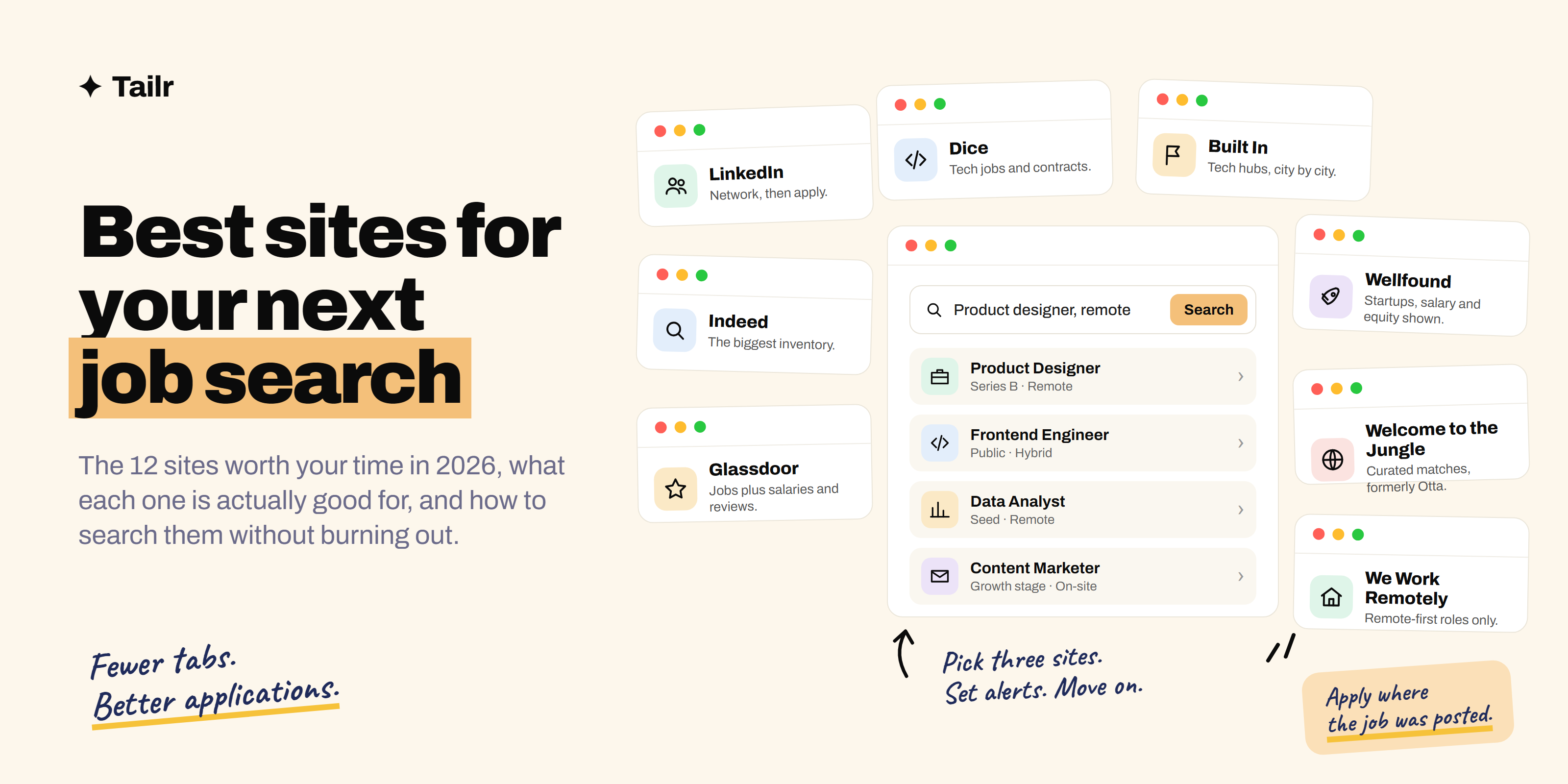
The problem with job sites isn’t finding one; it’s that there are dozens, they all show mostly the same listings, and checking them all is a part-time job in itself. This is the shortlist: the sites that are actually worth your time in 2026, what each one is good for, and a way to use them that leaves you time to write good applications.
The short answer: the best sites for a job search in 2026 are:
- LinkedIn and Indeed: coverage.
- Glassdoor: salaries and reviews.
- Wellfound and Y Combinator’s Work at a Startup: startups.
- Welcome to the Jungle: curated matches.
- Dice and Built In: tech.
- We Work Remotely, Remote OK and Himalayas: remote work.
- FlexJobs: vetted remote and flexible roles.
- Company careers pages: everything else.
Pick one broad site, one or two specialist ones for your field, set alerts, and apply through the company’s own page whenever you can. Tailr tailors your resume on any of them from the listing you’re viewing.
How to pick your sites
Before the list, a filter. Job sites differ on four things:
- Source. Does the site host original postings, aggregate them from elsewhere, or both? Aggregators have more volume; original postings are fresher and more accurate.
- Coverage. Every industry, or one? Every level, or mostly senior? Every country, or one?
- Signal. Does it show salary, company stage, reviews, or who’s on the hiring team? More signal means fewer wasted applications.
- Noise. How many listings are stale, duplicated or from staffing agencies reposting the same role?
The right combination is one high-coverage site, one or two high-signal sites for your niche, and the careers pages of companies you actually want to work for.
1. LinkedIn
Website: linkedin.com
Still the default for professional roles, and the only site where the search is also a network. Listings show who posted the role, who at the company you’re connected to, and often the hiring manager. The filters are decent (remote, date posted, experience level, “Easy Apply”), and alerts work well.
Two things to know. First, Easy Apply volumes are enormous, so a plain Easy Apply application to a popular role is close to a lottery; the value of LinkedIn is in the message you send to the poster alongside it. Second, the “actively recruiting” and “be an early applicant” labels are useful; the promoted listings less so.
Why use it:
- The widest coverage of professional roles across industries.
- You can see and message the person who posted the job.
- Recruiters search it, so a complete profile brings roles to you.
Best for: professional and corporate roles at every level, and anyone whose network is part of the plan.
2. Indeed
Website: indeed.com
The largest inventory of listings in most countries, because it both hosts postings and aggregates from company sites. Search is fast, filters are good (salary, remote, date, job type), and alerts are reliable. It’s the best site for volume, and the best for roles outside the tech and corporate bubble: healthcare, trades, retail, logistics, hospitality, administration.
The cost of volume is noise: staffing-agency reposts, stale listings, and the same role appearing several times. Sort by date, and click through to the company’s own site to apply.
Why use it:
- The most listings, across every industry and level.
- Salary filters and estimates on most listings.
- Company review pages built in.
Best for: anyone, and especially roles outside tech and corporate.
3. Glassdoor
Website: glassdoor.com
Glassdoor shares its listings with Indeed (same parent company), so as a search engine it adds little. What it adds is context: employee reviews, salary reports by role and location, and interview reviews where candidates describe the questions they were asked. Use it to research before you apply and prepare before you interview, not as your primary search.
Why use it:
- Salary data by role, company and city.
- Interview experiences, including actual questions.
- Reviews that tell you what the listing doesn’t.
Best for: researching a company and calibrating salary before you apply or negotiate.
4. Wellfound
Website: wellfound.com
Formerly AngelList Talent, and still the biggest startup board. Most listings show salary range and equity up front, which almost no other site does, and you often apply directly to a founder rather than into an applicant tracking system. Company profiles show stage, funding and team size.
Why use it:
- Salary and equity shown on most listings.
- Direct applications to founders and hiring managers.
- Filters by company stage and size.
Best for: startup roles at any level, especially early-stage.
5. Y Combinator’s Work at a Startup
Website: workatastartup.com
Roles at Y Combinator companies only. Smaller than Wellfound, but every company is real, funded and recently vetted, and one profile lets you express interest in many companies. Heavily engineering-weighted, with growing numbers of sales, operations and design roles.
Why use it:
- Every listing is at a YC-backed company.
- One profile, many companies.
- Founders read applications themselves.
Best for: early-stage startup roles, especially engineering.
We cover both of these and a few smaller boards in more depth in best websites for startup jobs.
6. Welcome to the Jungle
Website: welcometothejungle.com
Formerly Otta, merged in 2024. It’s a curated matching service rather than a search engine: you set preferences, it shows you a feed of roles at companies it has vetted, mostly venture-backed tech, and you react to each one. The company profiles are unusually good, with team pages, photos and benefits detail. Strong in the UK, France and the US.
Why use it:
- Curated matches instead of an endless search.
- Detailed company profiles you can’t get elsewhere.
- Good coverage of product, design and go-to-market roles, not only engineering.
Best for: tech and product roles at growth-stage companies, if you’d rather react to a feed than search.
7. Dice
Website: dice.com
A tech-only board that’s been around for decades and remains strong for enterprise, government-adjacent and contract technology roles in the US: infrastructure, security, data, enterprise software, and a lot of contract-to-hire. Fewer startup roles, more of the large employers and consultancies that don’t post to Wellfound.
Why use it:
- Deep coverage of US enterprise and contract tech roles.
- Skills-based search that works for specific stacks.
- Roles that often don’t appear on startup boards.
Best for: US technology professionals, especially contractors and anyone targeting large employers.
8. Built In
Website: builtin.com
Tech jobs organised by city (Austin, Boston, Chicago, Colorado, LA, New York, San Francisco, Seattle and others) plus a national remote section. The listings come from companies that pay to be featured, which means fewer of them but better company pages: funding, perks, culture write-ups, and articles about the team.
Why use it:
- Strong for local tech markets in the US.
- Good company profiles for funded tech firms.
- Sales, marketing and operations roles at tech companies, not just engineering.
Best for: tech-industry roles in a specific US city.
9. We Work Remotely
Website: weworkremotely.com
One of the oldest and largest remote-only boards. Companies pay to post, so listings are real and there’s no aggregator noise. Categories cover engineering, design, marketing, customer support, sales and operations. Check each listing for whether it’s remote worldwide or remote within a country or time zone.
Why use it:
- Every listing is remote.
- Paid postings mean less noise.
- Broad coverage of non-engineering remote roles.
Best for: anyone who wants fully remote work.
10. Remote OK and Himalayas
Websites: remoteok.com, himalayas.app
Two more remote boards worth a bookmark. Remote OK is large, fast and tech-heavy, with salary shown on many listings. Himalayas is newer, with excellent company profiles, time-zone filters and a cleaner interface. Between them and We Work Remotely you’ll see almost every remote posting worth applying for. For a fuller comparison, see best remote job boards.
Best for: remote roles in tech and adjacent fields.
11. FlexJobs
Website: flexjobs.com
A subscription site that hand-screens every listing for remote, hybrid, flexible or part-time work and removes scams and low-quality postings. The fee (a few dollars a week on the annual plan) is the trade-off for a clean feed. Worth it if you’ve been burned by fake remote listings, or if you want part-time or flexible arrangements that other sites bury.
Why use it:
- Every listing is vetted by a person.
- Strong for part-time, freelance and flexible roles.
- Career resources included.
Best for: remote and flexible work seekers who’d rather pay a little than filter a lot.
12. Company careers pages and the ATS search trick
Website: the company’s own site
The most reliable source of any job is the company that’s hiring. Careers pages are always current, the application goes straight into the right system, and some roles never make it to the boards at all. Make a list of twenty companies you’d genuinely want to work for and check their pages weekly.
There’s also a shortcut: most companies run their careers page on one of a handful of applicant tracking systems, and you can search those directly with a Google query such as site:boards.greenhouse.io "product designer" remote or site:jobs.lever.co "data analyst". That surfaces fresh listings before aggregators pick them up. Our guide to the best way to find jobs in 2026 explains the full set of search operators.
Best for: everyone, for every application.
Comparison at a glance
| Site | Type | Focus | Shows salary? | Best for |
|---|---|---|---|---|
| Original + network | Professional, all industries | Sometimes | Network-led search | |
| Indeed | Original + aggregator | Everything | Often (estimates) | Volume, non-tech roles |
| Glassdoor | Shares Indeed listings | Everything | Salary reports | Research before applying |
| Wellfound | Original | Startups | Usually, with equity | Early-stage roles |
| Work at a Startup | Original | YC companies | Often | Early-stage engineering |
| Welcome to the Jungle | Curated feed | Growth-stage tech | Sometimes | Product, design, GTM |
| Dice | Original + aggregator | US tech, contracts | Sometimes | Enterprise tech |
| Built In | Original | US tech hubs | Sometimes | City-specific tech |
| We Work Remotely | Original | Remote only | Sometimes | Remote, all functions |
| Remote OK / Himalayas | Original + aggregator | Remote tech | Often | Remote tech |
| FlexJobs | Vetted, paid | Remote and flexible | Sometimes | Flexible and part-time |
| Careers pages | Source | The company itself | Varies | Every application |
How to run the search without burning out
- Pick three. One broad (LinkedIn or Indeed), one or two specialist (the one for your field or work style), plus your list of target companies’ careers pages.
- Set alerts on all three with tight filters: title, location or remote, date posted in the last day. Read them each morning; don’t browse.
- Apply through the source. Find the role on the board, click through to the company’s page, apply there.
- Track everything. A spreadsheet or a tracker: company, role, date, link, status, next step. After twenty applications you won’t remember without it.
- Spend the time you saved on the application. Ten tailored applications outperform fifty identical ones, on every board. Tailr makes the tailoring fast: it rewrites your resume for the listing you’re viewing, on any of these sites.
That last step is the one that actually changes results. Every one of these sites shows the job description right there on the page, and the description tells you exactly which skills and words the employer is scanning for. Tailr is a browser extension that reads the listing you’re viewing on any of these sites, tailors your resume to it, writes a matching cover letter and tracks the application, so the tailoring step takes minutes instead of an evening. Try Tailr on the next listing you find. If you’d rather do it by hand, how to tailor your resume to a job description walks through the method, and top AI tools for job search covers the rest of the toolkit.
Related guides
Conclusion
You don’t need every job site; you need the right three. LinkedIn or Indeed for coverage, a specialist board for your field, and the careers pages of companies you’d actually want to join. Set alerts, apply at the source, track what you’ve sent, and put the hours you save into tailoring each application to the listing in front of you. The sites find the jobs. The application is what gets you the interview.
Frequently asked questions
01What is the best site to find a job in 2026?
For most people, LinkedIn and Indeed together cover the bulk of openings: LinkedIn for professional roles and the network around them, Indeed for sheer volume across every industry. After that, add one or two specialist sites for your field, such as Wellfound for startups, Dice for tech, or We Work Remotely for remote roles, and always check the company's own careers page before applying.
02How many job sites should I use at once?
Three is plenty: one broad site, one or two specialist sites for your industry or work style, plus company careers pages. Using ten sites means seeing the same listings ten times and losing track of what you've applied to. Set alerts on your three, check them daily, and spend the time you save on tailoring each application.
03Are job search sites free?
The sites in this list are free to search and apply on. Several sell optional extras such as LinkedIn Premium or Indeed's resume services, and FlexJobs charges a subscription for its vetted remote listings. You never need to pay to apply for a real job; a site that charges an application fee is a warning sign.
04Which job site is best for remote work?
We Work Remotely and Remote OK are the largest dedicated remote boards, Himalayas adds strong company profiles and time-zone filters, and FlexJobs vets every listing for a subscription fee. LinkedIn and Indeed both have remote filters too, though you'll need to check whether a listing is remote everywhere or remote within one country.
05Which job site is best for startup jobs?
Wellfound (formerly AngelList Talent) is the largest, shows salary and equity on most listings, and lets you apply directly to founders. Y Combinator's Work at a Startup lists roles at YC companies, and Welcome to the Jungle (formerly Otta) curates matches at vetted, mostly venture-backed companies. Built In covers funded tech companies by city.
06Is it better to apply on a job site or the company website?
Apply where the company posted the job, which is usually its own careers page or applicant tracking system. Aggregators sometimes show listings that are stale or reformatted, and a few rewrite the application form. Use the job site to find the role, then click through to the source and apply there, so your application lands in the right system on the first try.